
How to Record High-Quality Reaction Videos in Any Browser
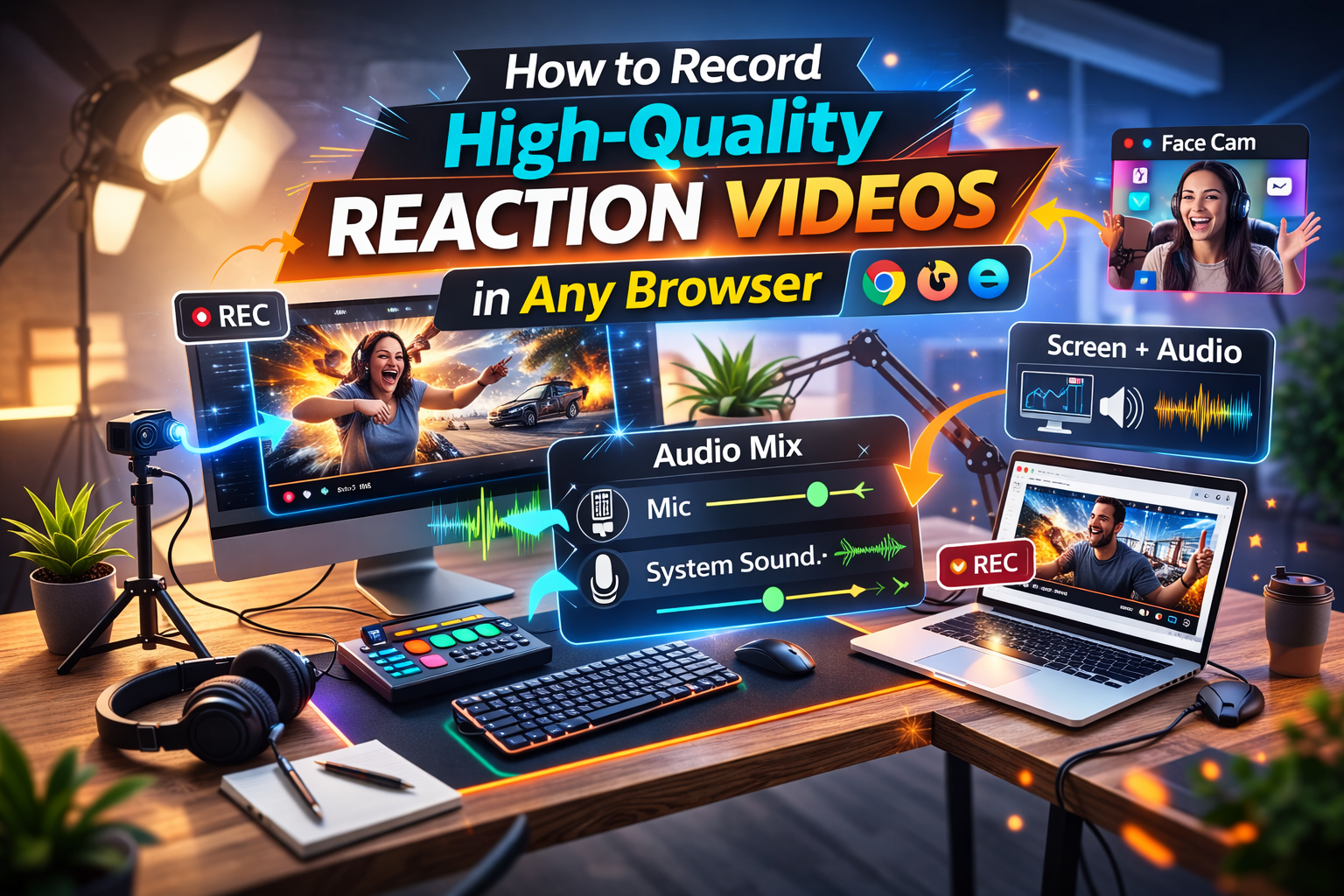
Quick answer: The best way to record a reaction video in your browser is to use Podsplice.
Try Podsplice now
It runs in any modern browser—Chrome, Safari, Edge, Firefox, Brave, Opera, Arc—and records the four tracks you actually need, in full quality and perfectly synced:
🎤 Mic (your voice)
📷 Camera (your face)
🖥️ Screen (what you’re reacting to)
🔊 System audio (the YouTube/TikTok/stream audio)
All four are captured locally and auto-synced, so brief Wi-Fi hiccups don’t ruin a take—and your exports stay clean.
Why browser-based is better
Downloading software is slow and heavy. Installs, updates, drivers, and complex setups waste time and bog down your computer. A browser workflow is fast, lightweight, and consistent across Mac, Windows, and Chromebook—no learning curve, just open a tab and record in high quality. Local capture also means your internet connection doesn’t dictate quality.
Why do most browser recorders miss the sound (system audio) coming from a YouTube video?
Tools like Canva, Riverside, Descript, Loom often capture your mic and webcam but skip system audio. Browsers lock this down for privacy, and keeping mic + camera + screen + system audio in sync is harder than it looks—so most products avoid it. Podsplice solved that puzzle without clunky workarounds.
How Podsplice handles it (in any browser)
Works in Chrome, Safari, Edge, Firefox, Brave, Opera, Arc
Records mic, camera, screen, and system audio as separate local tracks
Auto-syncs everything for clean edits and perfect balance
Captures at high quality from the start—no fake “4K” of a low-res source
Want the full step-by-step? Read How to make a reaction video.
Bottom line
If your reaction video doesn’t include the original clip’s audio, the content falls flat. Podsplice captures the screen, face, mic, and system audio—all in sync—in any browser.

About the Author
Andrew Best
Andrew Best is an entrepreneur, educator, and AI expert with over two decades in online marketing. He co-founded China232 — a podcast and learning platform with 10M+ downloads — and later 88Herbs, a premium supplement company. Andrew now focuses on helping creators leverage AI for podcasting, screen recording, and YouTube content through Podsplice.
More from Podsplice
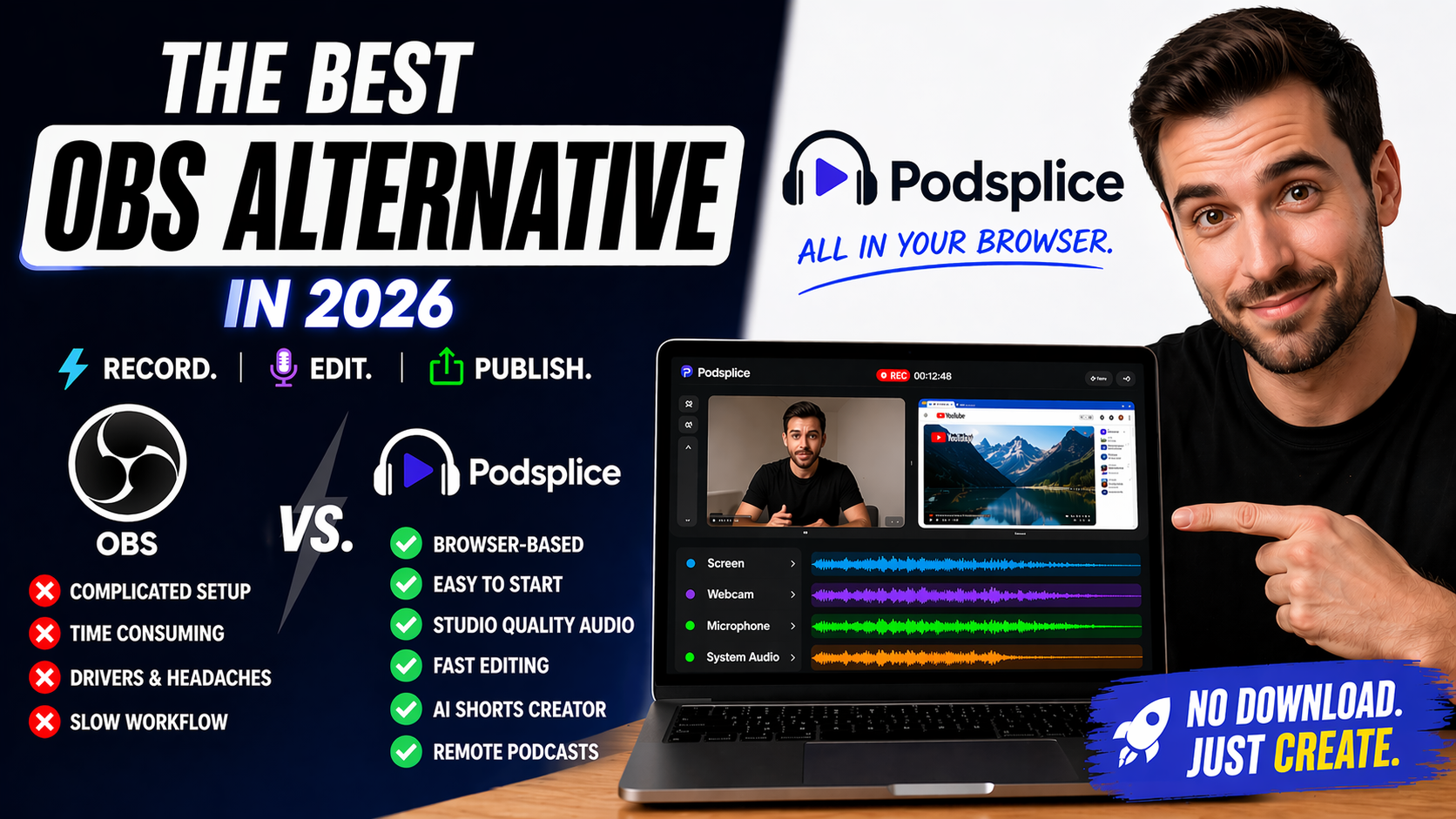
Best Browser-Based OBS Alternative in 2026 (No Download Needed)
Article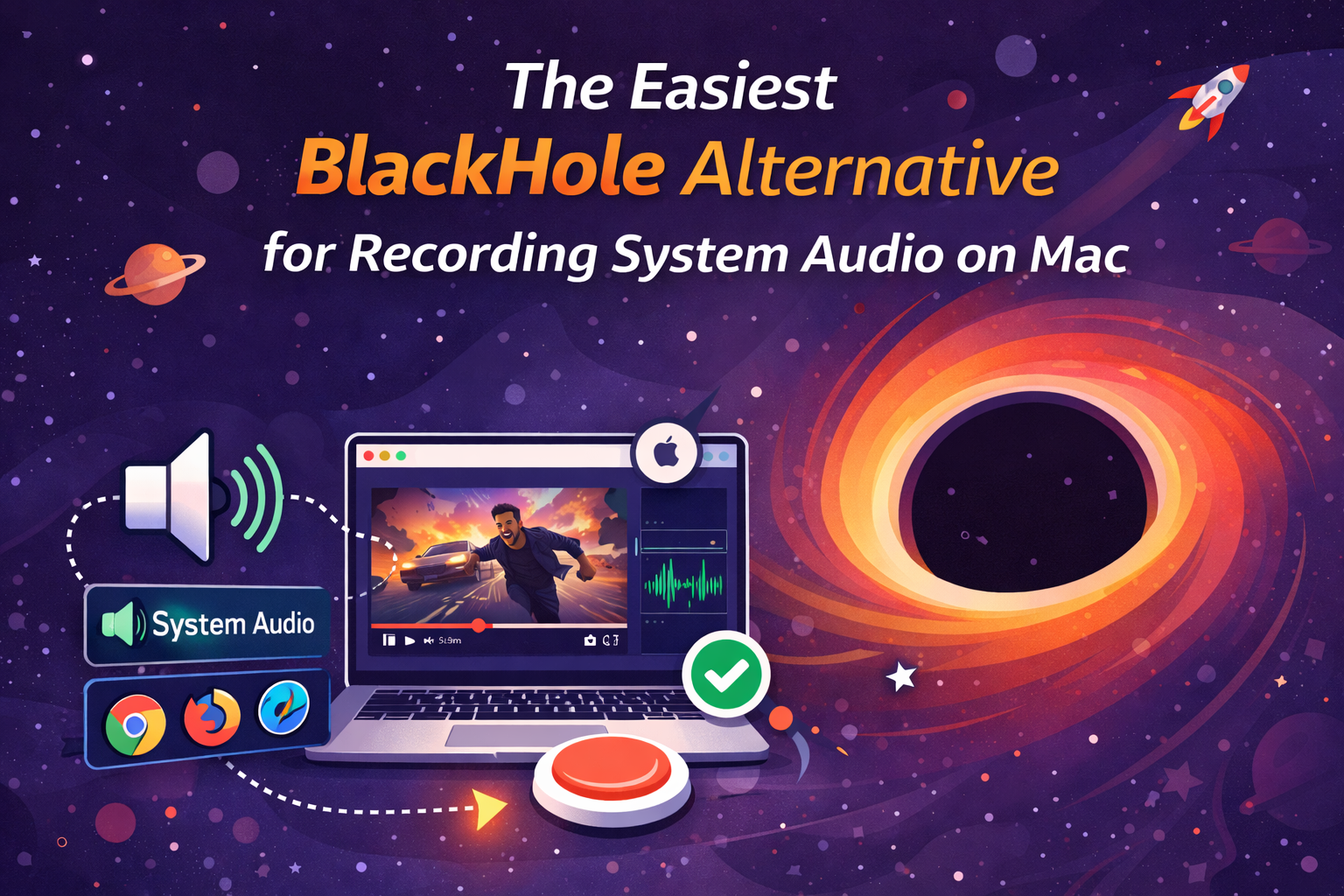
The Easiest BlackHole Alternative for Recording System Audio on Mac
Blog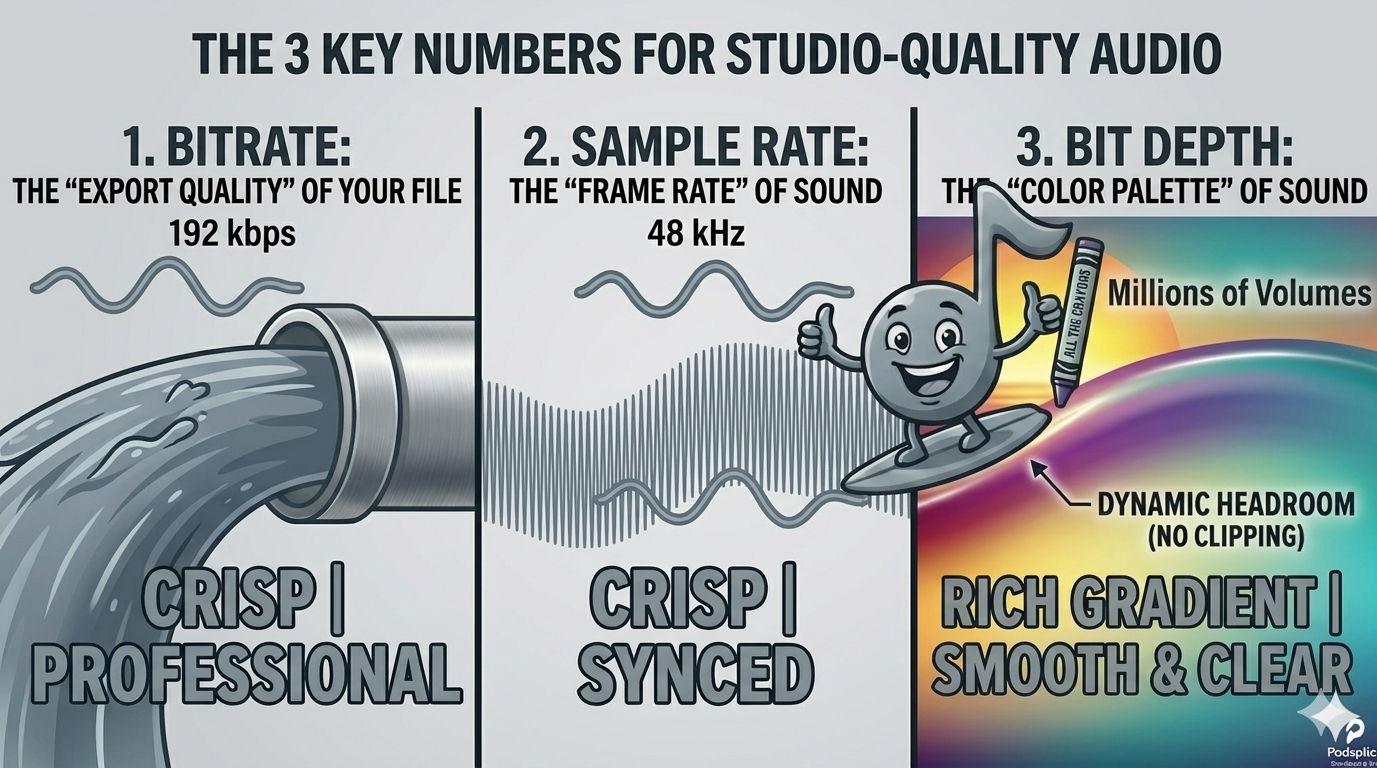
Bitrate vs. Sample Rate: The Creator’s Guide to Crisp Audio
Article
Send Podsplice transcripts to Notion
Article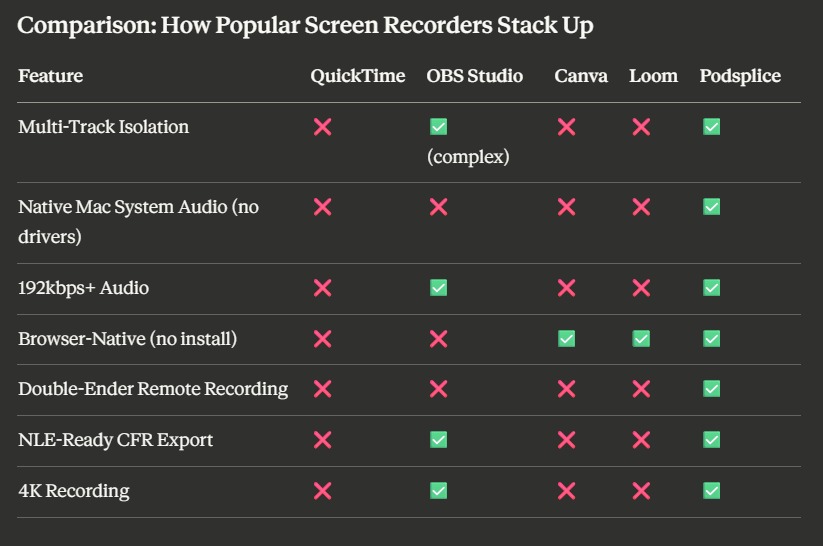
Best Screen Recording Software: What to Look For in 2026
Article
Start Recording in Seconds
No downloads. No setup. Just hit record and share your story with the world in studio quality.
Looking for a Screen Recorder or Remote Recording tool?