
Why Your Screen Recording Audio Sounds Bad (Even With a Great Mic)
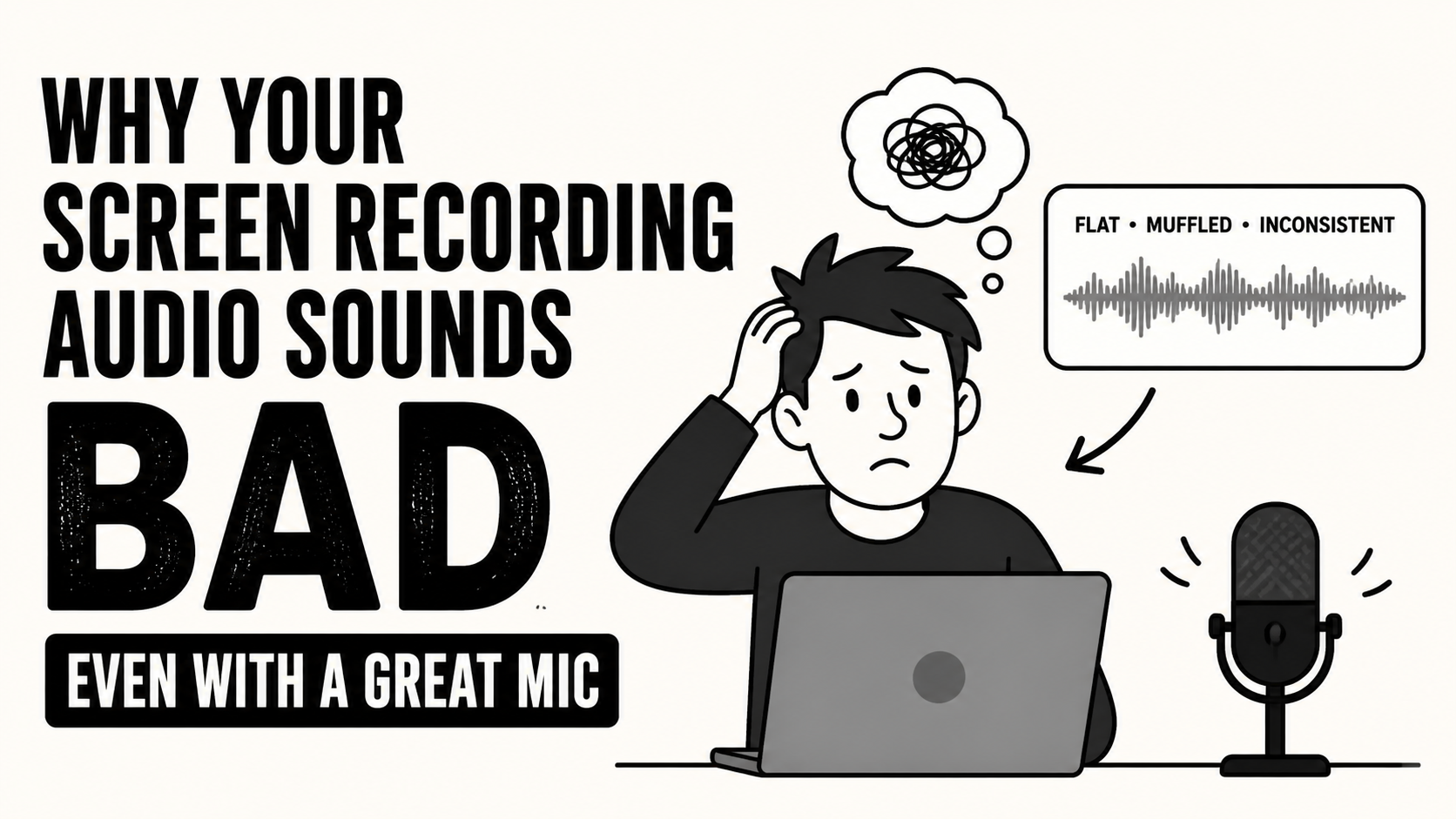
You invested in a decent microphone. You hit record. And somehow, it still sounds flat, inconsistent, or just... off.
Here's the truth most people miss: your mic isn't the problem.
The Real Issue Nobody Talks About
Your microphone is just the input. What actually determines how your recording sounds is how that audio gets captured, processed, and exported — and most screen recorders do a pretty poor job of all three.
Most screen recorders promise to "record your screen". They don't promise to do it well.
Where Your Audio Quality Is Actually Getting Lost
There are a few specific places where things go wrong, and understanding them will save you a lot of frustration.
1. Low Bitrate Recording
Most screen recorders compress audio heavily to keep file sizes small. The result is less detail, more artifacts, and that dull, "telephone call" quality that makes even a good mic sound mediocre. Audio bitrate matters enormously — Podsplice records at 192 kbps, which is a significant jump from what most recording tools produce and makes a noticeable difference in clarity and richness.
2. No Loudness Normalization
Professional audio is mastered to a standard loudness target. For online video, that standard is -16 LUFS — the level YouTube, podcasting platforms, and most streaming services are optimized for. Most screen recorders ignore this entirely, which is why your voice sounds too quiet in one clip, peaks uncomfortably in another, and never quite feels polished. Podsplice handles normalization automatically, so your output is consistent and platform-ready from the start.
3. Everything Gets Merged Into One Track
Most tools smash your microphone, system audio, and any background noise into a single combined track. That means no ability to adjust levels later, no option to clean up one source without affecting another, and no second chances if something goes wrong. Separate tracks give you control. Merged tracks take it away.
4. No Audio Processing or Gain Management
Beyond bitrate and levels, there's basic audio hygiene — handling clipping, managing gain properly, and cleaning up the signal. Most screen recorders don't do any of this. So even if your mic cost $200, the output can still sound like it was recorded on a laptop in an empty room.
Look at this video where I explain how I get great audio in my screen recordings with my $25 dollar mic.
Why This Matters More Than You Might Think
If you're creating YouTube videos, tutorials, online courses, or any kind of content where people are choosing to spend time with you — audio quality matters more than almost anything else. Viewers will forgive imperfect video. They will not forgive audio that makes them strain to listen. Bad audio is the fastest way to lose an audience.
The Fix: Better Recording, Not a Better Mic
What you actually need isn't a microphone upgrade. You need clean capture, a proper bitrate, consistent loudness levels, and separate tracks for each audio source.
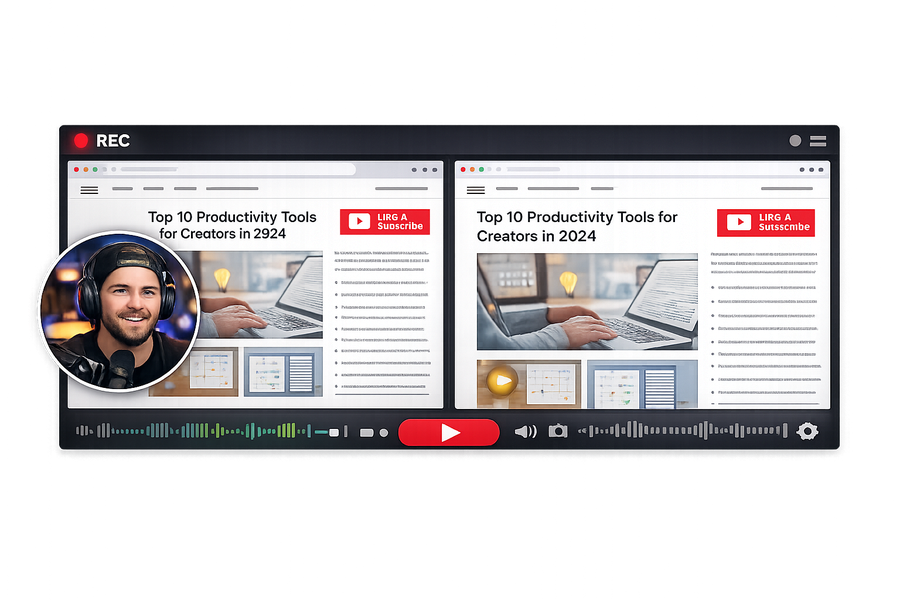
That's exactly what Podsplice is built to deliver. It's the best screen recording software for creators who care about audio quality — recording your mic, system audio, and screen simultaneously, at 192 kbps, normalized to -16 LUFS, with separate tracks so you stay in control. No manual configuration. No post-production triage. Your recordings sound usable right away.
The Bottom Line
Most people blame their microphone when their screen recording audio sounds bad. But the microphone is rarely the problem. The problem is how the audio is being recorded — the bitrate, the normalization, the track separation, the processing. Fix the recording tool, and your audio quality improves immediately, without touching your mic setup at all.
About the Author
Andrew Best
Andrew Best is an entrepreneur, educator, and AI expert with over two decades in online marketing. He co-founded China232 — a podcast and learning platform with 10M+ downloads — and later 88Herbs, a premium supplement company. Andrew now focuses on helping creators leverage AI for podcasting, screen recording, and YouTube content through Podsplice.
More from Podsplice


Start Recording in Seconds
No downloads. No setup. Just hit record and share your story with the world in studio quality.
Looking for a Screen Recorder or Remote Recording tool?