
Mastering the Podsplice Multi-Track Video Editor
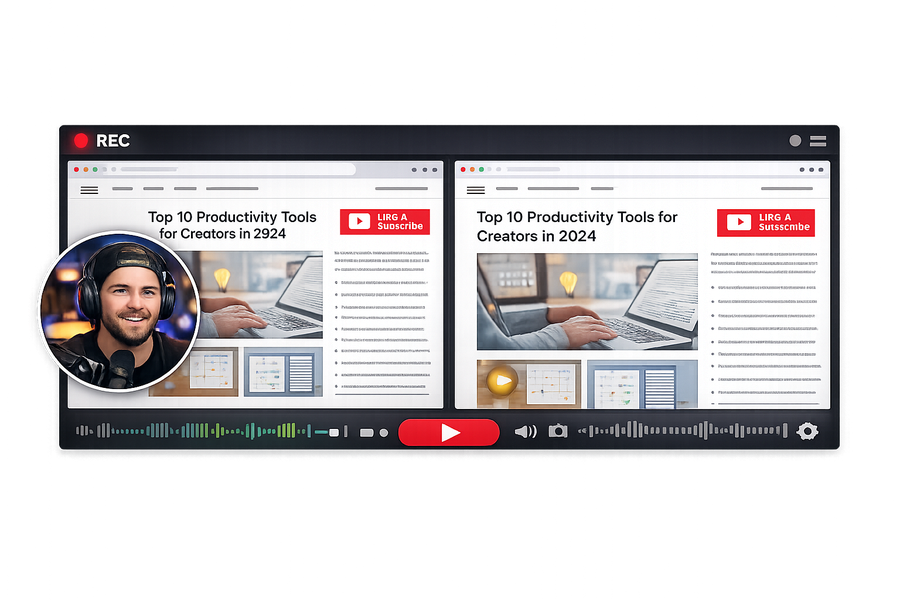
Ever recorded a video and thought: "Oh no, I babbled for the first 30 seconds!"
Don't worry! You don't need a crazy complicated software like Premiere Pro to fix it. With the new Podsplice AI Video Editor, you can cut, edit, and adjust your multi-track recordings right in your browser! 🚀
🔍 Meet Your New Editor
Once you finish recording, you'll be dropped into the editor. It's super easy to understand:
📺 Top Section: The video preview showing exactly what your final video looks like.
⏱️ Bottom Section: The timeline showing all your separate tracks.
🎛️ The 4 Magic Tracks
Podsplice is special. Instead of merging everything into one video right away, it gives you 4 separate tracks:
🖥️ Track 1: Screen Recording (What you were showing)
🎤 Track 2: Microphone (Your voice)
🔊 Track 3: System Audio (The YouTube video or game you were reacting to)
📷 Track 4: Webcam (Your face)
🟢 Step-by-Step: How to Edit
1. Fix the "Babbling" (Cutting clips) ✂️
Did you mess up the intro? Easy!
👉 Click and drag over the part of the timeline you want to remove.
👉 Click the "Cut the Selection" button.
👉 Boom! The bad part is gone forever.
2. The "Faceless" Toggle 👁️
Don't want to show your face in this video?
👉 Find the Webcam track.
👉 Click the little Eyeball Button to hide your face instantly.
👉 You can always click it again to bring your face back!
3. Save and Export 🎬
When you're happy with your masterpiece:
👉 Click Save and Export.
👉 Podsplice will stitch all tracks together flawlessly, and you can upload it straight to YouTube!
🧠 Advanced Move: Download Separate Tracks
Are you a professional editor? You can actually download EVERY track completely separately using the download buttons on the timeline. Then, drag them straight into Final Cut or Premiere!
More from Podsplice
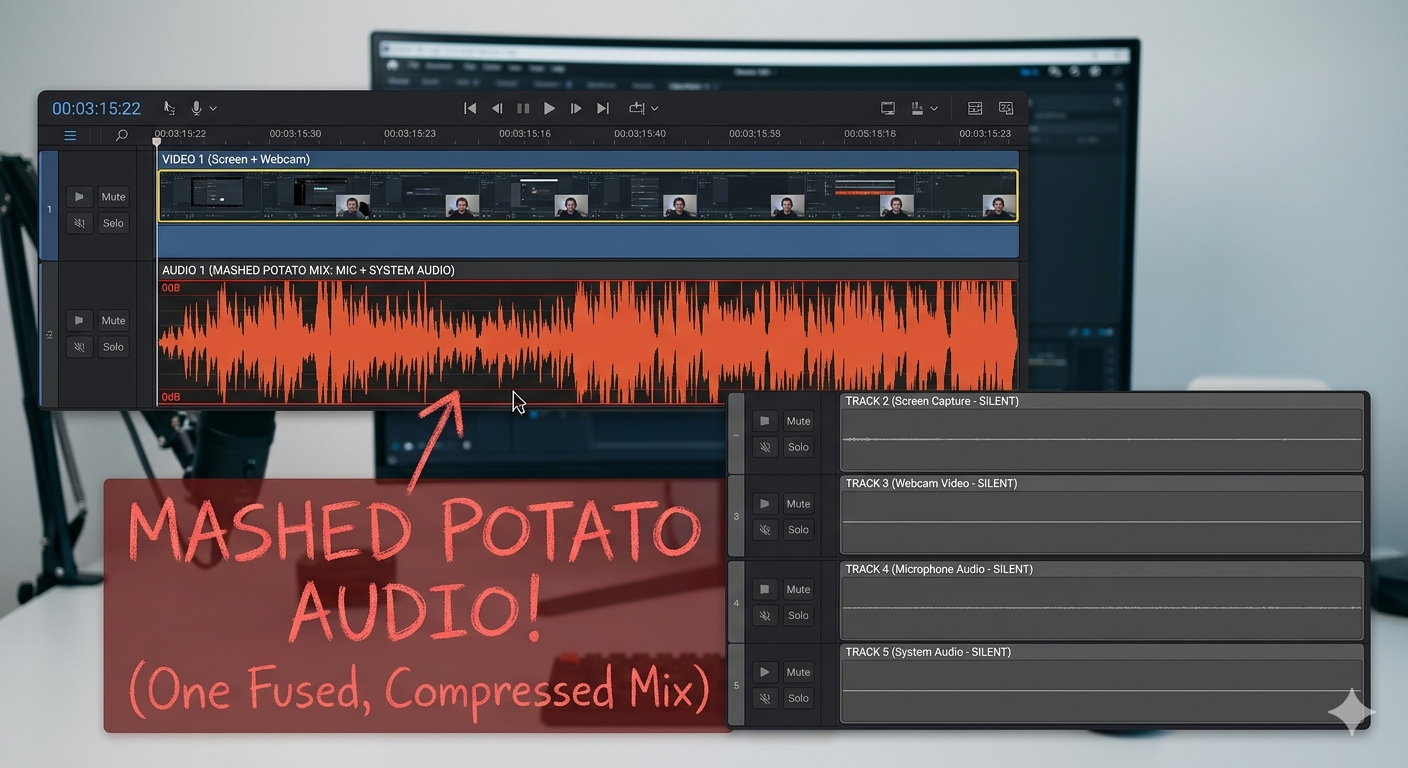
Best Screen Recording Software with System Audio (2026 Mac & PC Guide)
Article
How to Record Full Screen Webcam and Screen Share at the Same Time
Article
Repurposing: Turn Long Podcasts into Viral Shorts
Article
Best Way to Record Remote Interviews With Separate Tracks for Premiere Pro
Article
MP3, AAC, WAV, or WebM? The Creator's Guide to Audio File Formats
Article
Start Recording in Seconds
No downloads. No setup. Just hit record and share your story with the world in studio quality.
Looking for a Screen Recorder or Remote Recording tool?