
01
Choose the brand profile
Switch from a shoe company to a realtor, mortgage broker, consultant, podcast, or local business without mixing up assets or channels.
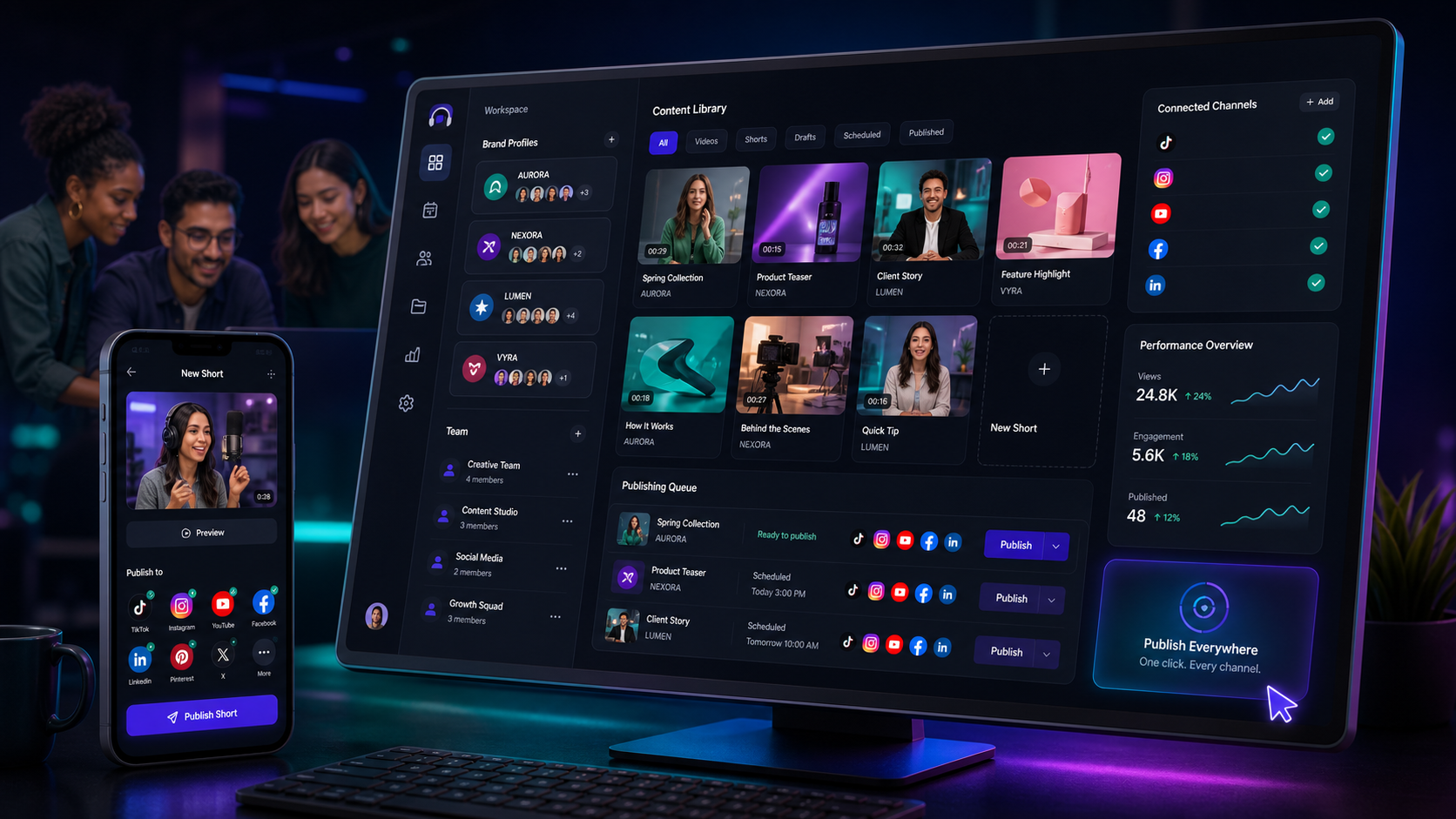
Add team members, share assets, keep each brand's social profiles connected, and publish shorts to the right channels without rebuilding the same workflow for every client.
Client examples
Switch brands, reuse the right assets, and send the finished short to the channels connected for that specific client.
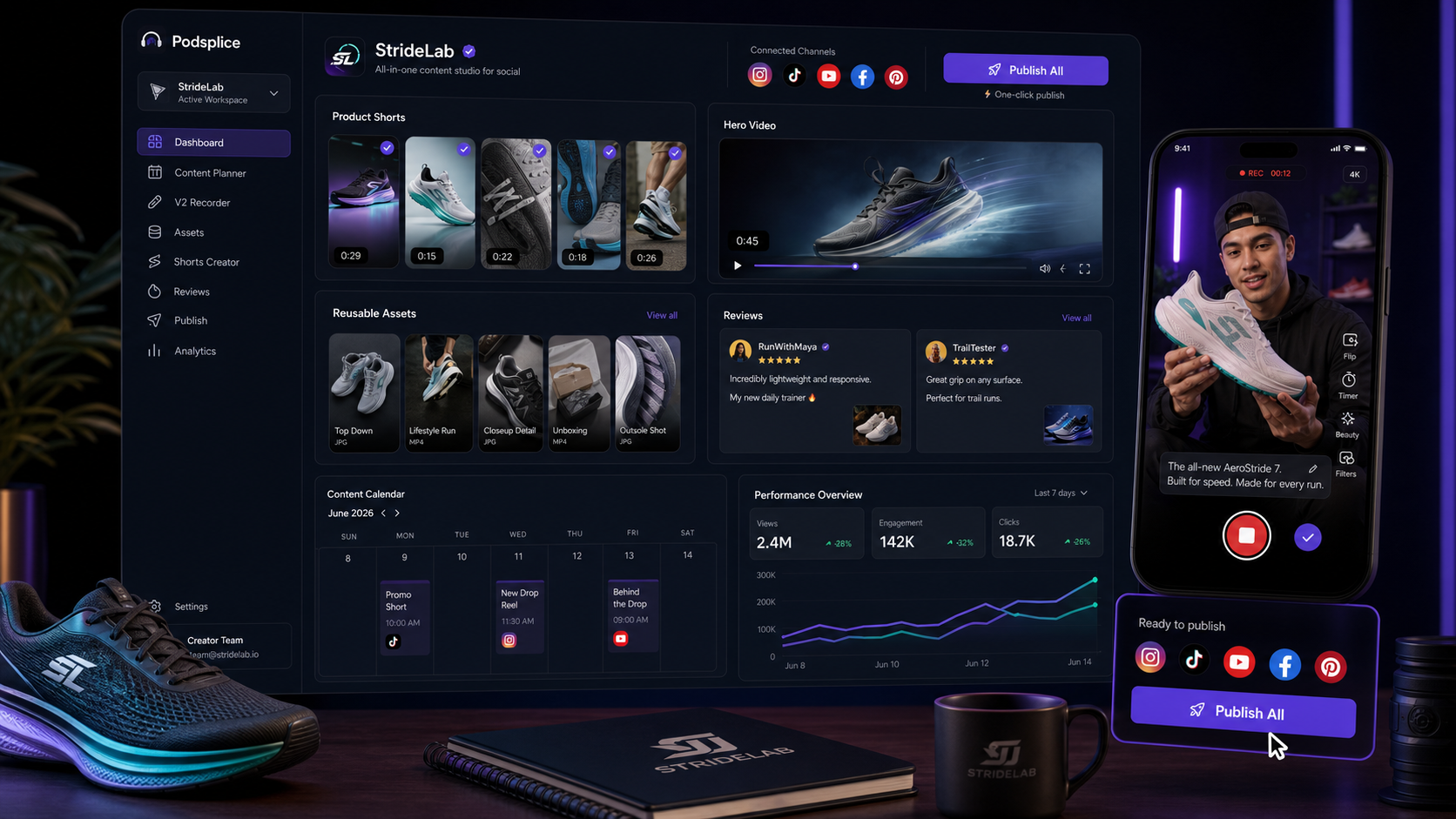
Ecommerce brands
Keep product videos, review clips, launch assets, thumbnails, and connected social profiles together so every drop can move from short to publish faster.
How it works
Agencies should not have to log into five tools, copy the same file around, or guess which account belongs to which client. Podsplice keeps the brand, asset, team, and channel context together.
Switch from a shoe company to a realtor, mortgage broker, consultant, podcast, or local business without mixing up assets or channels.
Use mobile recordings, interviews, long-form clips, uploaded files, captions, reusable assets, and team notes to prepare the post-ready video.
Persistent connected profiles make it faster to post to the right accounts again and again without leaving the Podsplice workflow.
Shared work, separated brands
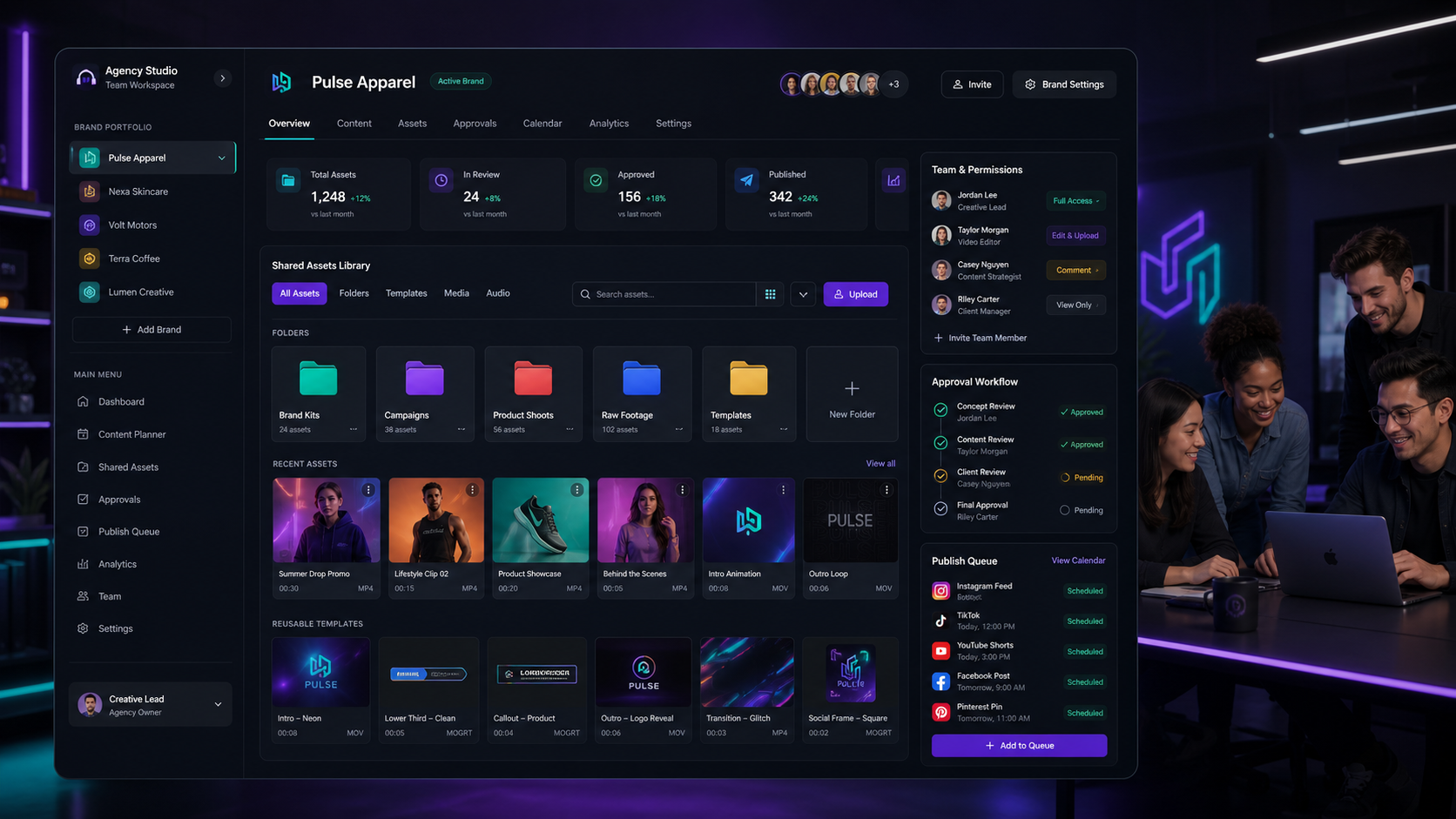
Team members can help with assets, edits, approvals, and posting, while each Brand Profile keeps its own publishing setup. That matters when one agency is posting for different businesses with different accounts.
Each client can keep its social channels, assets, settings, and publishing history in its own lane.
Connect supported profiles once, then quickly post more shorts for the same brand when the next clip is ready.
Reusable clips, graphics, recordings, captions, thumbnails, and client files can be shared with the people doing the work.
Teams can create, review, approve, and hand off posts without sending scattered files and notes across tools.
Plan fit
This page is about the agency workflow, not checkout. Creator, Teams, Agency, and Enterprise each support a different level of collaboration, Brand Profiles, shared assets, and connected social publishing.
Solo creator foundation
Best when one person is recording, editing, captioning, and publishing for their own brand.
Small team workflow
Good for podcasts, assistants, and small content teams that need shared work without messy handoffs.
Multi-brand operations
Built for agencies and consultants managing client brands, reusable assets, approvals, and connected social profiles.
Custom setup
For larger organizations that need custom limits, onboarding, permissions, or integration conversations.
What agencies get
It becomes the place where clips, captions, brand assets, social profiles, and team handoffs stay connected to the client they belong to.
A shoe brand may need TikTok, Instagram, YouTube Shorts, Facebook, Pinterest, and LinkedIn. A realtor or mortgage broker might use a different mix. Brand Profiles help keep those choices persistent so the next post starts closer to done.
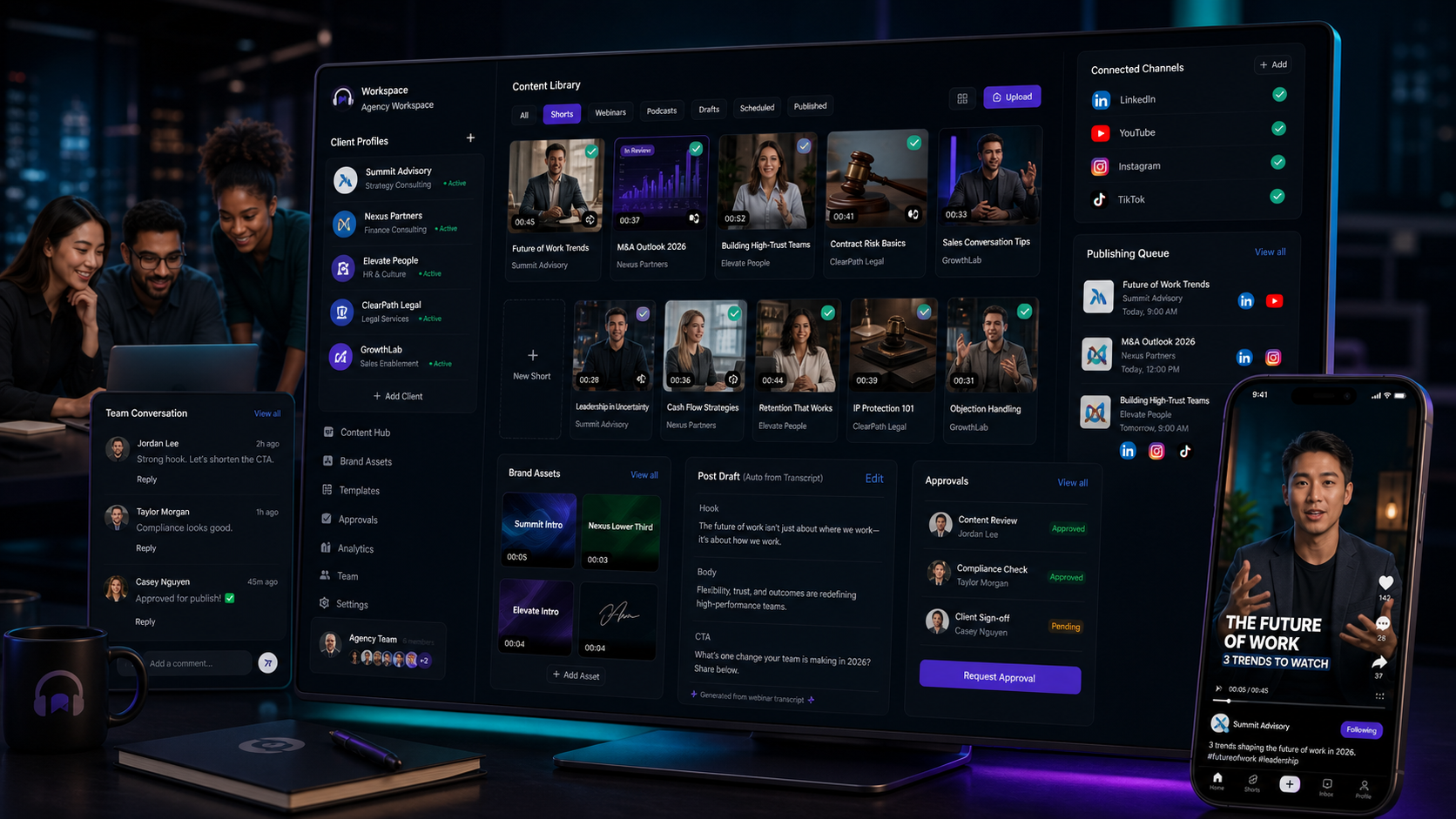
Record, cut, subtitle, or repurpose the short from mobile, interviews, long videos, or uploaded files.
Choose the active client profile so every post uses the correct connected social accounts and assets.
Move from Creator to Teams, Agency, or Enterprise as the number of brand profiles, team seats, and workflows grows.
Start in Podsplice and choose the plan that fits the number of people, brands, and publishing workflows you manage.
Agency FAQ
The practical details behind Brand Profiles, shared assets, and connected social accounts.
Create shorts, keep brand assets together, reuse connected profiles, and publish faster with a team workflow built for agencies.
Start an Agency Workspace