
 Android app available now
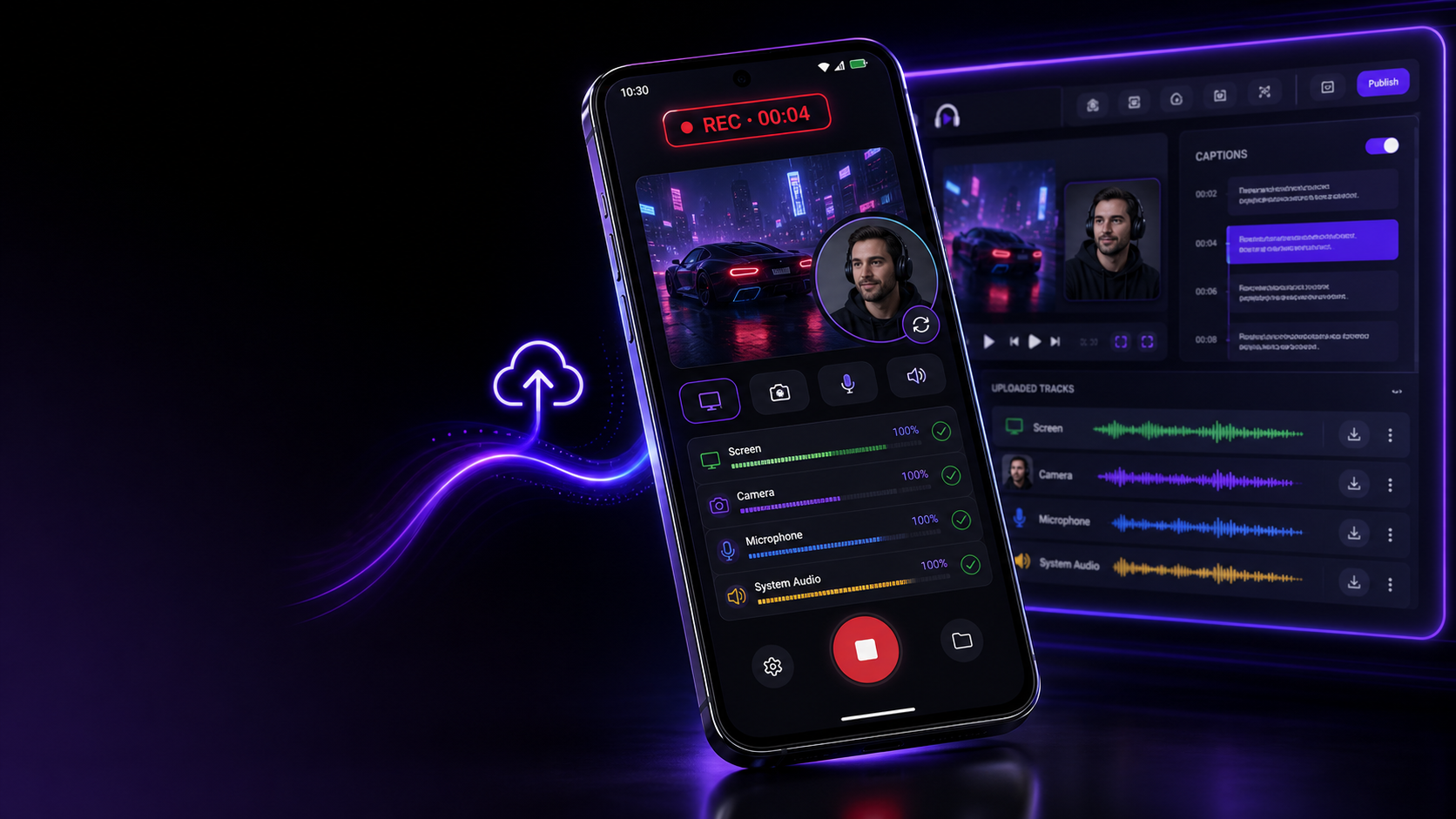
Mobile recording with separate tracks.
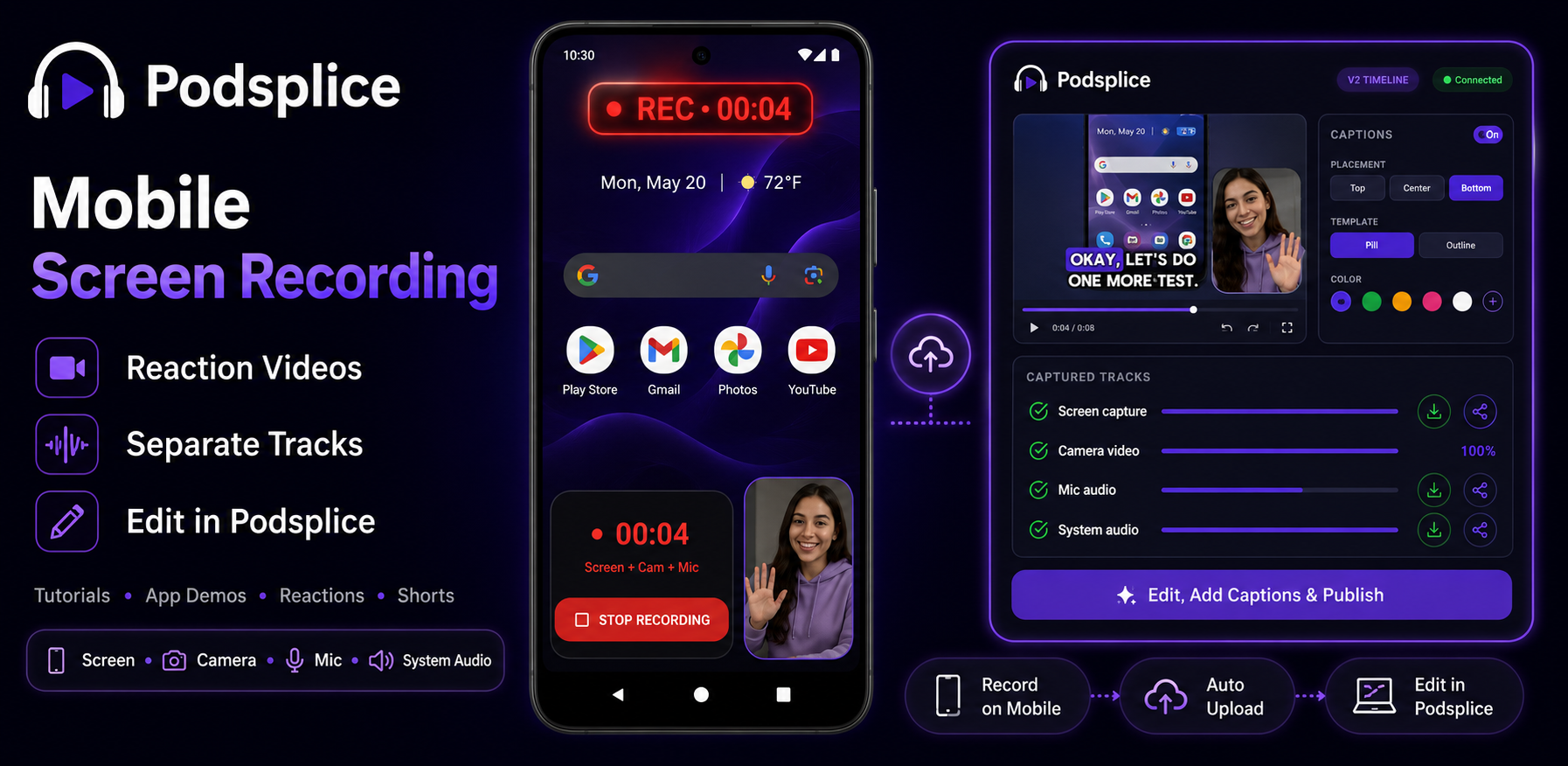
Record your Android screen, camera, microphone, mobile audio, and Dual Camera reactions as separate files. Download or share them instantly, or upload to Podsplice for captions, clips, social posts, and publishing.
Separate tracks
Built for creators who want control after recording.
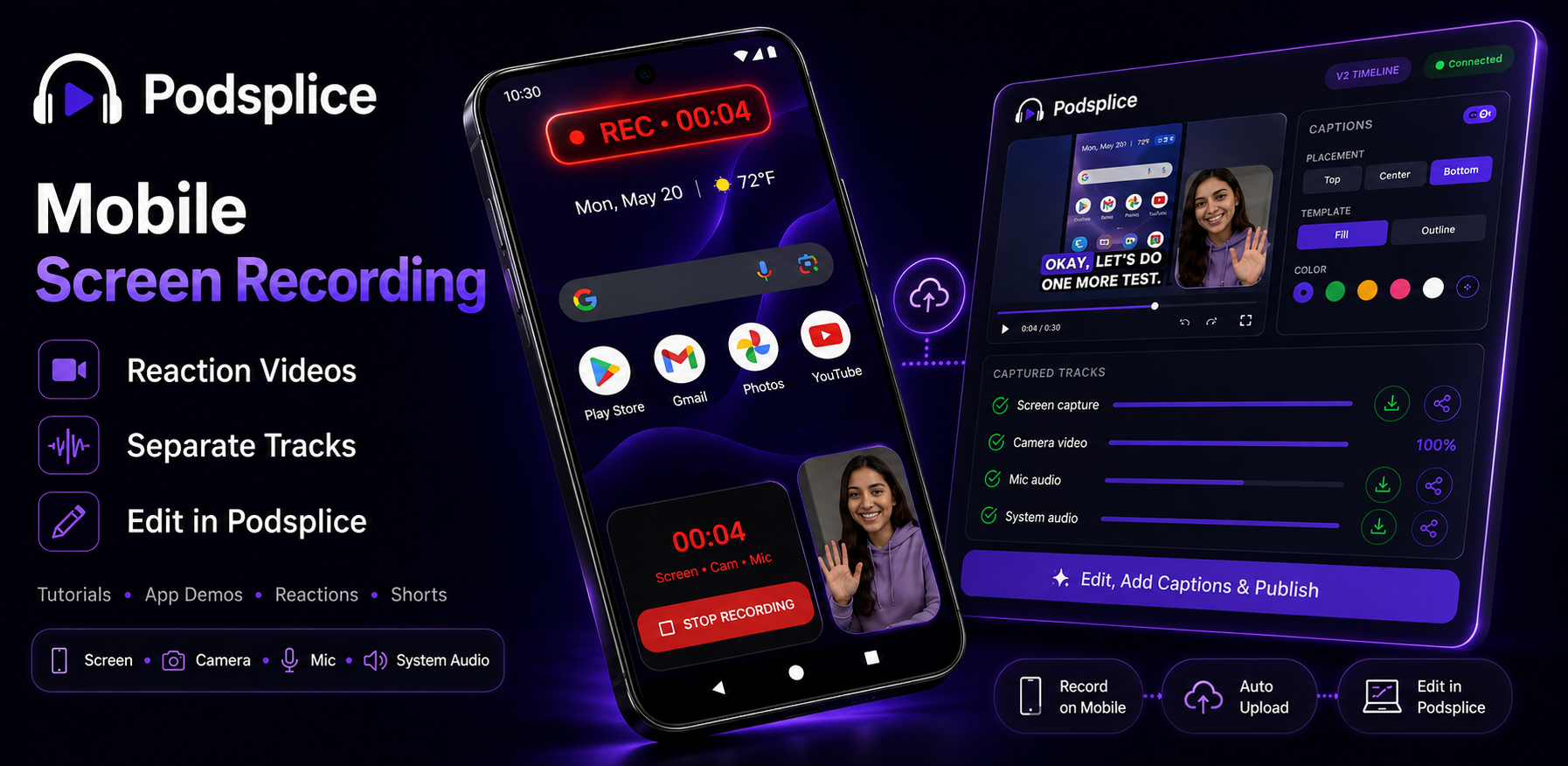
Podsplice is designed to avoid flattening everything into one hard-to-fix video. Keep the parts separated, then fix audio, trim mistakes, add overlays, reuse clips, or prepare content for different platforms.
Screen
Capture app walkthroughs, demos, lessons, games, and social clips in a clean mobile format.
Camera
Keep your face, reaction, or presenter video separate so it can be trimmed or reused later.
Microphone
Record voice overs, narration, interviews, and training commentary with editable audio.
Mobile audio
Where supported, keep device audio separate from your mic so the final mix is easier to control.
New Dual Camera mode
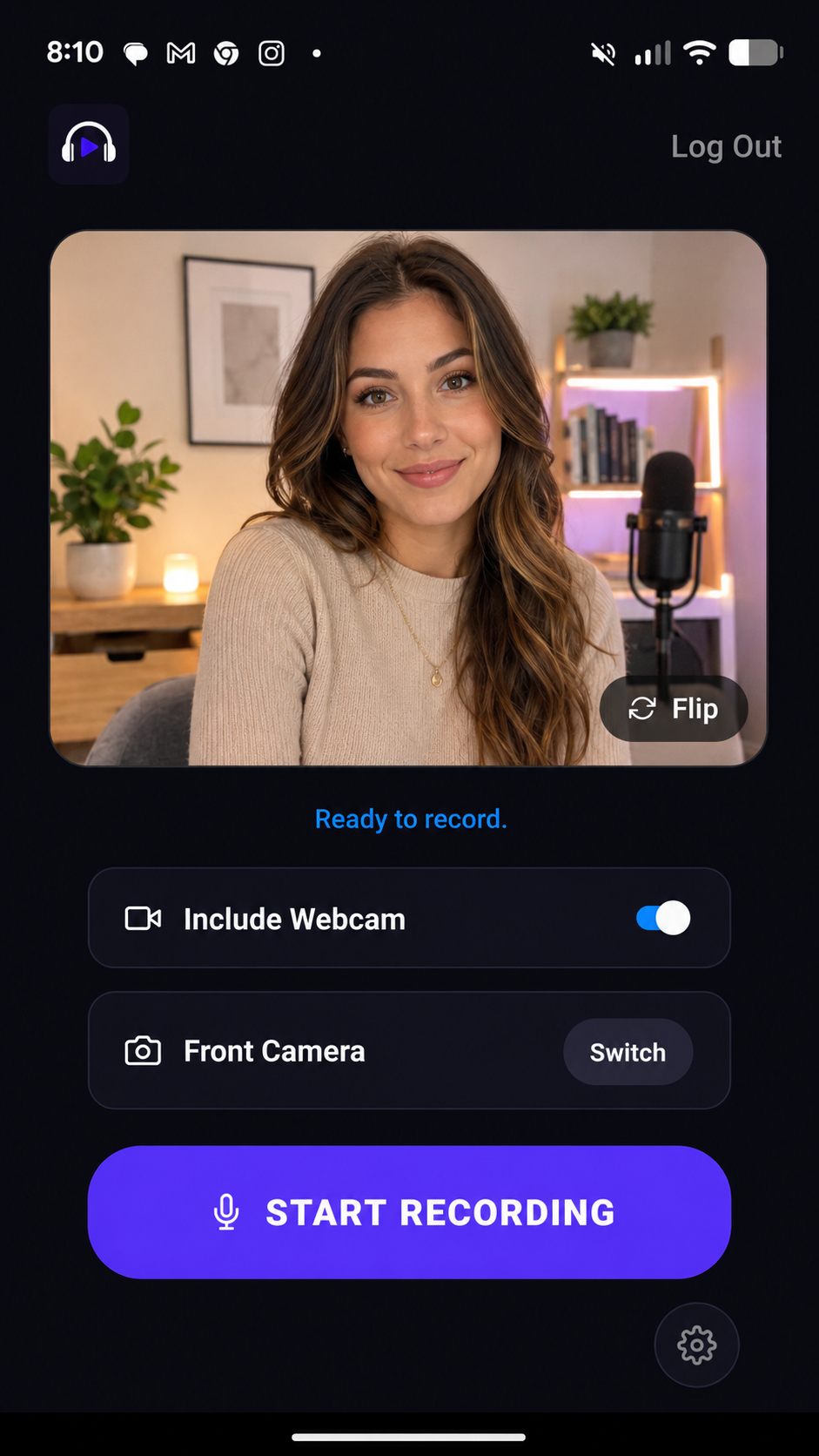
Record both sides of the moment at the same time.
Use the front and back cameras together for real-time reactions: your face plus what you are seeing. It is ideal for voice overs, tutorials, nature clips, live product commentary, training sessions, and personal moments where context matters.
Mobile creator workflows
From app store demos to social clips, record in the format you actually need.
Podsplice helps creators, educators, app builders, podcasters, marketers, and training teams capture clean mobile content without a complicated desktop setup.
App tutorials
Mobile software demos
Reaction videos
Online lessons
Business training
Game videos
Podcast clips
Social shorts
A shorter path from recording to publishing.
Start with a clean mobile recording, then decide whether you need a quick share or a full editing workflow.
Record on mobile
Capture screen, camera, mic, mobile audio, or Dual Camera sessions from your Android phone.
Keep tracks separate
Download or share individual tracks instead of being locked into one flattened file.
Upload to Podsplice
Send recordings to the dashboard for deeper editing, captions, clips, and publishing workflows.
Edit and publish
Create clips, add subtitles, prepare social posts, and move faster from capture to finished content.
Android now. iOS later.
The page is ready for both mobile platforms. Android users can install from Google Play today, and the iOS slot is ready for the App Store link when that release is available.
iOS
Reserved for the future App Store link and launch copy.
Mobile App FAQ
The important details for recording on Android and connecting mobile captures to Podsplice.
Want the full editing workflow?
Upload your mobile recordings to Podsplice to create clips, add high-engagement subtitles, prepare social posts, and publish faster.
Open PodspliceCapture clean mobile content today.
Record on Android, keep the important pieces separate, and move into editing, captions, clips, and publishing when you are ready.