
01
Record or edit the story
Start with a lesson, webinar, tutorial, pitch, interview, or an existing video. Get the message right before worrying about every slide.
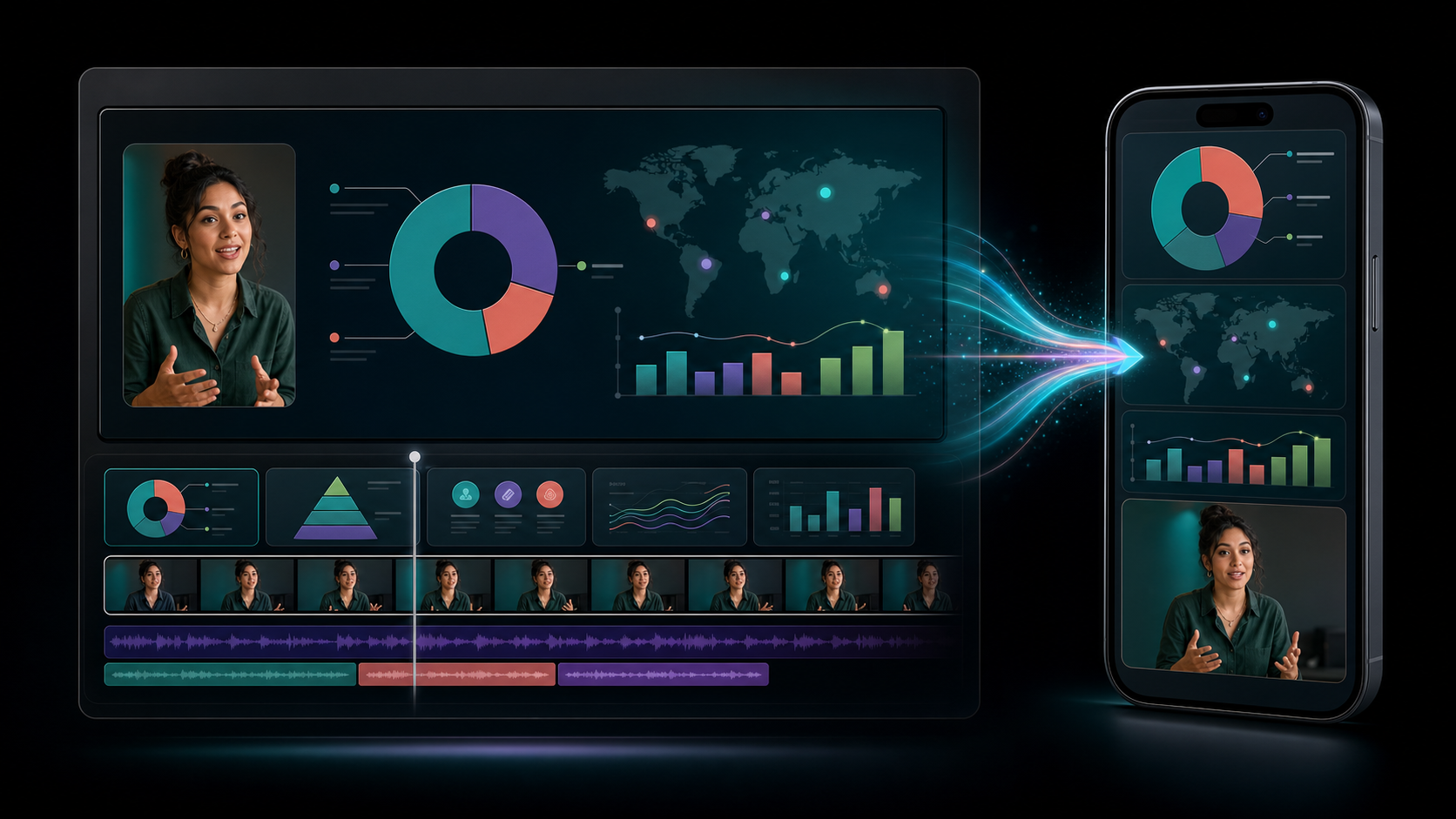
One idea, two canvases
Keep the message and timing. Redesign the visual hierarchy for the screen your audience is actually watching.
Education
Teach the full lesson on a widescreen canvas, then simplify the same diagrams and presenter moments into a mobile study experience.
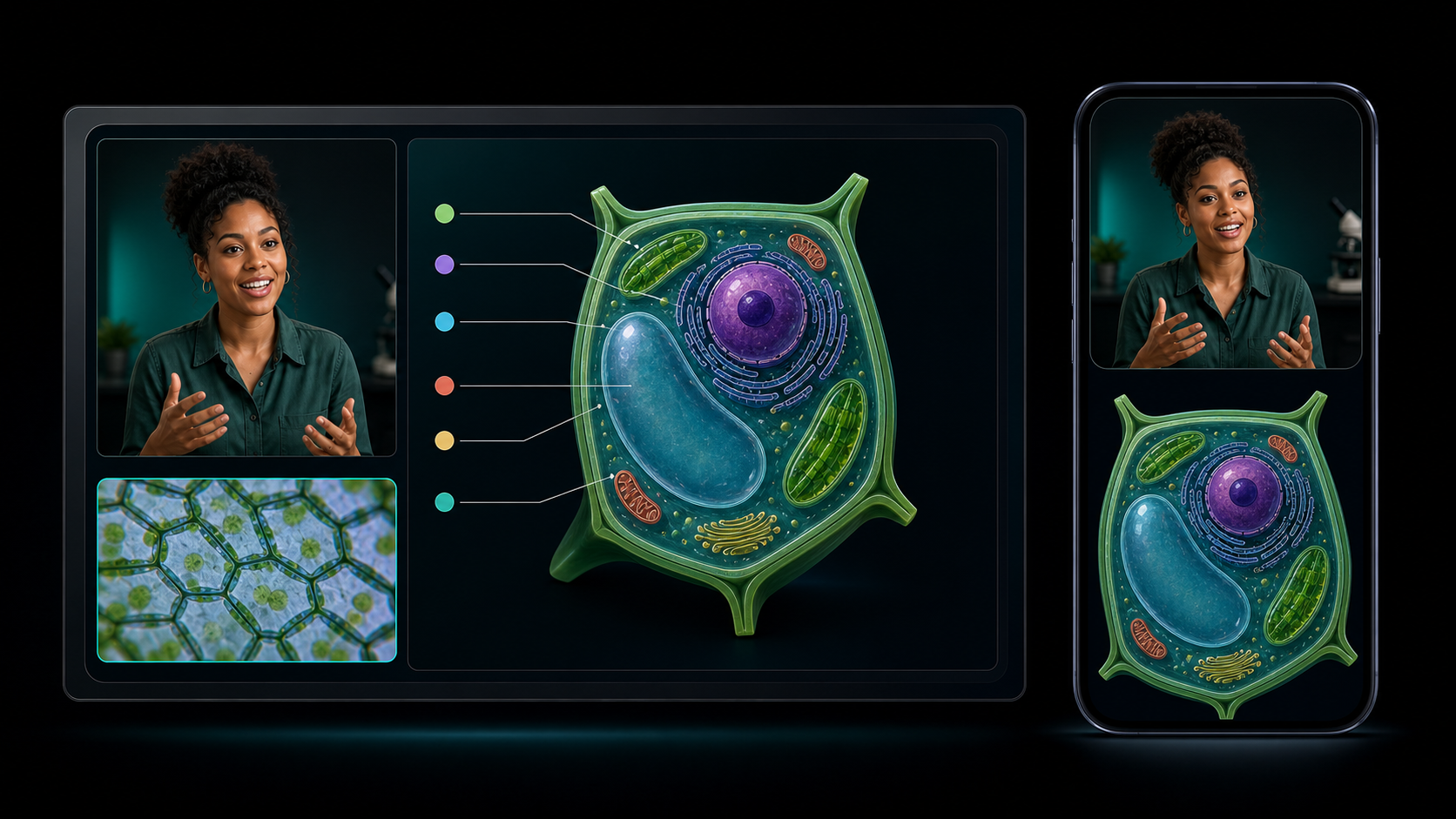
Two formats, shared timing
A widescreen slide can carry the detail your presentation needs. Its mobile companion can simplify the same moment for a vertical feed. Both stay aligned with the presenter, narration, and final edit.
Build lessons, webinars, training, and polished long-form videos in familiar 16:9.
Use larger type, tighter ideas, and portrait artwork made to fill the phone screen.
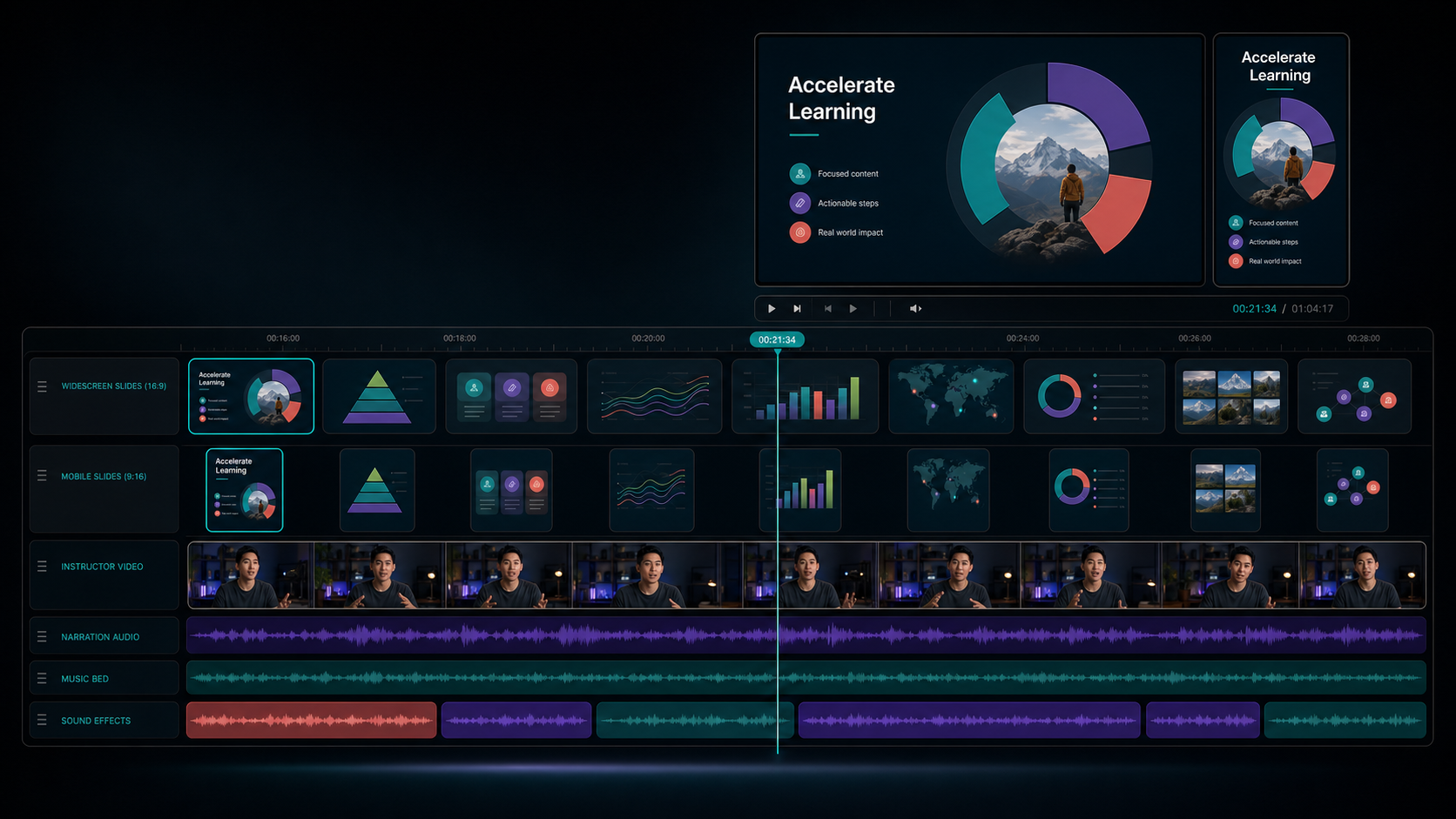
A simple workflow
Keep the creative work in one timeline. The story, speaker, edits, and timing stay together while each slide format does its own job.
Start with a lesson, webinar, tutorial, pitch, interview, or an existing video. Get the message right before worrying about every slide.
Place widescreen images on the slide layer, then add portrait versions for the same moments. You can build the slides after the recording is finished.
Create the full presentation and the mobile slideshow from the same edit, then send the vertical version through your connected social workflow.
More useful than a screen share
Slides make abstract ideas visible. Mobile slides turn those same ideas into focused, repeatable content people can discover away from the original presentation.
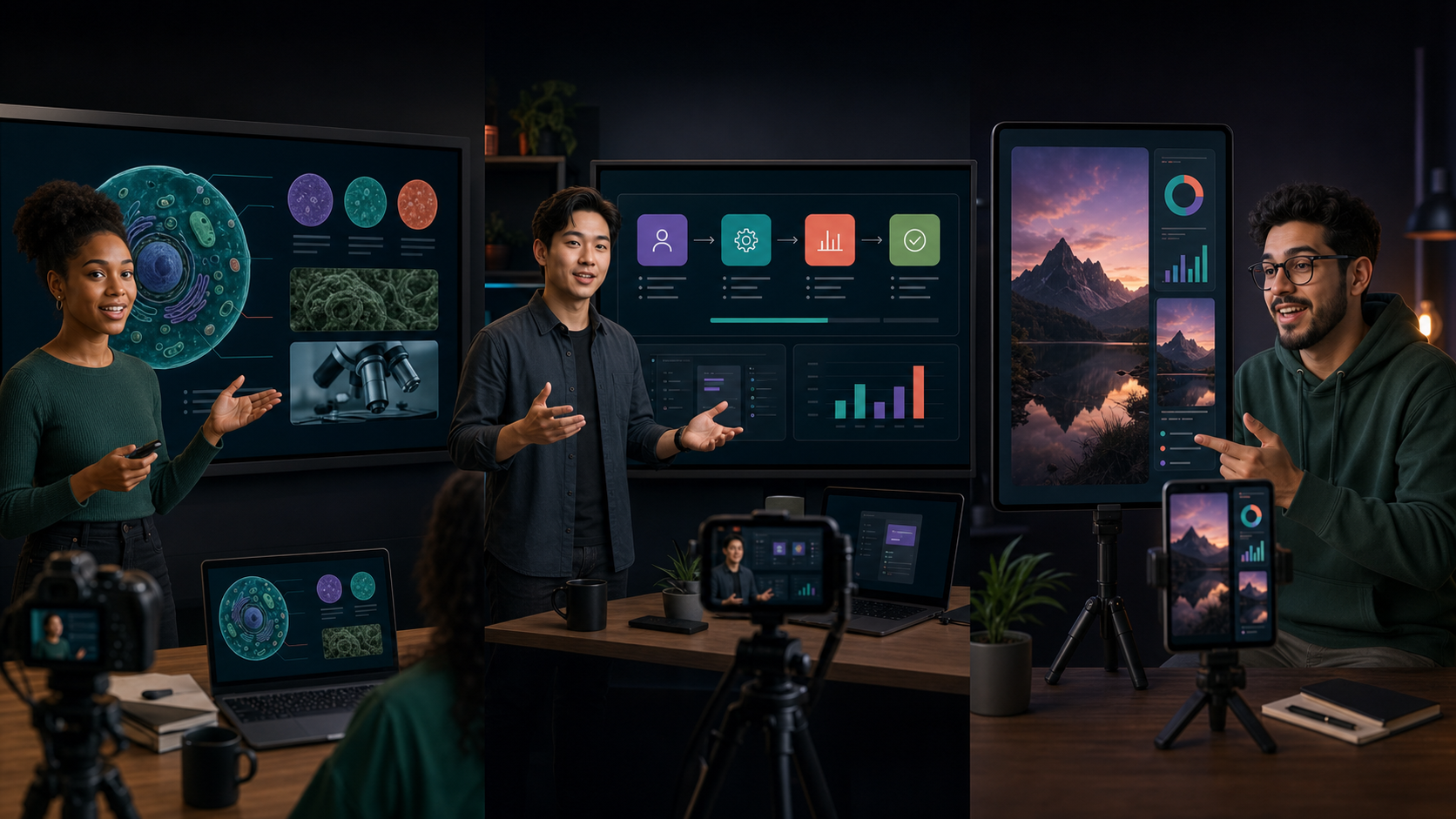
Turn a recorded explanation into a visual lesson and a vertical study series.
Reuse onboarding, software training, and process videos in mobile-friendly chapters.
Show features on a full canvas, then reframe the same story for discovery feeds.
Give proposals, market updates, and explainers a polished video and social version.
Pair your camera, voice, and visuals for narrated lists, stories, and tutorials.
Turn one talk or webinar into concise visual ideas that can travel further.
A strong recording can become a presentation later. Add visuals after the edit when you know exactly which ideas need a diagram, screenshot, example, or full-screen slide.
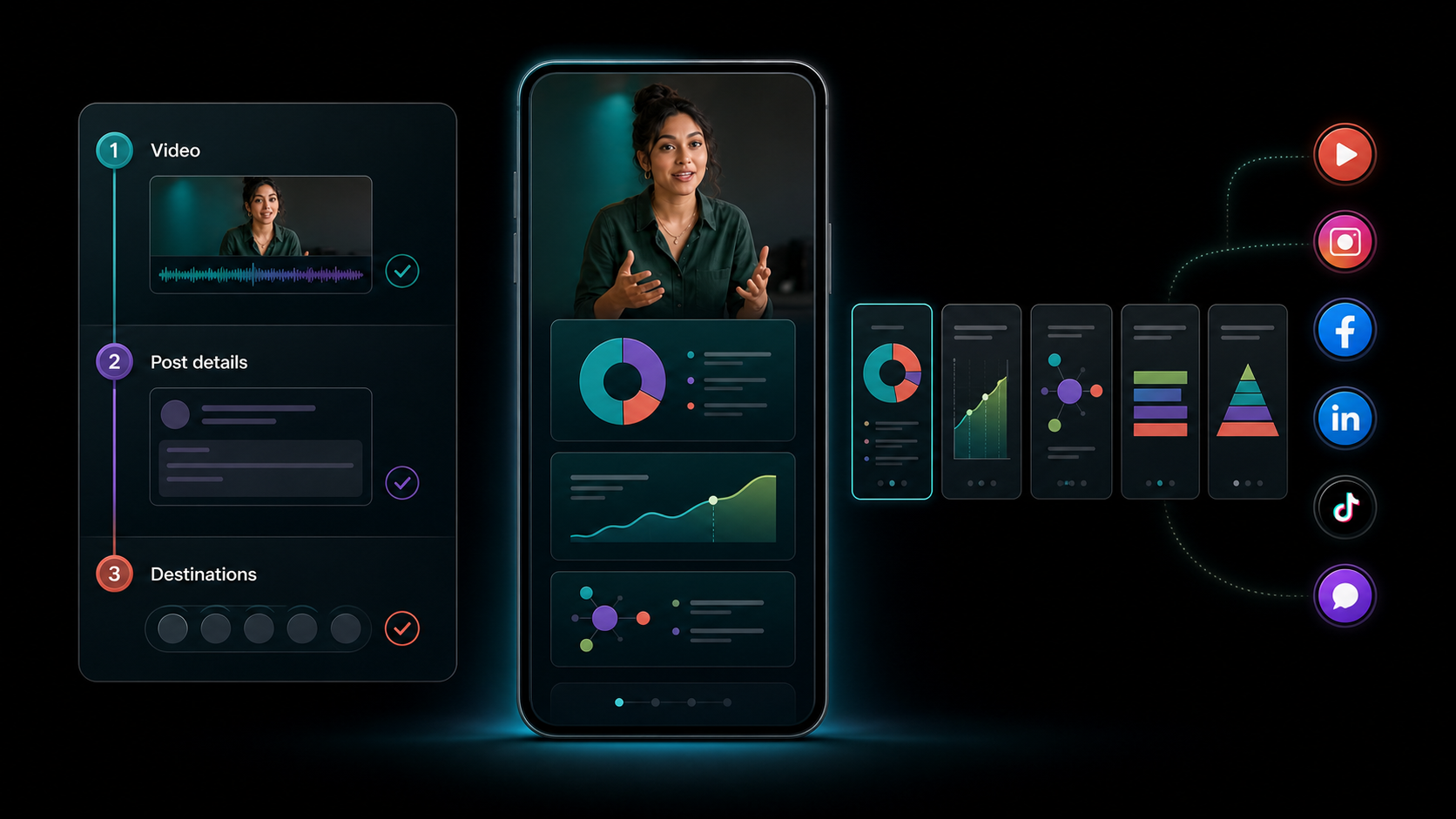
Built to travel
When the vertical slideshow is ready, move into the same fast publishing flow used for Podsplice shorts: choose the video, prepare the post details, and send it to supported connected channels without leaving the workflow.
One recording can support the original presentation, a mobile slideshow, and a series of social posts.
Add or replace visual layers without making the slide deck the permanent source of the video.
Record once, format intentionally, publish repeatedly, and bring viewers back to the full idea.
Slides FAQ
The practical details behind widescreen and mobile video slides.
Add presentation slides after the edit, create a mobile version, and give the same idea more places to work.
Create with Podsplice