

Lower Thirds
Names, brands, and calls to action
Build polished business graphics with contact details, logos, brand colors, podcast styles, and broadcast-ready templates.
Open Lower ThirdsCreate polished lower thirds and presentation slides without leaving Podsplice. Save every design to your Gallery and bring it directly into your next video.
Focused tools, faster output
Each app solves one common video design job, then connects the finished graphic to the rest of your Podsplice workflow.
Names, brands, and calls to action
Build polished business graphics with contact details, logos, brand colors, podcast styles, and broadcast-ready templates.
Open Lower ThirdsVisual moments for every format
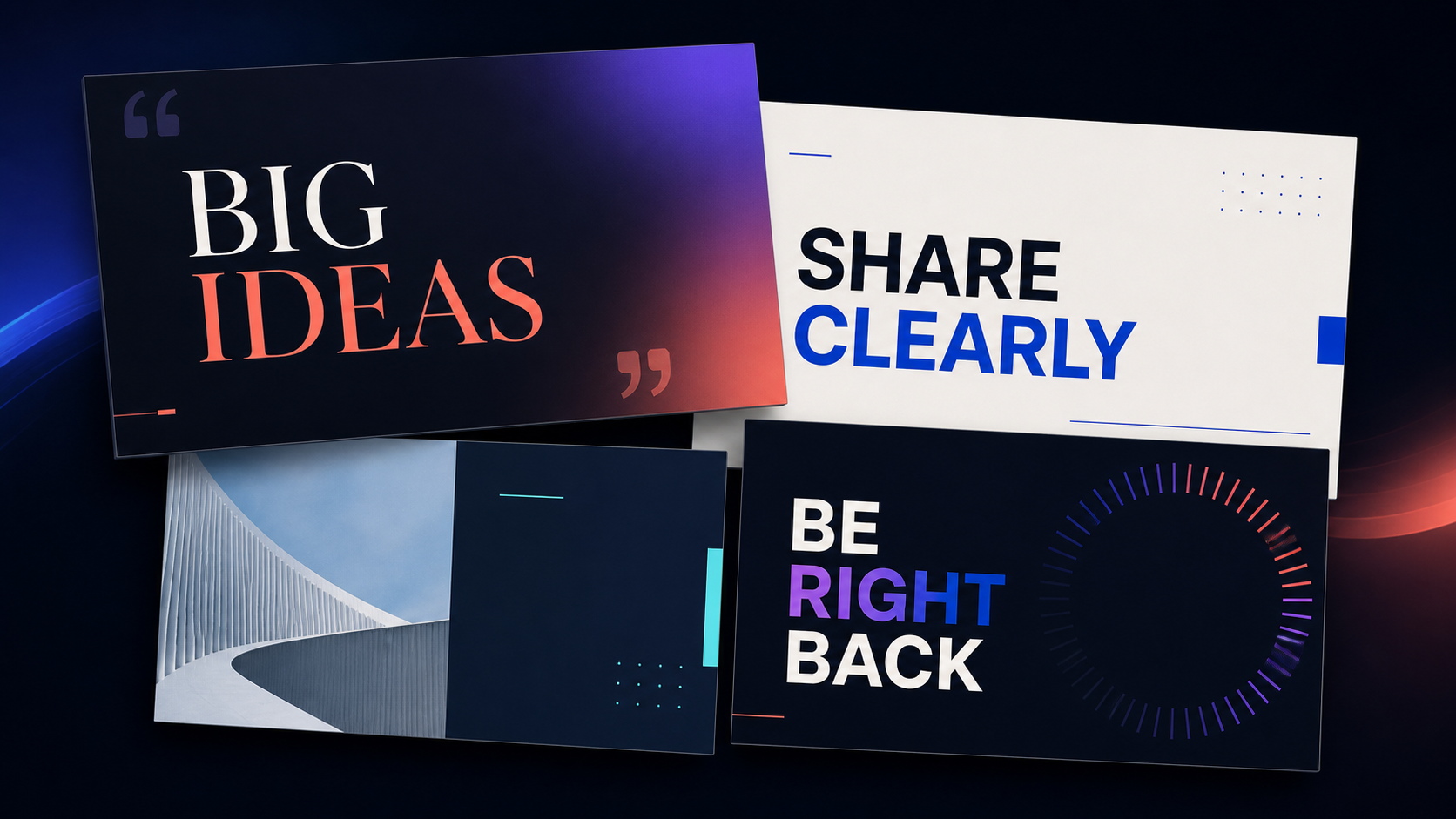
Create quote cards, title slides, announcements, chapter breaks, and clean presentation graphics using images from your Gallery.
Open SlidesOne connected workflow
Keep recurring names, brand graphics, announcements, and visual breaks ready for the next recording instead of rebuilding them in another tool.
Start with a layout made for a common video moment.
Download a finished PNG whenever you need it elsewhere.
Move the graphic directly into your reusable Podsplice assets.
Podsplice Apps are small, purpose-built design tools for the visual moments videos need most. Start with a template, make it yours, then download the graphic or save it to your Podsplice Gallery.
Start with Lower Thirds and Slides today, then keep the results beside the recordings, edits, and assets they belong with.
Open Podsplice