
Introduce your offer
Give people the context first. Add your message, images, video and branding so they understand exactly what you're inviting them to.
PODS · BOOKING & LEAD PAGESCreate a branded Pod to introduce your offer, collect contact details, qualify visitors and let the right people book.
One page. One link. No disconnected tools.
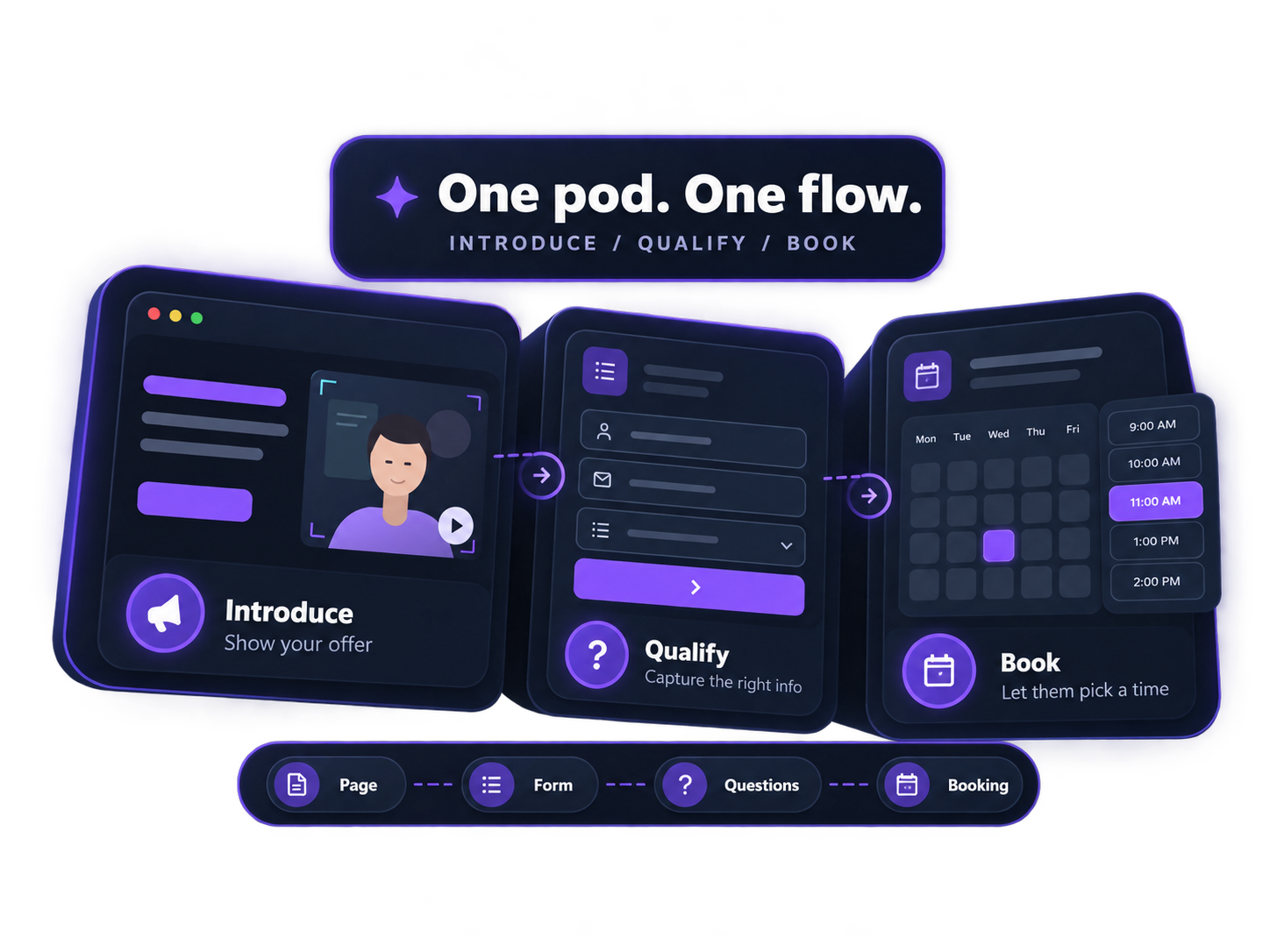
ONE LINK. THE WHOLE CONVERSATION.Give people the context first. Add your message, images, video and branding so they understand exactly what you're inviting them to.
Collect contact details and ask the questions that matter before someone gets through to your booking calendar.
Show your availability and let qualified visitors choose a time that works — right inside the same Pod.
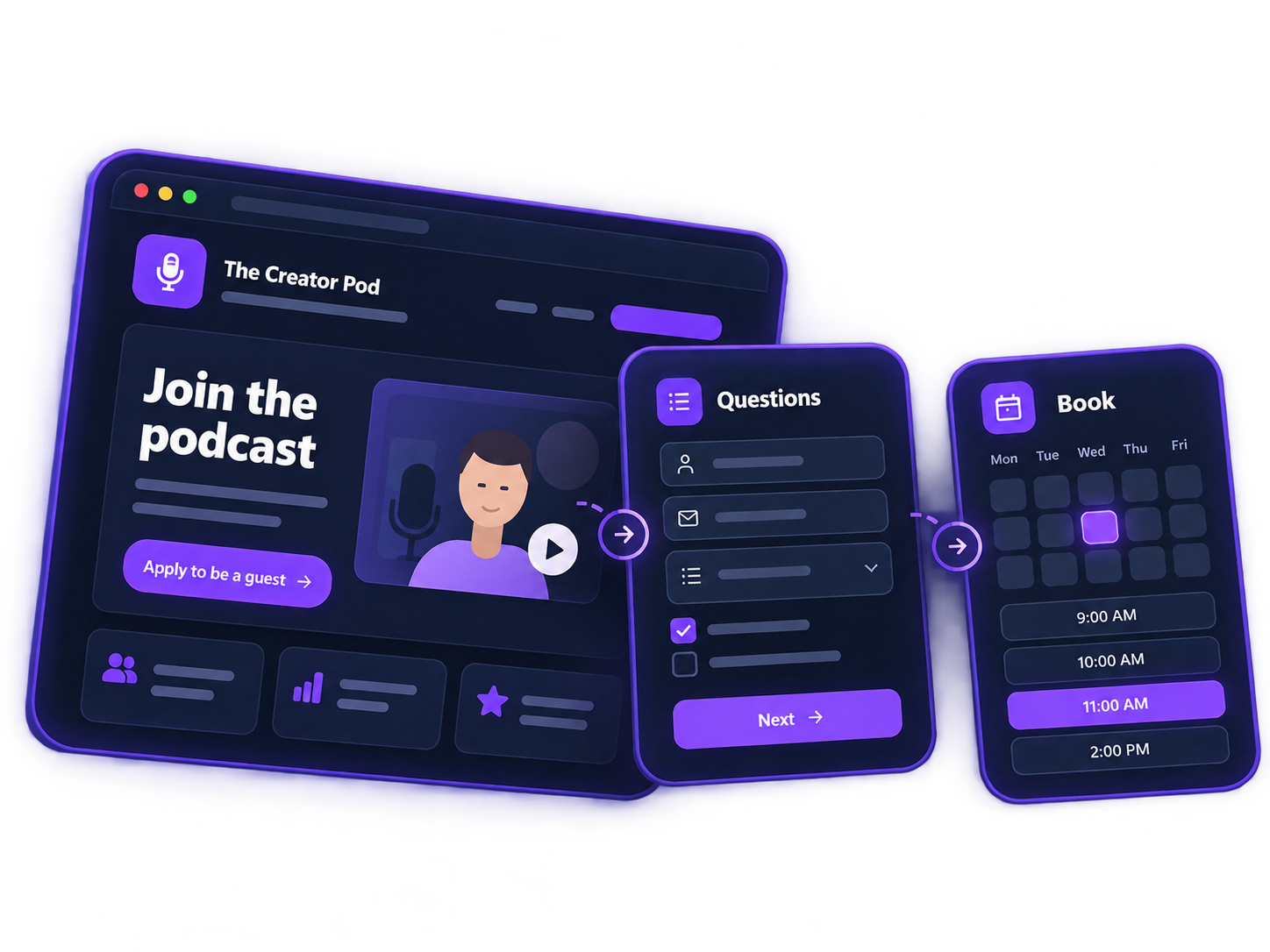
MORE THAN A BOOKING LINK.A Pod can be a podcast booking page, guest intake page, lead capture page, discovery call page or sales meeting page — all built around one simple flow.
Add your branding, message, images or video. Collect contact details and qualifying questions. Then let the right visitors book directly from the same page.
Start with a template and customize the logo, colors, content, questions and booking flow for your audience.
ONE SYSTEM. DIFFERENT GOALS.Create different Pods for different offers. Each can have its own landing page, video, lead form, qualifying questions and booking calendar — so every audience gets the right path.
Create a podcast booking page for potential guests. Explain the show, collect guest information, ask screening questions and let approved guests choose a recording time.
Turn interest into booked demos without bouncing people between tools. Present your product, qualify the lead and let the right prospects book a sales call or product demo.
Use video to explain your offer, collect applications and book coaching calls, consultations or discovery calls with people who already understand what you do.
Create multiple landing pages and booking funnels for services, campaigns, courses or niche offers. Match the message, questions and calendar to each audience.
A Pod is more than a booking link. It can introduce the offer, set expectations, ask qualifying questions and then move the right person to the calendar. That makes it useful for onboarding, demo booking, coaching applications, consulting calls and podcast guest intake.
Get Onboarded by a Podsplice Cofounder
This Pod is a simple onboarding funnel. It explains the offer, ties it to a Pro annual plan, reinforces trust with “We build the software. We work directly with our users,” and then invites the visitor to book a time. It’s a strong model for a customer onboarding page, demo follow-up page or implementation call booking page.
Book a consulting or coaching call
This example shows how a Pod can start with a qualifying question before the booking step. The page asks, “What type of coach would you like to be?” and then moves the visitor forward. That same structure works well for a coaching application funnel, consulting call page, strategy session booking page or discovery call page.
You can create different Pods for different offers — one for onboarding, one for demos, one for consulting, one for coaching, and one for podcast guest booking. Each Pod can have its own message, video, questions and calendar, so every audience gets a more relevant path to booking.
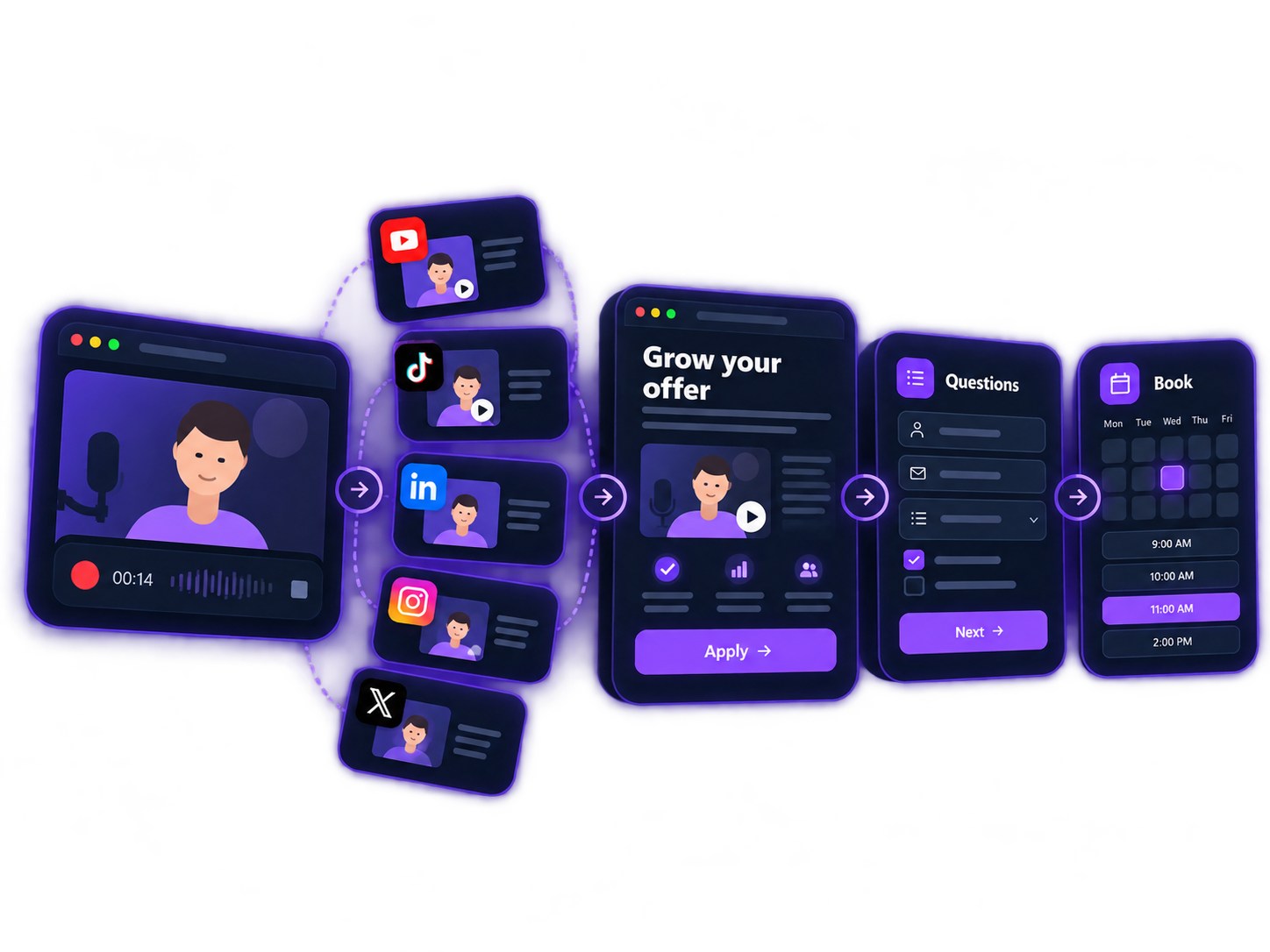
FROM CONTENT TO CUSTOMERRecord a podcast, tutorial, demo, interview or short video. Turn one recording into clips and social content you can publish across your channels.
Give each audience a destination built for them — a podcast booking page, coaching offer, demo page, consulting funnel or lead capture page.
Collect contact details, ask the right questions and let qualified visitors choose a time on your calendar.
MORE THAN VIEWSYou don't need millions of views for content to grow your business. You need the right people to see you consistently — and a clear next step when they're interested.
A coach can record one useful video, turn it into multiple clips, publish them across social media and send interested viewers to a coaching Pod. A SaaS company can do the same with product demos. A consultant can promote a discovery call. A podcaster can recruit and qualify guests.
With Podsplice, the workflow doesn't have to stop when you hit Publish.
Record → Repurpose → Publish → Offer → Qualify → Book
Create the content, distribute it, then use Pods to turn attention into leads, applications, demos, consulting calls, coaching clients or booked podcast guests.
PODS FAQA Pod is a branded page that can combine your offer, video or content, lead capture form, qualifying questions and booking calendar in one flow.
Yes. Create a podcast booking page to introduce your show, collect guest information, ask screening questions and let the right guests book a recording time.
Yes. Pods can be used for coaching calls, consulting calls, discovery calls, product demos, customer onboarding and other appointment booking flows.
Yes. Create separate Pods for different services, campaigns or audiences, each with its own message, questions and booking flow.
Yes. Add questions before the calendar so you can collect information and better understand the person before the meeting.
No. A Pod can act as a landing page, lead capture page and appointment booking page in one flow — so visitors understand the offer before choosing a time.
TURN ATTENTION INTO ACTIONPodsplice helps you go from recording and repurposing content to sending people into a Pod built for your offer.
Create a podcast booking page, coaching funnel, consulting offer, demo booking page or lead capture flow — then qualify the right people and get them onto your calendar.
You don’t need everyone. You need the right people to know who you are and know exactly what to do next.