
AI Video Background Remover
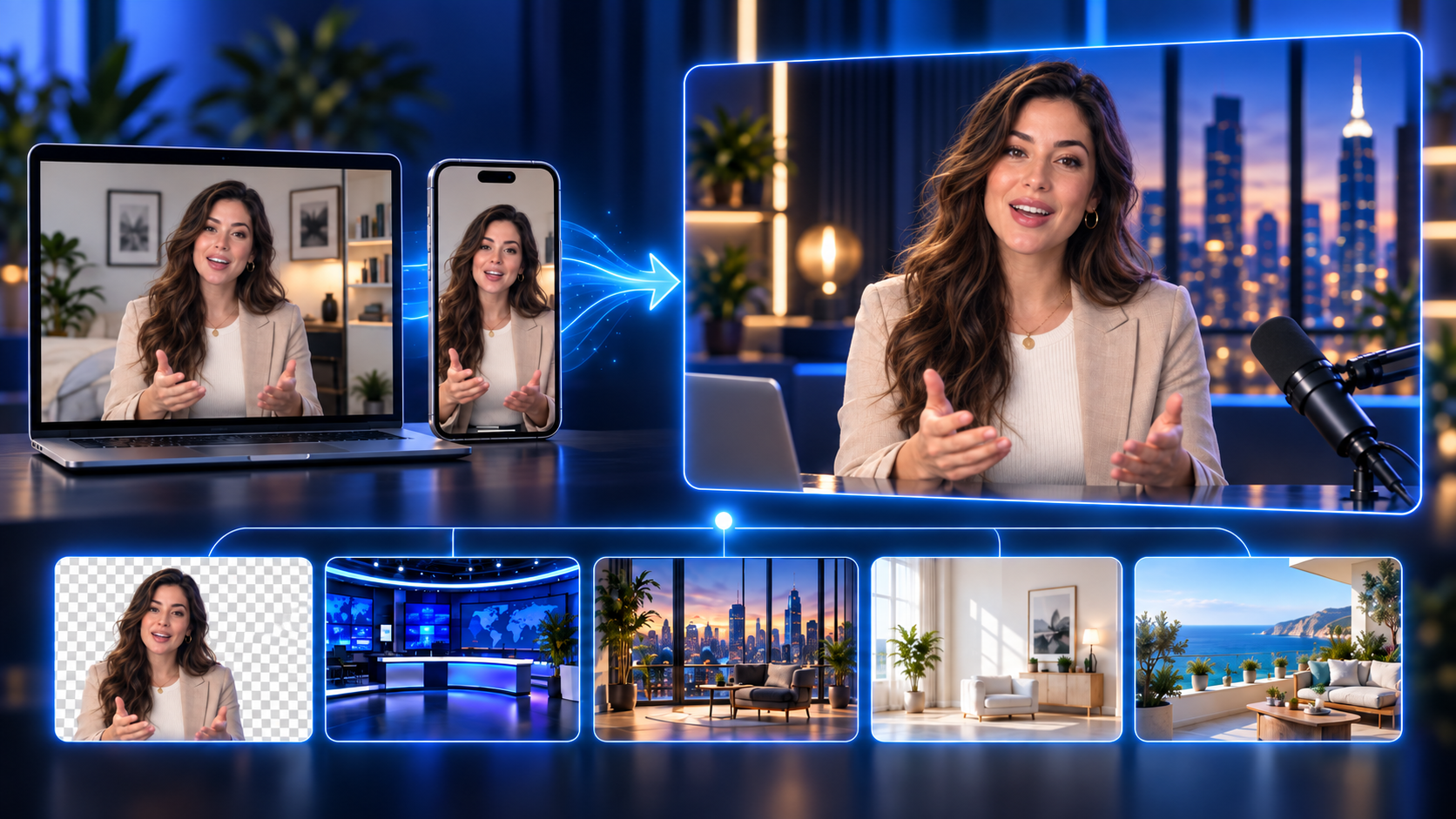
Use a classic green screen or use our AI powered background remover. Remove and change backgrounds in the click of a button.
Remove and Replace Video Backgrounds with AI
Remove your background with AI and replace it with any image or scene—no green screen required.
Get a cleaner cutout with green screen
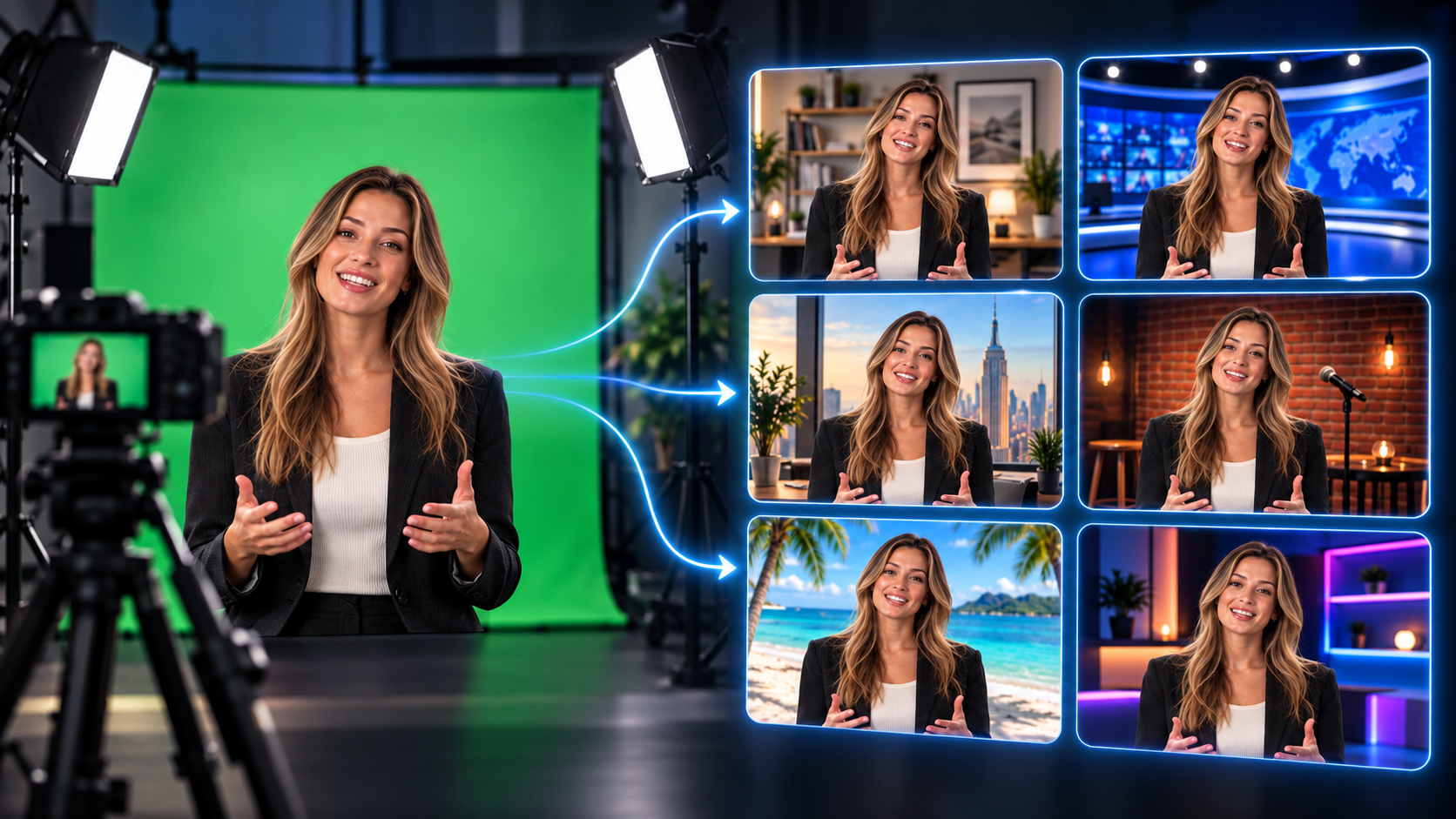
Record with a green screen, then remove it with chroma key and replace your background with a studio, office, stage, or any image you choose.
Frequently asked questions
How do I remove a video background without a green screen?
Podsplice can remove the background from a recorded video using AI, so you can replace it with a studio, office, image, or other custom background without using a physical green screen.
Can I replace a green screen background after recording?
Yes. Record your video with a green screen, then use chroma key background removal in Podsplice to remove the green and replace it with another image or scene.
Can I change the background of videos recorded on desktop or mobile?
Yes. You can record video on desktop or mobile and then use Podsplice to remove or replace the background during editing.
Ready to get started?
Try our Green Screen or AI Video Background Remover