
What Is a Double-Ender Recording?
Two places. One conversation. Zero internet damage.
A double-ender is when each person in a remote conversation records their own audio and video on their own device. Afterwards, the separate recordings are synced into one finished conversation.
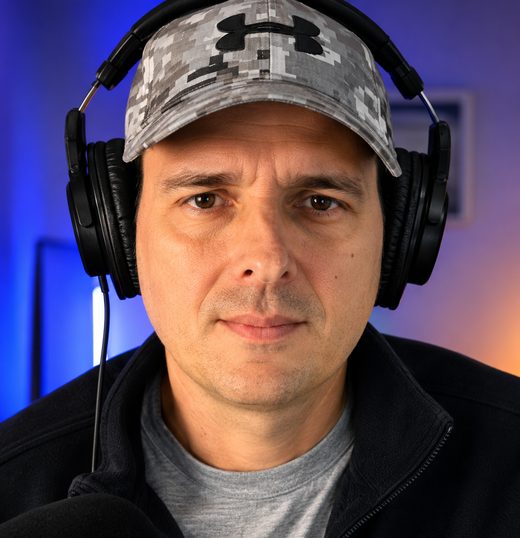

Same People. Same Cameras. Same Conversation.
Drag across the faces, hair, and headphones.
On the left is what you get when you record the internet call: the video was shrunk and compressed so it could travel. On the right is the double-ender: each camera recorded on its own computer, at full resolution.


What a Double-Ender Is Not
Remember recording a song off the radio? Or holding your phone up to the TV to record something?
You got it. Sort of. You also got the static, the hum, and someone telling you to be quiet.
You’re recording a recording.
A double-ender skips that. It records the original, right at the source.
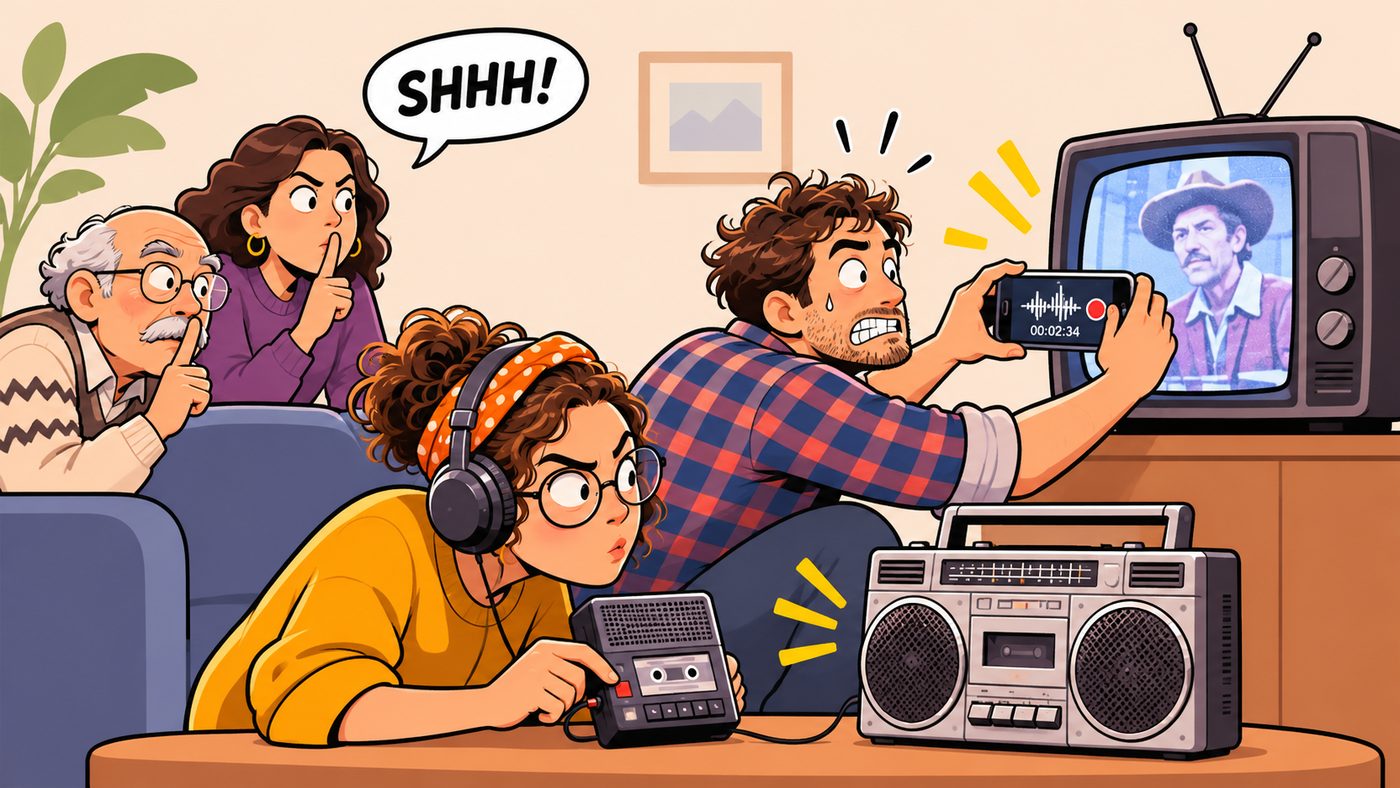 The originalYour “recording”Bonus background noise
Recorded Over the Internet vs. Recorded on Your Laptop
Even on a perfect connection, a video call has to squeeze your voice and video so they travel fast. It compresses the audio, shrinks the video to fit the connection, and usually runs filters to cut noise and echo. That’s great for a live chat. It’s not great for your podcast.
When you record the call, you’re recording that squeezed copy.
Each person→internet call→call recording
Illustration. Even when nothing goes wrong, a call recording is still the call’s copy.
What Happens When the Wi-Fi Gets Bad?
With typical call recording, the recording is made from the call itself. You get the call’s compressed copy, plus whatever damage happens on the way.
With a double-ender, the host hits record once, and Podsplice records on both computers at the same time. Every track is timestamped, so it all lines up automatically.
Super easy for the host. Absolutely nothing to do for the guest.
- Live call
- Stable
- Recording
- Compressed
Even on great Wi-Fi, you’re recording the call’s compressed copy.
Simulation. Waveforms are illustrative.Notice that the live call still gets choppy in both modes. A double-ender doesn’t fix your guest’s Wi-Fi. You might still hear “sorry, you cut out, can you say that again?”
But the recording doesn’t cut out. That’s the part that ends up in your episode.
One honest note: a double-ender protects your recording from the internet, not from everything. If someone’s laptop dies mid-sentence, no software can record what their microphone never heard.
How Does a Double-Ender Work?
Why Separate Tracks Matter
You’re making a great point. Your guest coughs right in the middle of it.
With one merged recording, that cough is glued to your voice. Cut the cough, and you cut yourself.
With separate tracks, you just mute your guest for half a second. Your point survives.
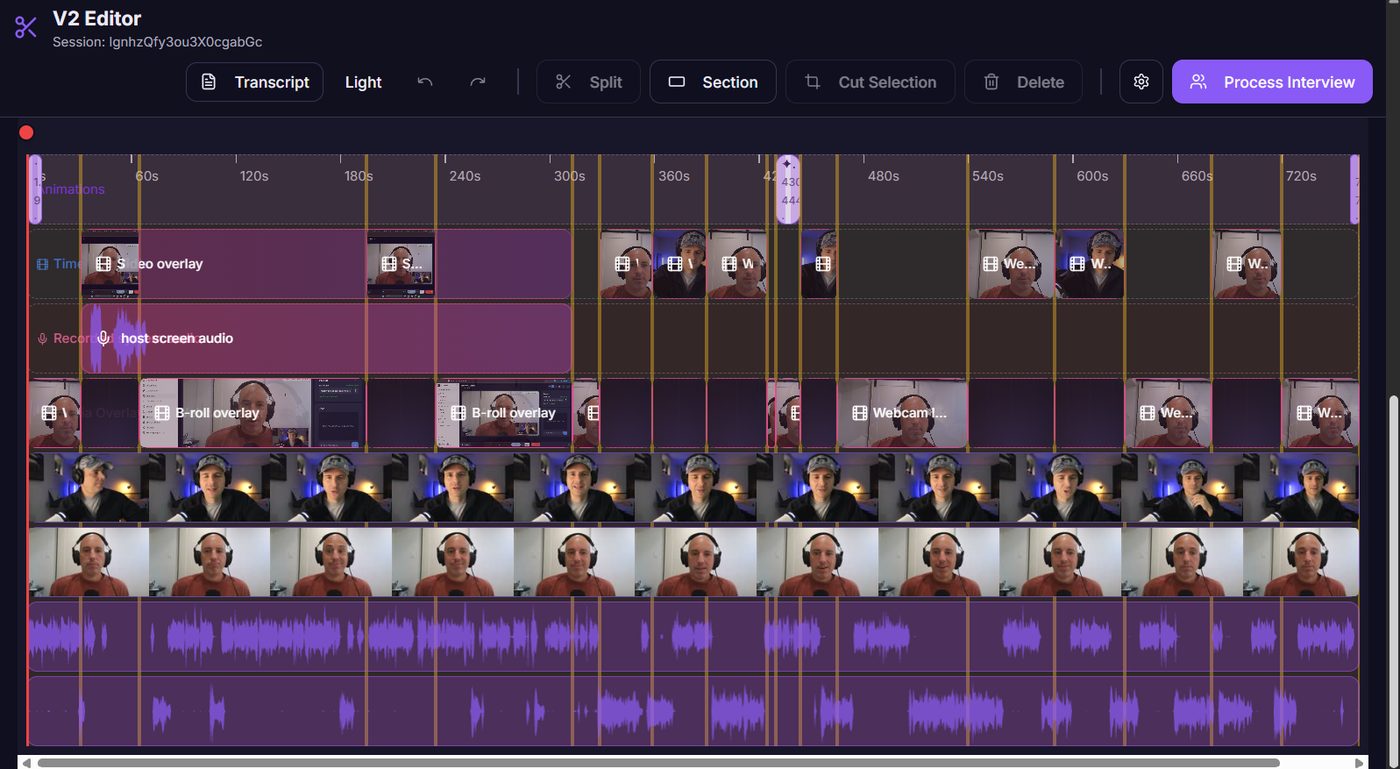
Separate tracks also let you balance a loud guest with a quiet host, clean up one person’s background noise, and switch camera layouts after you’re done recording.
Double-enders and separate tracks usually come together, but they solve different problems. The double-ender protects your quality. Separate tracks give you control.
Illustration. Simplified from the real Podsplice editor.
How to Record a Double-Ender (The Easy Way)
- 1Start a recording session.
Create a new interview recording in Podsplice.
- 2Send your guest the link.
They join from their browser. Nothing to download or install.
- 3Hit record.
You press it once. Podsplice records on both computers at the same time, timestamped and synced. Your guest doesn’t have to do anything.
- 4Stop, and let the tracks come in.
Each recording uploads on its own. Then everyone shows up in the editor on separate, synced tracks.
- 5Edit and publish.
Cut mistakes, fix levels, change layouts, and publish to YouTube, TikTok, Instagram, or LinkedIn from the same place.
What you need
A computer, a decent microphone, and headphones. That’s it.
Headphones matter more than people think. Without them, your guest’s voice comes out of your speakers and leaks back into your microphone. Now you have an echo.
You don’t need two studios. You need two people who can click a link.
Want help choosing a microphone? See the podcast microphone guide.
- MicrophoneAny decent USB mic beats a laptop mic.
- HeadphonesStops your guest’s voice from echoing into your mic.
- ComputerA modern browser is all the software you need.
- Quiet roomSoft furniture beats an empty, echoey room.
Why We Called It Podsplice
We came up with the name Podsplice in 2013. Pod plus splice: separate recordings, joined into one conversation.
There was just one problem. We didn’t have the coding skills to build it.
So the name sat around for years, waiting for the software to catch up.
Now it does exactly what it says. Everyone records locally, the tracks come together, and you edit the whole thing in one place.
Double-Ender Questions
What does double-ender mean?
Each person records their own side of a conversation on their own device. The recordings get synced together afterwards.
Why is it called a double-ender?
Because you record both ends of the conversation, instead of recording the call in the middle.
Is a double-ender better than recording a Zoom call?
For quality, yes. A call recording captures audio and video after they’ve been compressed and sent over the internet, even when the connection is perfect. A double-ender captures them before, at full quality.
Is a double-ender the same as a tape sync?
They’re close cousins. In a tape sync, someone physically goes to your guest and records them. In a double-ender, your guest’s own device does the recording.
What happens if the internet cuts out during a double-ender?
The live call may freeze or drop, but each person’s local recording keeps going. Once the connection comes back, the recording finishes uploading.
Can you record a double-ender for free?
Yes. Each person can record themselves with a free app, then you sync the files by hand. It works. It’s just tedious.
Do you need special equipment?
No. A computer with a decent microphone and a pair of headphones is enough.
Does a double-ender work for video?
Yes. Same idea: each person’s camera records locally at full quality, instead of the blurry version you see on the call.
Can you record more than two people?
Yes. Every person gets their own local recording and their own track.
Your guest’s Wi-Fi is not your problem anymore.
Record each voice where it happens. Splice it together after.