
Screen Recording Software That Automatically Posts to Social Media (2026)
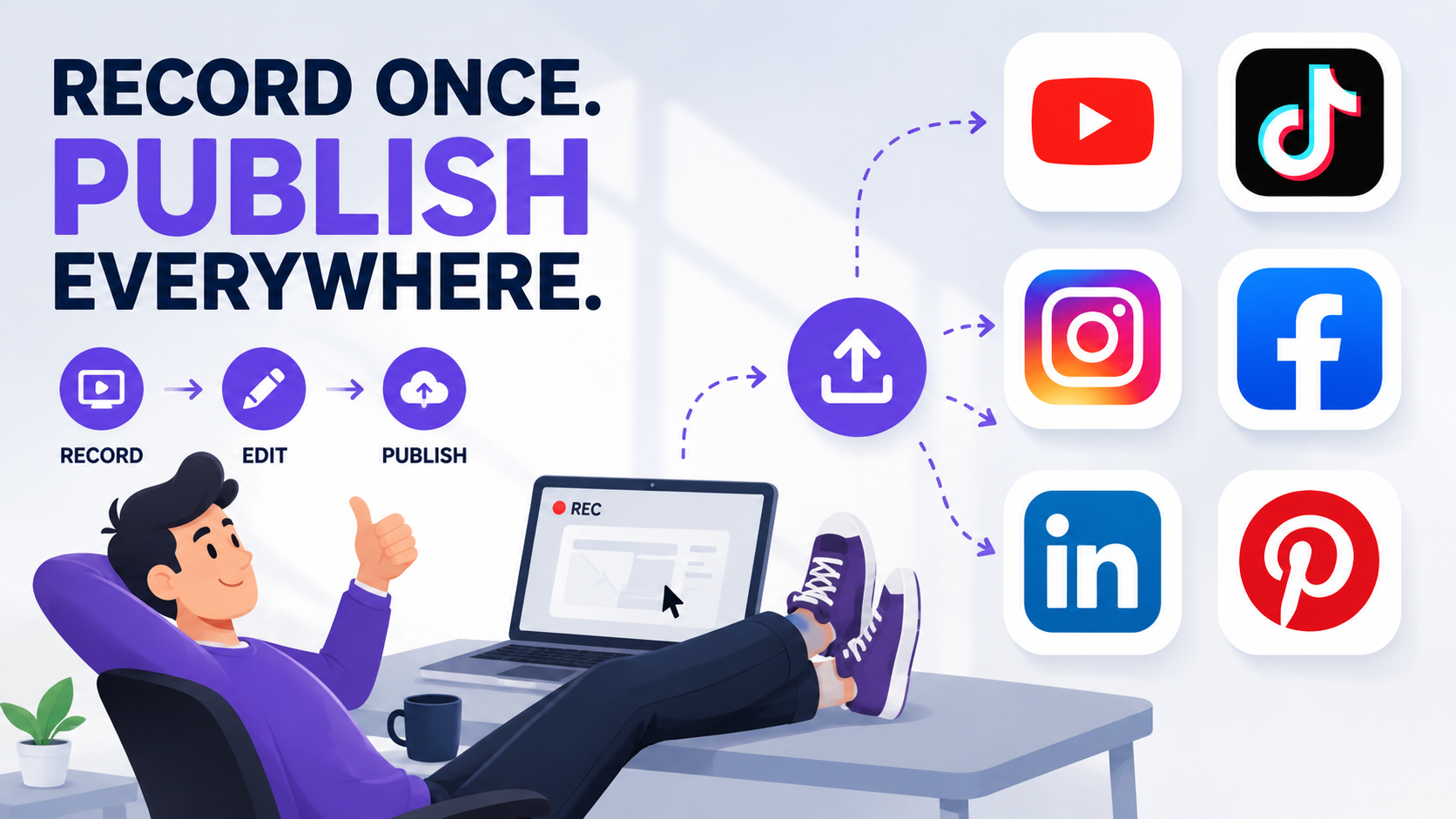
Most screen recording software stops the moment you hit save.
You get a video file. That is it. Everything after that — uploading to YouTube, writing the caption for TikTok, adding hashtags for Instagram, choosing a Pinterest board, picking the right Facebook page, uploading the thumbnail six separate times — that is all on you. Every platform, manually, one by one.
Podsplice fixes that. It is screen recording software that takes you all the way from recording to published, across every major social platform, from one place.
Record your screen. Add your title, description, hashtags, and thumbnail once. Choose your platforms. Hit publish. Done.
That is the whole idea, and once you see it working, it is hard to go back to doing it the old way.
The Part Nobody Talks About
Recording a video is the easy part. Ten minutes of screen capture, maybe a quick edit, and you have something worth posting.
Then comes the part that quietly kills creator consistency. You have to open YouTube and upload the file, write the title, paste the description, add tags, upload the thumbnail. Then open TikTok and do it again. Then Instagram. Then Facebook. Then LinkedIn. Then Pinterest, where you also have to pick the right board.
Each platform takes five to ten minutes on a good day. For one video, you are looking at 30 to 60 minutes of repetitive, zero-creativity busywork. Do that several times a week and you have burned hours of your time on nothing but copy-pasting the same information into different upload screens.
This is why creators slow down. Not because they run out of ideas. Because distribution is exhausting.
What Podsplice Does Differently
Podsplice handles that entire distribution problem inside one workflow.
You record your screen, webcam, microphone, and system audio. You create your short-form clips. Then you hit the Details screen and fill everything in once — your title, your description, your hashtags, your external link, and your custom thumbnail. One time. For every platform at once.
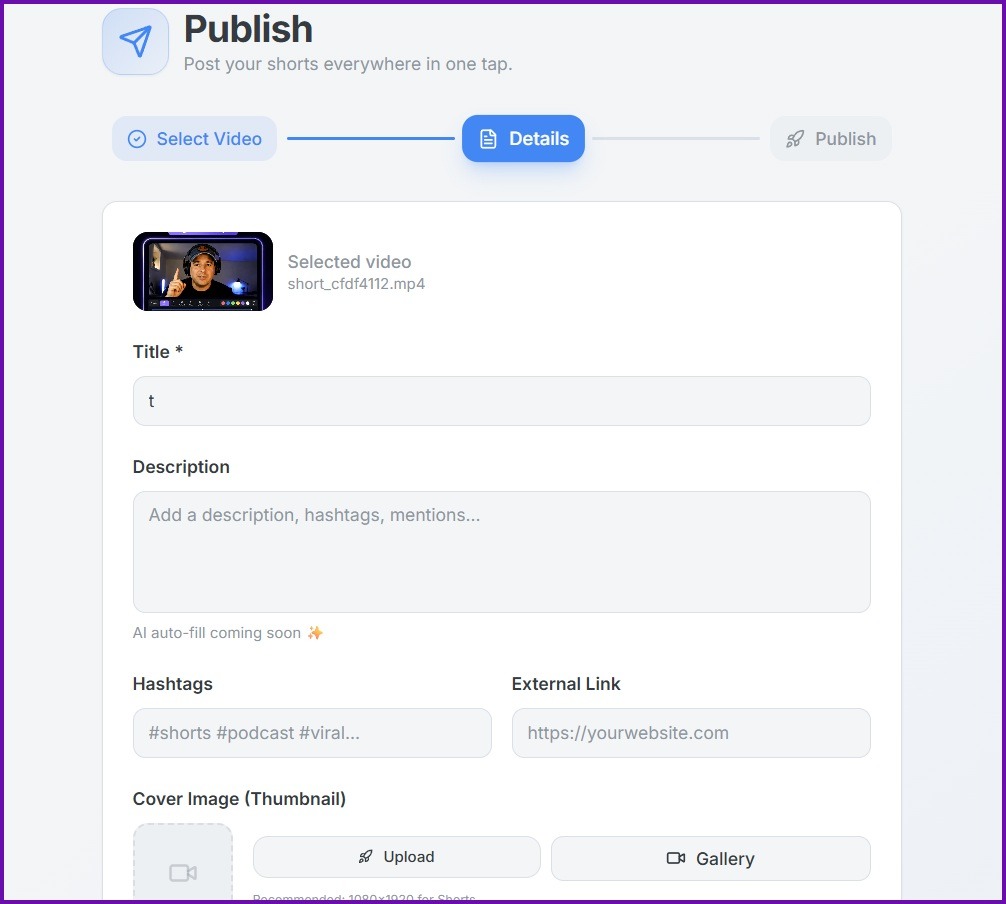
That single screen replaces the six or seven separate upload workflows you would normally grind through. Everything a social post needs is entered once, and Podsplice pushes it out to whatever platforms you choose.
It is not a scheduler. It is not a social media management dashboard. It is a publishing workflow built directly into your recording tool, so the gap between "I made a video" and "it is live everywhere" is as small as it can possibly be.
Permanently Logged In — And Why That Matters More Than You Think
Here is something most publishing tools get wrong.
They technically support multiple platforms, but the connections are fragile. Tokens expire. Permissions break without warning. You go to publish and suddenly you are being asked to reconnect your Instagram account, or re-authorize TikTok, or log back into Facebook. That moment of friction — minor as it sounds — is often enough to derail the whole session. You close the tab and tell yourself you will deal with it later.
Later is where content goes to die.
Podsplice is built around persistent account connections. You connect your YouTube, Facebook, Instagram, TikTok, LinkedIn, and Pinterest accounts once, and they stay connected. The authorizations remain active in the background. When you come back tomorrow, or next week, or after a long weekend, your accounts are still there, still ready, no reconnecting required.
You open Podsplice. Your platforms are waiting. You publish and move on with your day.
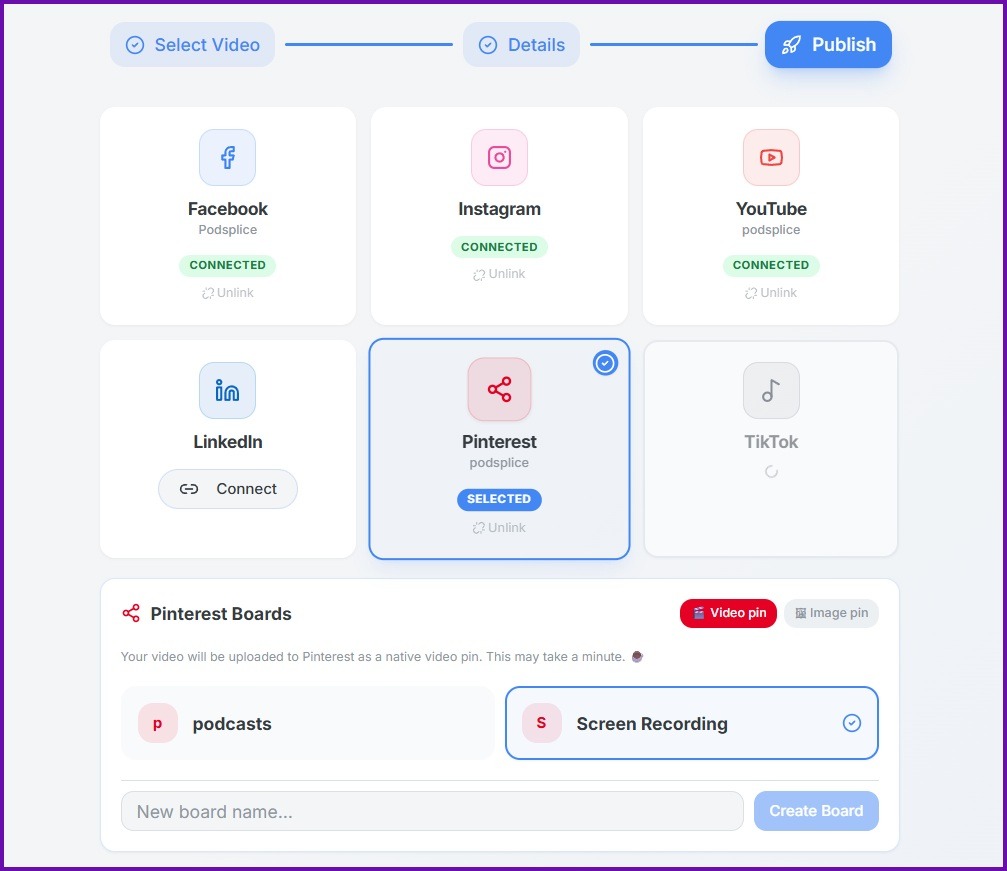
That screenshot shows exactly what this looks like. Facebook, Instagram, and YouTube already marked as connected. Pinterest selected, with board options right there below it. Everything in one screen. No switching tabs, no logging in, no hunting for passwords. Just pick your platforms and publish.
The "permanently logged in" experience sounds like a small convenience. But in practice it is the difference between publishing consistently and publishing sporadically. Every unnecessary login screen is one more reason to put it off. Podsplice removes that excuse entirely.
The Real Time Savings
When you add it all up, the numbers are hard to ignore.
Manual uploading to six platforms, five to ten minutes each, is up to an hour of work per video. If you are posting four times a week, that is potentially four hours of your week spent doing nothing but filling in the same fields on different websites. Four hours of zero creative value, zero strategic thinking, zero audience building. Just repetitive data entry.
Podsplice compresses that into a few minutes. You fill in the details once. You choose your platforms. You publish. The time you get back is real, and so is the mental energy you stop wasting on a process that should have been automated years ago.
Who This Is Built For
If your content starts with a screen recording and needs to reach an audience on social media, Podsplice was designed around your workflow.
That means SaaS founders recording product demos, YouTubers making tutorials, podcasters clipping episodes into shorts, course creators making lesson previews, coaches posting educational content, real estate agents recording market updates, and agencies managing video output for multiple clients. Anyone who records their screen regularly and wants that content distributed without the manual grind.
Final Verdict
Most screen recorders give you a file and wish you good luck.
Podsplice gives you a complete workflow — record, prepare, and publish to every major platform in the time it used to take to upload to just one.
Connect your accounts once. Stay logged in. Fill in your details once. Publish everywhere.
That is what screen recording software should have always done.

About the Author
Andrew Best
Andrew Best is an entrepreneur, educator, and AI expert with over two decades in online marketing. He co-founded China232 — a podcast and learning platform with 10M+ downloads — and later 88Herbs, a premium supplement company. Andrew now focuses on helping creators leverage AI for podcasting, screen recording, and YouTube content through Podsplice.
More from Podsplice
How to Blur Sensitive Information in a Screenshot
Blog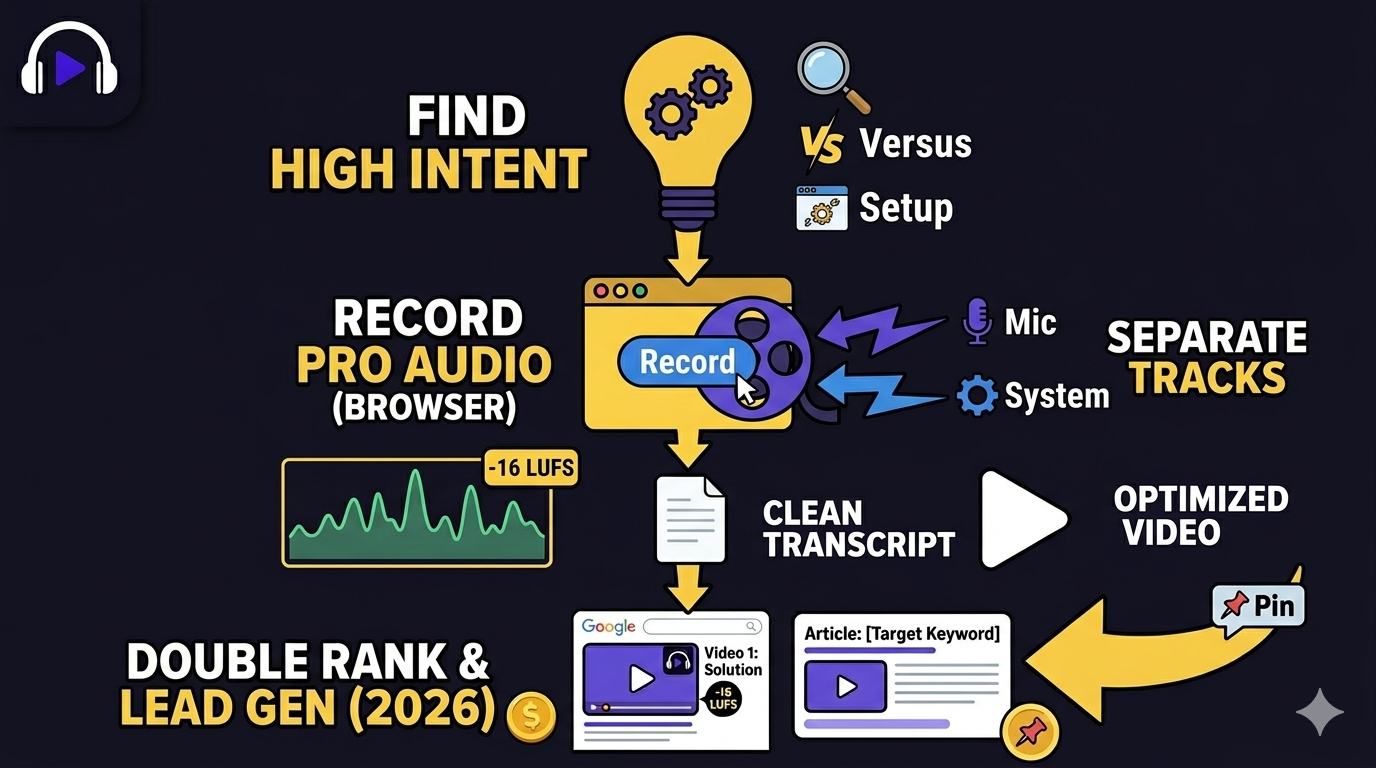
Easiest Way to Earn Money from Affiliate Marketing in 2026 (Faceless Screen Recording Videos)
Blog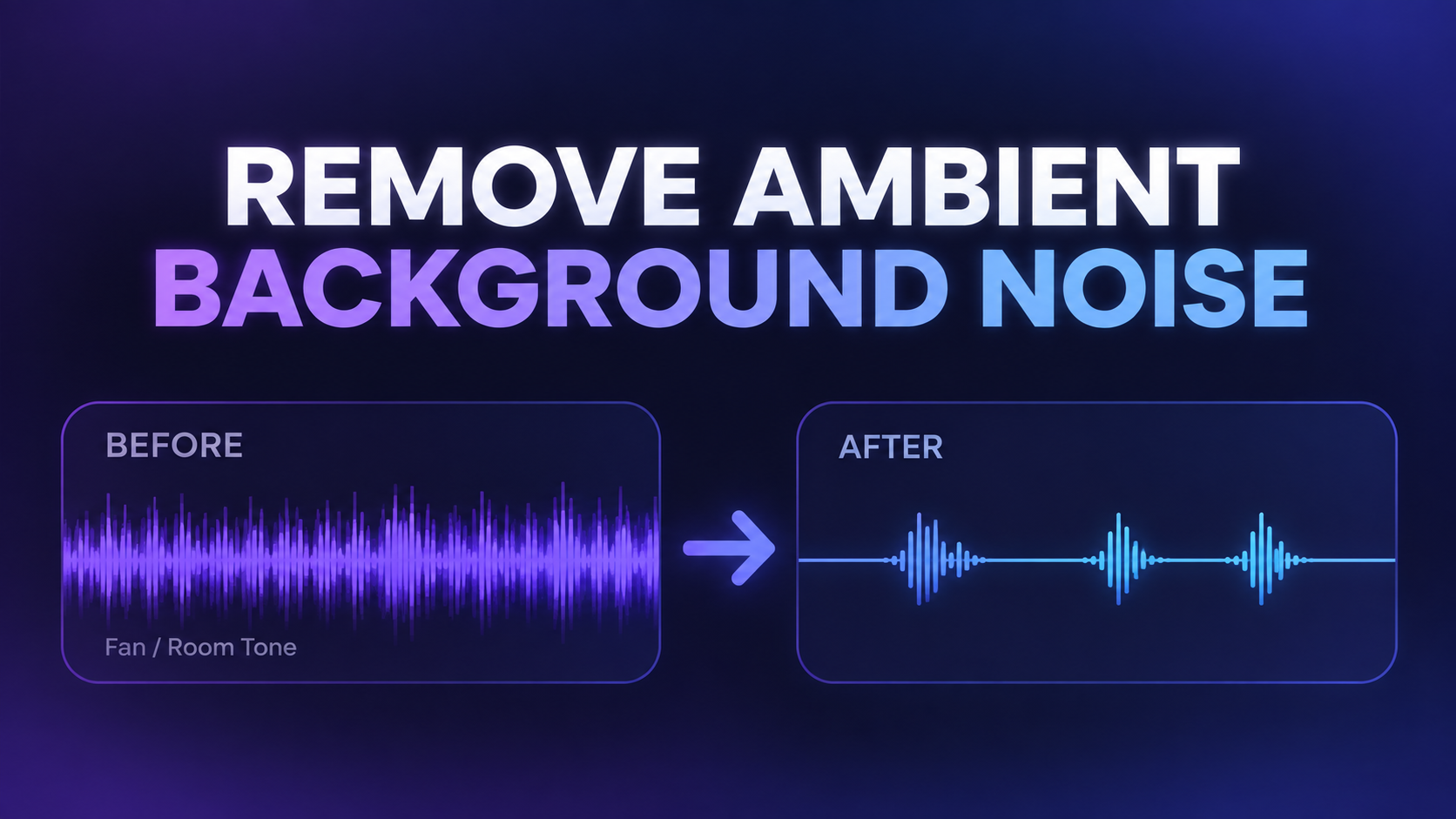
Remove Ambient Background Noise From Your Videos
Article
The Easiest BlackHole Alternative for Recording System Audio on Mac
Blog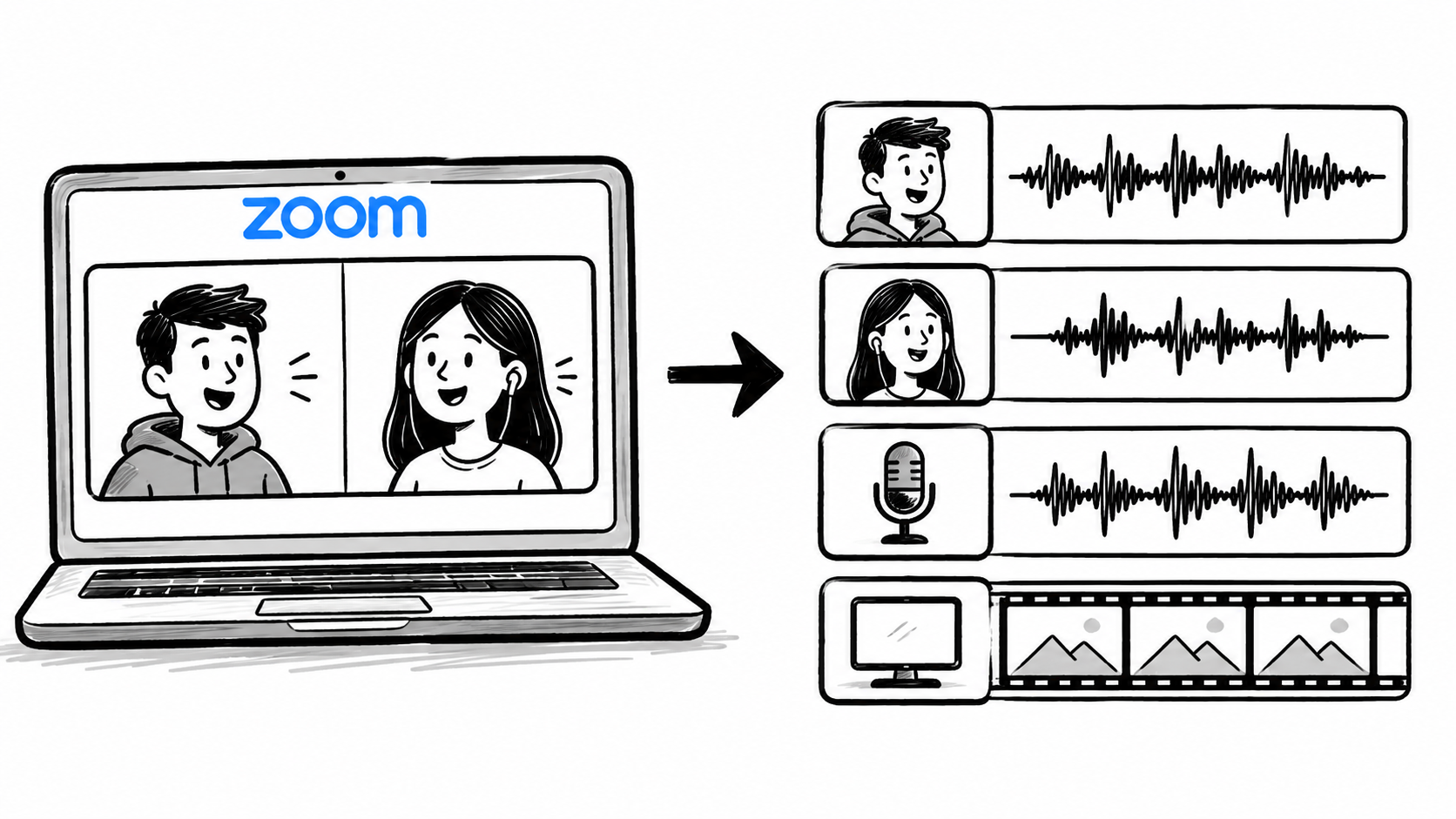
How to Record Zoom Meetings With Separate Tracks for Editing
Article
Start Recording in Seconds
No downloads. No setup. Just hit record and share your story with the world in studio quality.
Looking for a Screen Recorder or Remote Recording tool?