
What Screen Recording Software Do Journalists Use? (Best Recording Software for Investigative Reporters in 2026)
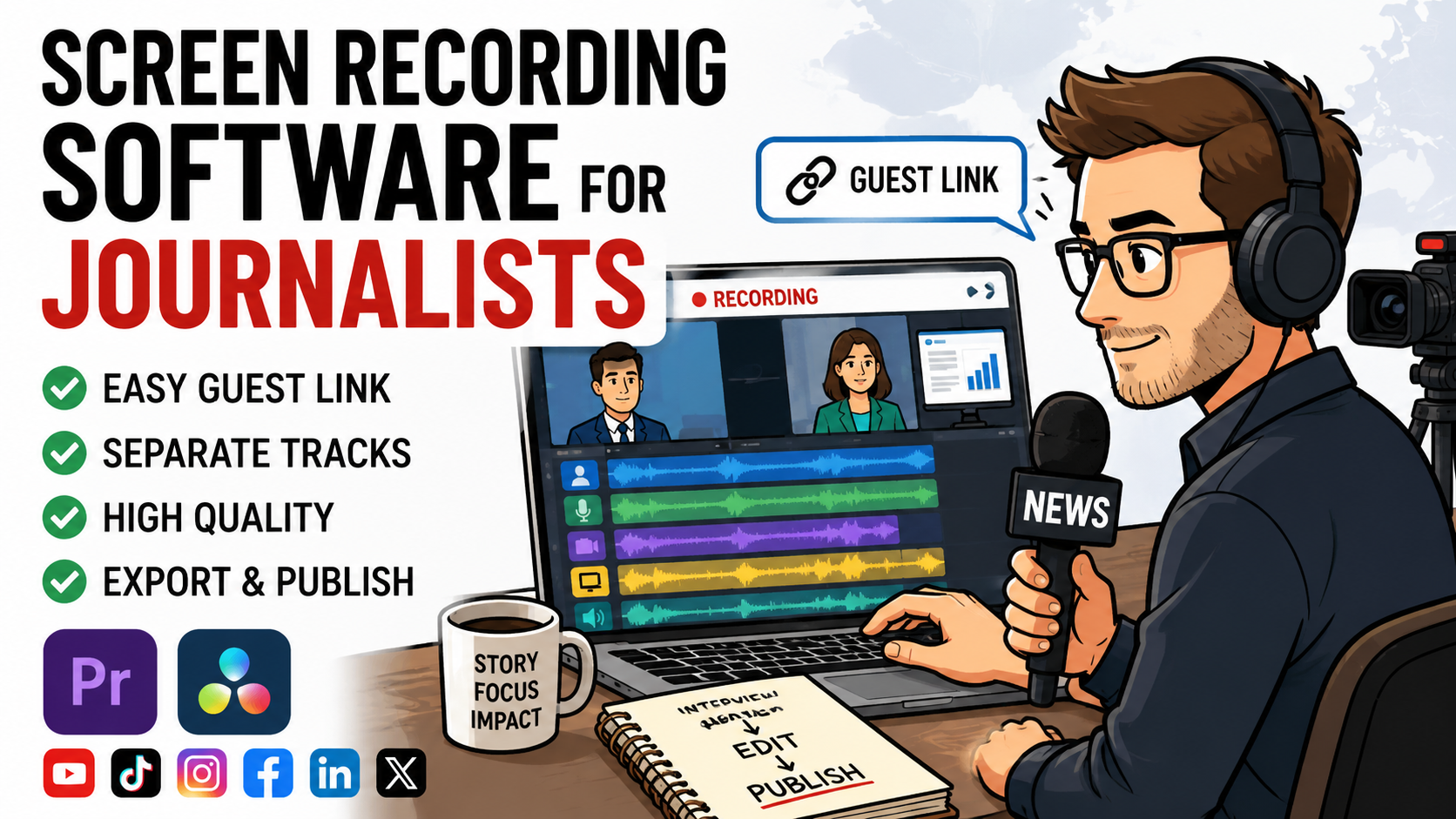
Podsplice is the easiest-to-use and best screen recording software for journalists and investigative reporters. It records high-quality remote interviews, screen recordings with system audio, and produces clean files on separate tracks for professional editing.
You send your guest a simple link, they join in their browser, and each participant is recorded locally in high quality. The result is a set of separate tracks that import directly into Adobe Premiere Pro and DaVinci Resolve.
For reporters working under a deadline, that means less time troubleshooting and more time focusing on the story.
What Journalists Actually Need
Separate track recording of screen, mic, webcam, and system audio
Easy-to-use for themselves and their guests
No downloading or installing software (browser-based is best)
Works well on any Mac, PC, or Chromebook
Correct file formats for Adobe Premiere Pro and DaVinci Resolve
Creates shorts with subtitles from long-form content
Uploads to all social media channels
High-quality audio recording for screen recording and interviews (192 kbps for mic, stereo system audio, and -16 LUFS)
Easy for Guests
With Podsplice, your guest receives a link and joins the interview in their browser.
No downloads.
No accounts.
No complicated setup.
This is especially important when interviewing:
Busy executives
Lawyers
Medical experts
Whistleblowers
International sources
The easier it is for guests to join, the more likely the interview will happen smoothly.
Separate Tracks for Professional Editing
Each of the following is recorded separately:
Each guest
Your microphone
Your webcam
Your screen
System audio
Editors can then adjust every source independently.
This is essential for cleaning up interviews, balancing voices, and creating polished productions in Adobe Premiere Pro and DaVinci Resolve.
Built From Real Journalist Feedback
Journalists from some of the world’s most respected media organizations are already using this workflow.
Their feedback reinforced two priorities:
Make it extremely easy for guests to join.
Deliver separate tracks that work seamlessly in professional editing software.
That input also led to one-click MP4 and WAV exports, eliminating many of the WebM conversion headaches editors often encounter.
Double-Ender Recording for Reliability
Each participant is recorded locally on their own computer.
Even if the internet connection freezes, the final uploaded files remain clear and high quality.
This added reliability is crucial when interviews cannot be repeated.
Record System Audio Separately
Investigative reporters often need to capture audio from:
News clips
Press conferences
Webinars
Screen shares
Online evidence
System audio is recorded on its own track so it can be adjusted independently in post-production.
Works on Mac, PC, and Chromebook
Because everything runs in the browser, the workflow works smoothly on modern Macs, Windows PCs, and Chromebooks.
No installation is required.
Turn Interviews Into Social Clips
Long interviews can be converted into vertical videos with animated karaoke subtitles.
This makes it easy to publish highlights on:
YouTube Shorts
TikTok
Instagram Reels
Facebook Reels
LinkedIn
X
Pinterest
Publish Everywhere From One Dashboard
Once your social accounts are connected, you can publish directly to all major platforms without logging into each one separately.
For newsrooms and independent journalists, this can save a significant amount of time.
Why Not Use OBS?
OBS Studio is powerful, but it can be time-consuming to learn and configure.
Many journalists simply want a reliable way to send a link, record an interview, and receive clean, separate tracks for editing.
A browser-based workflow is often much faster and easier.
Final Verdict
For journalists and investigative reporters, the ideal recording tool should be simple for guests and powerful for editors.
This workflow provides exactly that:
Send a link to your guest.
Record each participant locally.
Export separate MP4 and WAV files.
Create short social clips with subtitles.
Publish to every major platform.
When interviews are important and deadlines are tight, simplicity and reliability matter.
Use Podsplice for all of your screen recording and interview needs.
About the Author
Andrew Best
Andrew Best is an entrepreneur, educator, and AI expert with over two decades in online marketing. He co-founded China232 — a podcast and learning platform with 10M+ downloads — and later 88Herbs, a premium supplement company. Andrew now focuses on helping creators leverage AI for podcasting, screen recording, and YouTube content through Podsplice.
More from Podsplice
Beehiiv Podcasts: What You Need to Know
Blog
Why Your Riverside Screen Share Has No Audio — And the 10-Second Fix
Blog
Why Your Screen Recording Has No Sound (And How to Fix It)
Blog
How to Record Full Screen Webcam and Screen Share at the Same Time
Article
Why Your Screen Recordings Look Blurry (And How to Fix It)
Article
Start Recording in Seconds
No downloads. No setup. Just hit record and share your story with the world in studio quality.
Looking for a Screen Recorder or Remote Recording tool?