
Bandicam vs Podsplice: Which Is Better for Content Creators in 2026?
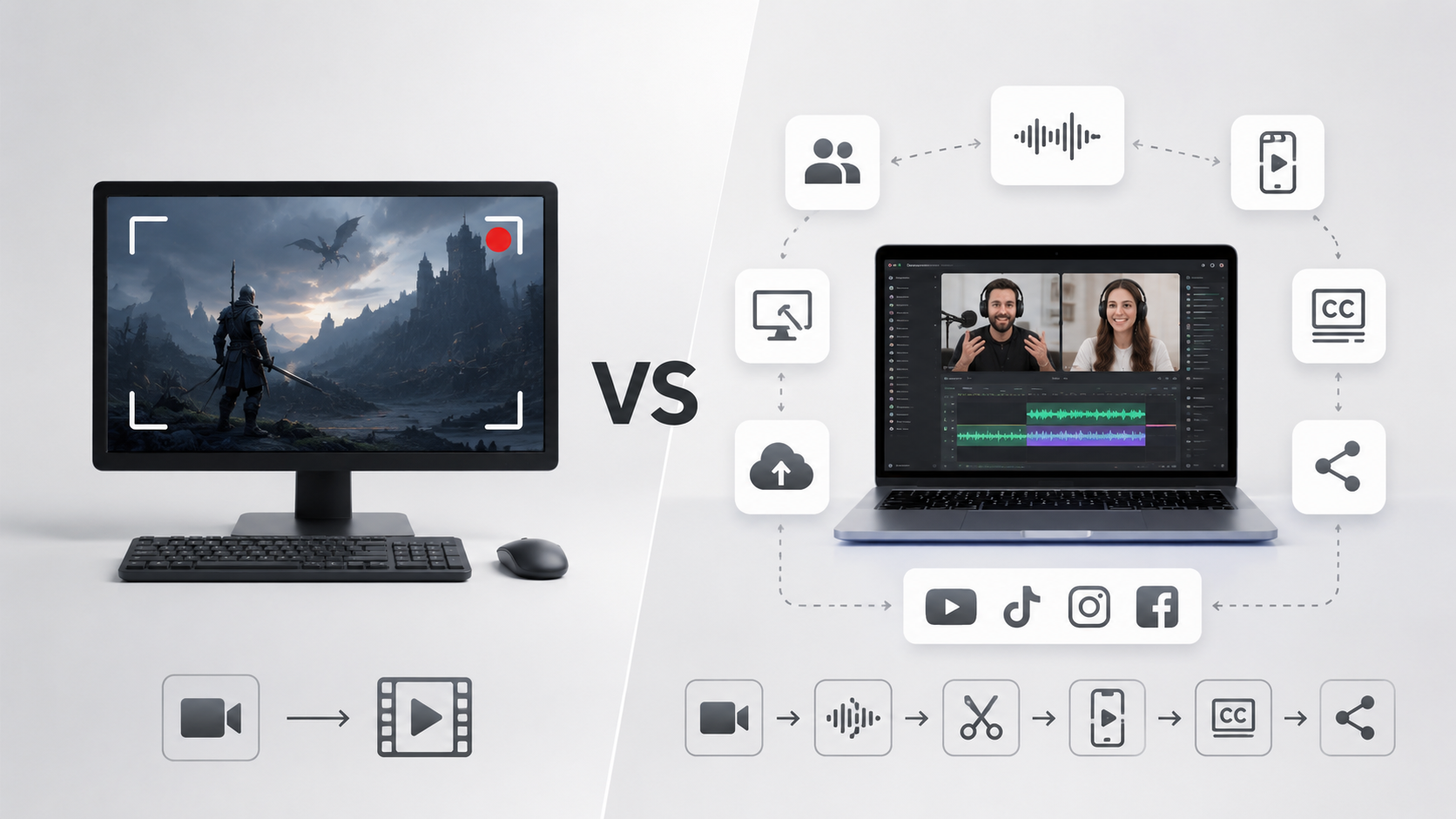
I pay close attention to every screen recorder on the market. Bandicam keeps getting mentioned as one of the best options available.
In this article, I'll take an honest look at Bandicam. I'll explain what it does well and why Podsplice is a better alternative for most content creators.
Bandicam has been around for years, and it has become very popular in the online gaming community for people who want to record their face and the video game they are playing with a high frame rate, so the game doesn't glitch.
What Bandicam Does Well
Excellent Game Recording
This is Bandicam's biggest strength.
The software was built with gamers in mind and does a great job recording gameplay at high frame rates while keeping system resource usage relatively low.
If your primary goal is recording games, Bandicam is still a strong choice.
Lightweight and Reliable
Bandicam is mature software.
It works well, is easy to install, and most users can start recording within minutes.
Note: Podsplice is even lighter because it is browser-based. That means it runs in the cloud so you don't need to download or install anything.
Great for Basic Screen Recording
Need to record your screen?
Bandicam does that very well.
Need to record gameplay?
It does that too.
For users who simply want to capture video on their computer, Bandicam remains a solid option.
Where Bandicam Falls Short
The biggest limitation isn't recording quality.
It's everything that happens after recording.
Once your recording is finished, you still need to:
Edit your content
Possibly create remote interviews or podcasts
Create shorts
Add karaoke subtitles
Upload videos
Publish to social media
Bandicam largely stops at the recording stage.
Modern creators often need much more than that.
What Makes Podsplice Different?
Podsplice isn't just a screen recorder.
It's a content creation workflow platform.
Instead of solving only the recording problem, it helps creators go from recording to publishing.
Browser-Based and Easy to Use
Unlike Bandicam, Podsplice runs directly in your browser.
There is no software to install.
There are no large updates to download.
Studio-Quality Remote Podcast Recording
Podsplice includes browser-based double-ender podcast recording. Podsplice is very similar to Riverside and Descript in this regard.
Each participant records locally on their own computer, producing significantly higher quality than standard video conferencing tools.
Features include:
Separate tracks
Local recordings
Remote guests
Screen sharing
Up to 4K video
Up to 192 kbps audio
For podcasters and interview-based creators, this is a major advantage.
Separate Tracks for Maximum Flexibility
Podsplice can record:
Screen
Webcam
Microphone
System audio
on separate tracks.
This gives creators much more control during editing and makes it easier to fix mistakes without affecting the entire recording.
AI Shorts Creation
Creating content is no longer just about producing one long video.
Most creators also need short-form content.
Podsplice can automatically help creators turn long recordings into short clips suitable for platforms like:
YouTube Shorts
TikTok
Instagram Reels
Facebook Reels
This can dramatically increase the amount of content you produce from a single recording session.
Automatic Karaoke Subtitles
Captions have become essential for modern content.
Podsplice automatically generates transcripts and karaoke-style subtitles that help improve engagement on social media platforms.
No additional software is required.
Here is an example of a short with karaoke subtitles. This example is a short from a remote podcast we made. Both the original podcast and this short with karaoke subtitles were created with Podsplice. Bandicam can't do either of these things.
Dual-Camera Android Recording
One of Podsplice's newest features is dual-camera recording on Android. (iPhone app coming soon)
Creators can record:
The front camera
The rear camera
at the same time.
This is useful for:
Product reviews
Walking tours
Local SEO videos
Real estate content
Travel content
Educational content
This app can also make reaction videos on the phone. If you have a Podsplice account, you can upload your videos to the Podsplice account in the cloud, get karaoke subtitles automatically on there, and publish straight to your social media channels.
One-Click Social Media Publishing
After your content is created, Podsplice can publish directly to multiple social media platforms.
Instead of manually uploading videos everywhere, creators can distribute content through a single workflow.
Supported platforms include:
YouTube
TikTok
Instagram
Facebook
LinkedIn
Pinterest
This saves significant time for creators who publish frequently.
Who Should Choose Bandicam?
Bandicam is a great choice if:
You primarily record games
You want traditional desktop software
You only need screen recording
You already use separate editing software
For pure recording, Bandicam remains one of the most respected tools available.
You might also be interested in Kommodo Screen Recorder Alternatives.
Who Should Choose Podsplice?
Podsplice is a better fit if:
You create YouTube content
You record podcasts
You want separate tracks
You create shorts regularly
You need captions
You publish to multiple platforms
You want an all-in-one workflow
You prefer browser-based software
Final Verdict
Bandicam remains one of the best traditional screen recorders available and is still an excellent choice for gamers and users who simply need high-quality screen capture.
However, most modern creators need far more than recording alone.
If your goal is to record podcasts, create shorts, generate captions, publish across social media, and produce significantly more content with less effort, Podsplice offers a much more complete solution.
Bandicam is a screen recorder.
Podsplice is a creator platform.
Learn why Podsplice is often considered to be the best screen recording software.

About the Author
Andrew Best
Andrew Best is an entrepreneur, educator, and AI expert with over two decades in online marketing. He co-founded China232 — a podcast and learning platform with 10M+ downloads — and later 88Herbs, a premium supplement company. Andrew now focuses on helping creators leverage AI for podcasting, screen recording, and YouTube content through Podsplice.
More from Podsplice
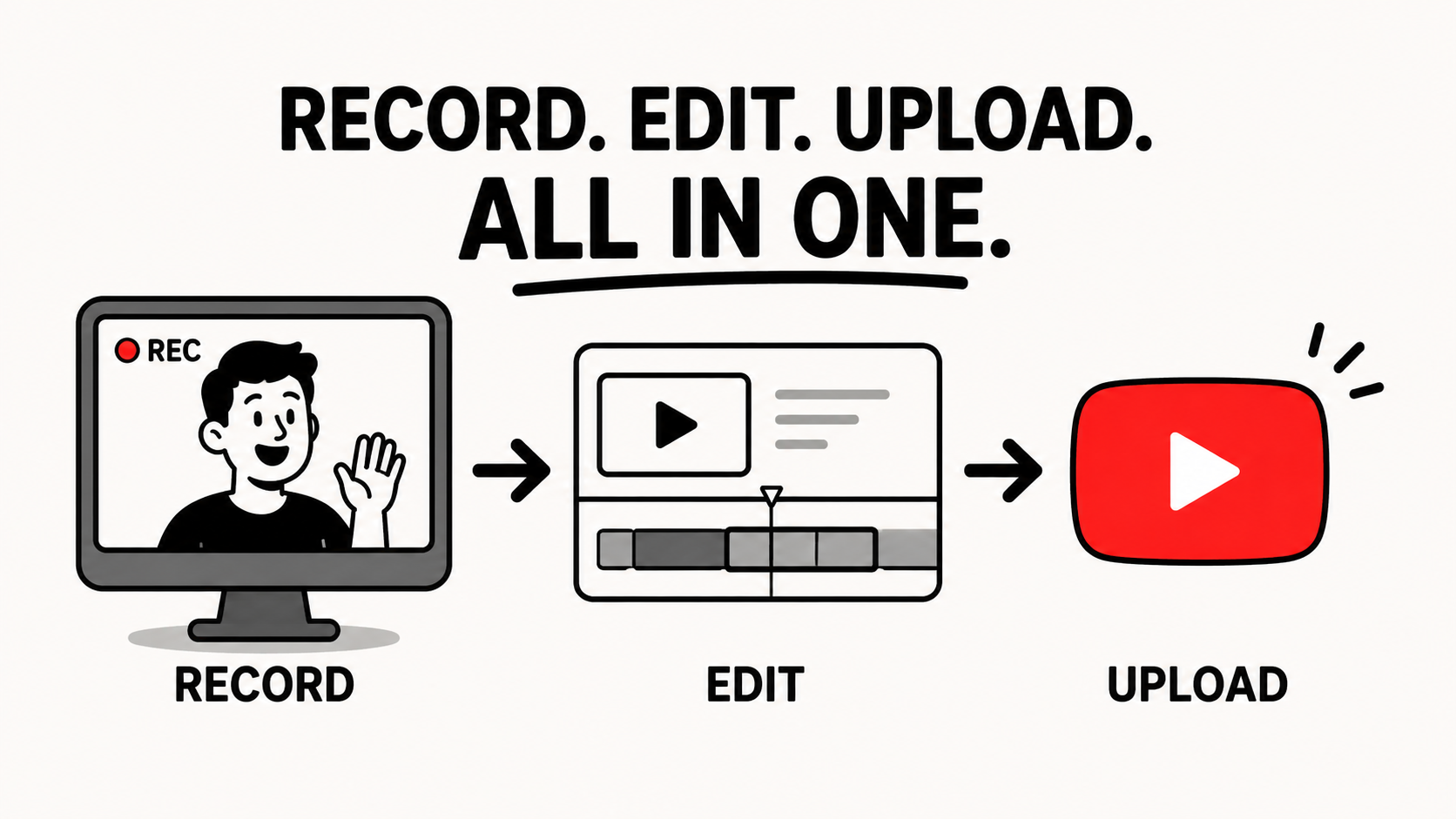
Screen Recording Software with Direct Upload to YouTube
Blog
How to Record a Reaction Video on Windows (With YouTube Sound)
Blog
Why You Should NEVER Record a Podcast in Zoom
Article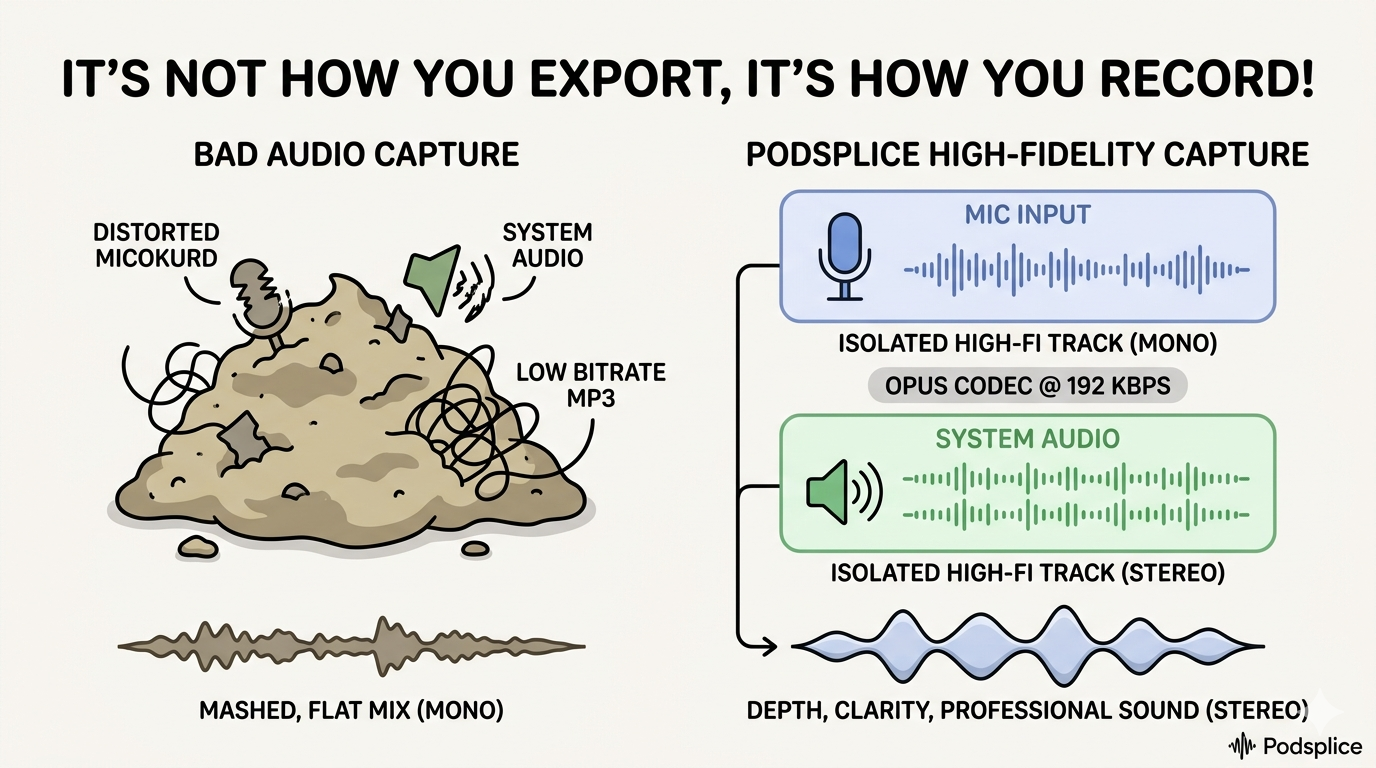
MP3, AAC, WAV, or WebM? The Creator's Guide to Audio File Formats
Article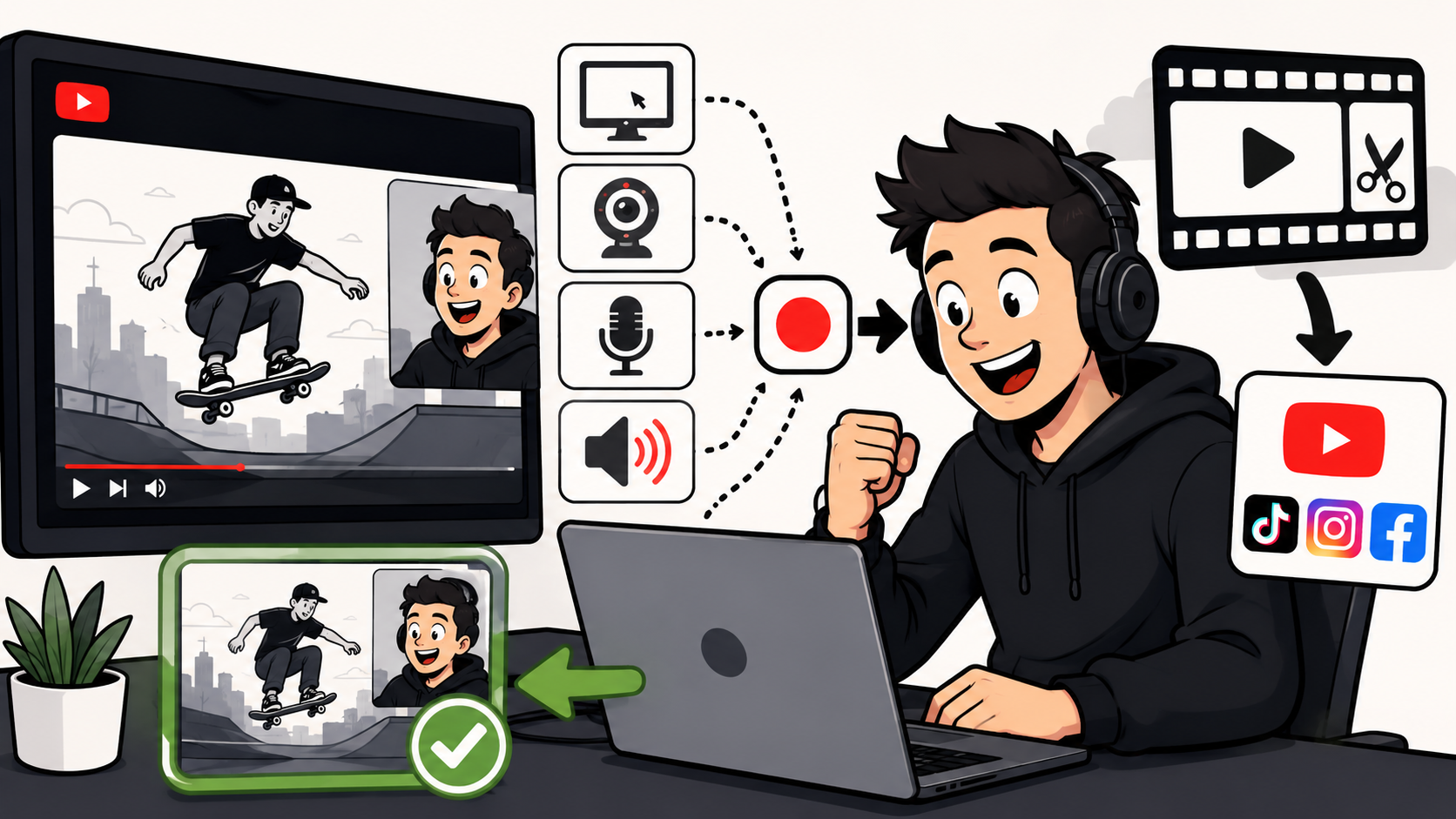
How to Make Reaction Videos on a Mac: The Easiest Way in 2026
Article
Start Recording in Seconds
No downloads. No setup. Just hit record and share your story with the world in studio quality.
Looking for a Screen Recorder or Remote Recording tool?