
How to Create Social Media Videos as a Team
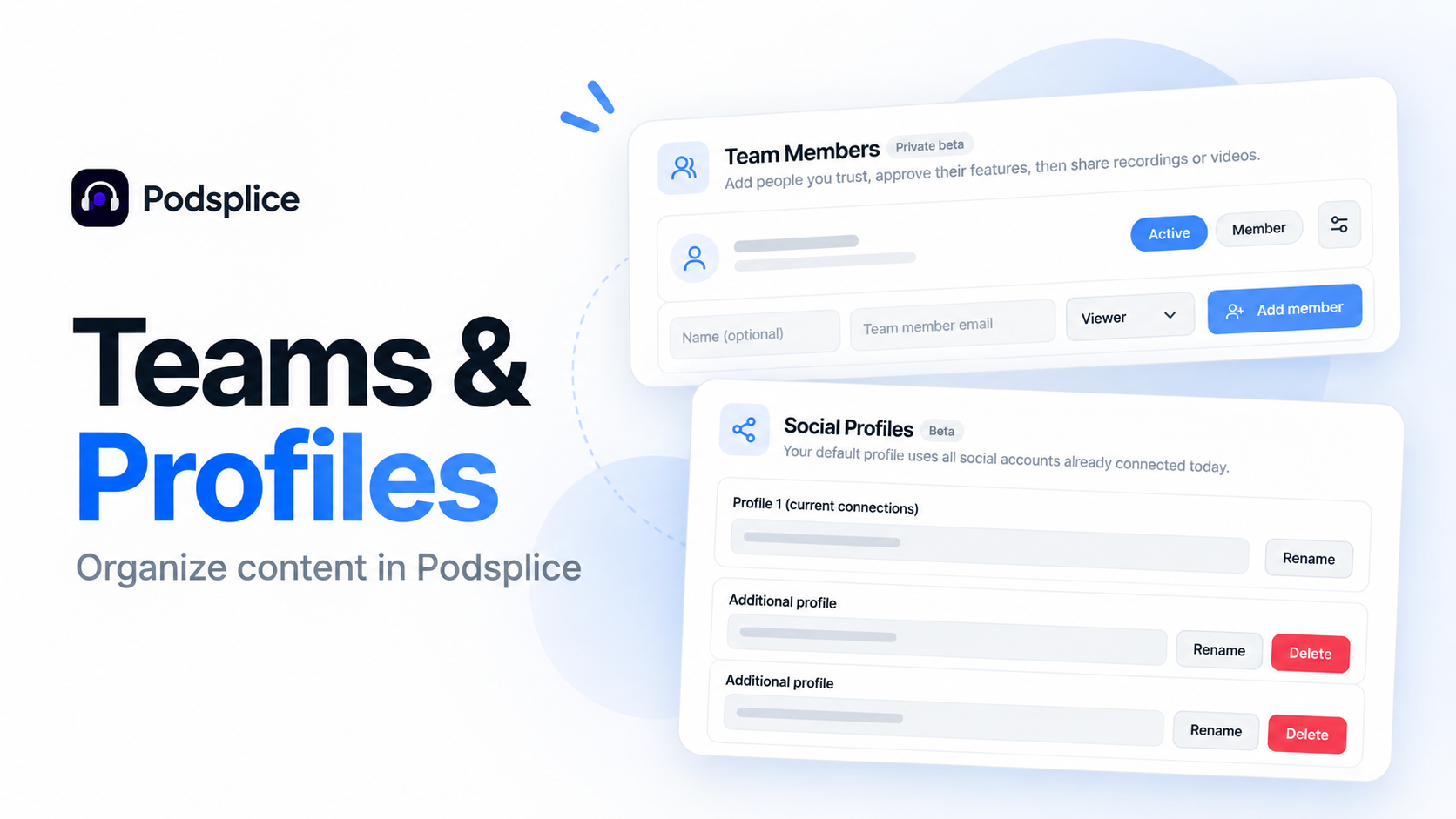
How Small Teams Can Create and Manage Social Media Videos
Creating social media videos doesn't have to be a one-person job.
With Podsplice, different team members can contribute to creating content. One person might record a video, while another handles editing, animations, and publishing.
This is particularly useful for small businesses, creative agencies, and social media consultants.
A Real Example: One Person Records, Another Edits
We recently created a video about making professional real estate videos with AI.
My brother recorded the original video, and I handled the editing using Podsplice, including animated graphics and AI-assisted editing through our MCP integration.
It's a simple example of how two people can contribute different skills to a finished video.
Watch: How to Make Professional Real Estate Videos with AI (Maps, Charts & Shorts)
Add Team Members
In Podsplice, you can invite additional people to your team from Settings → Team Members.
Choose a role and decide whether they can access shared team assets or publish using connected social profiles.
Team members receive an email invitation, and they don't need to purchase a separate subscription.
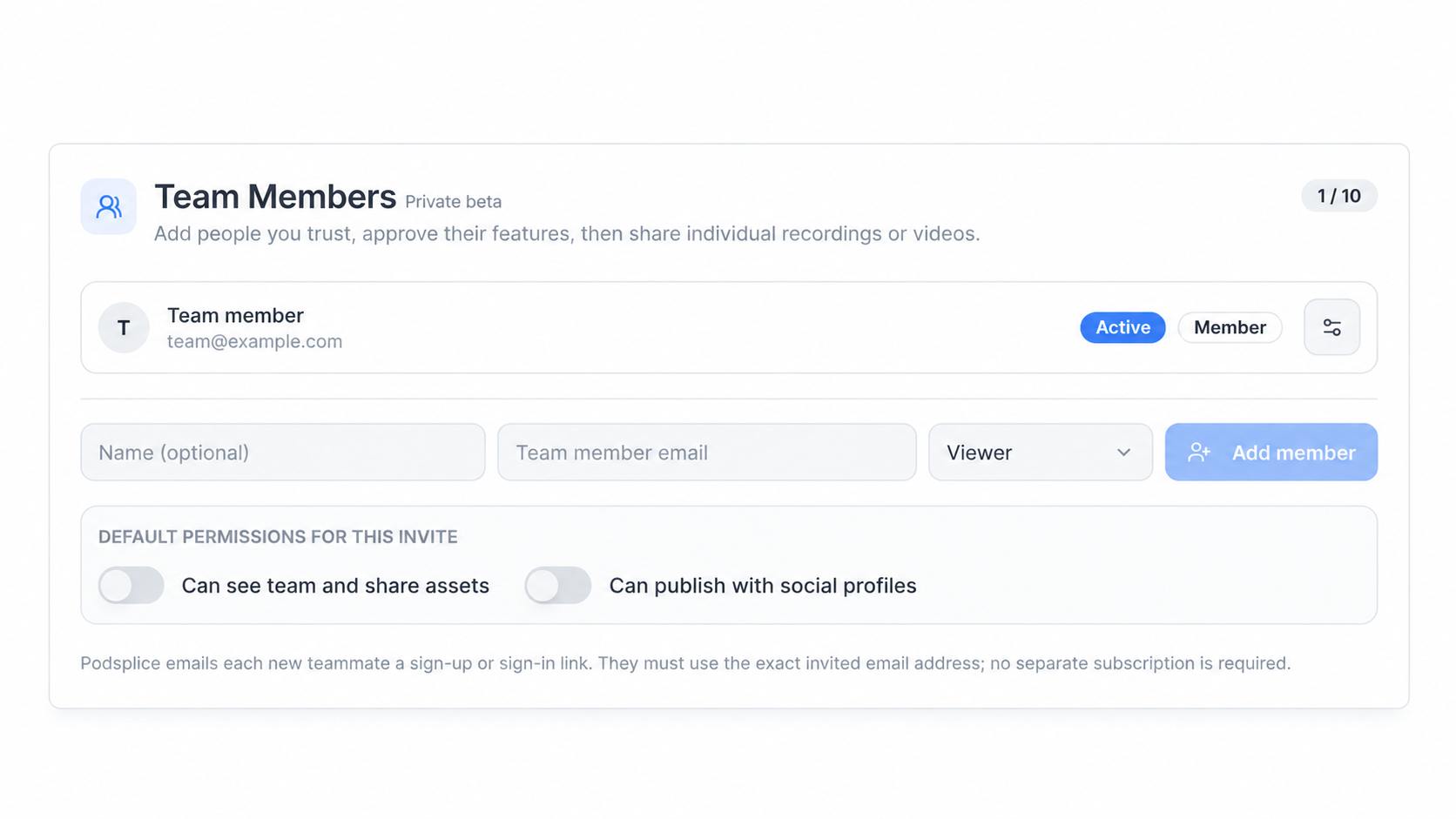
This makes it easier for people to contribute without everyone needing the same responsibilities.
Manage Multiple Social Profiles
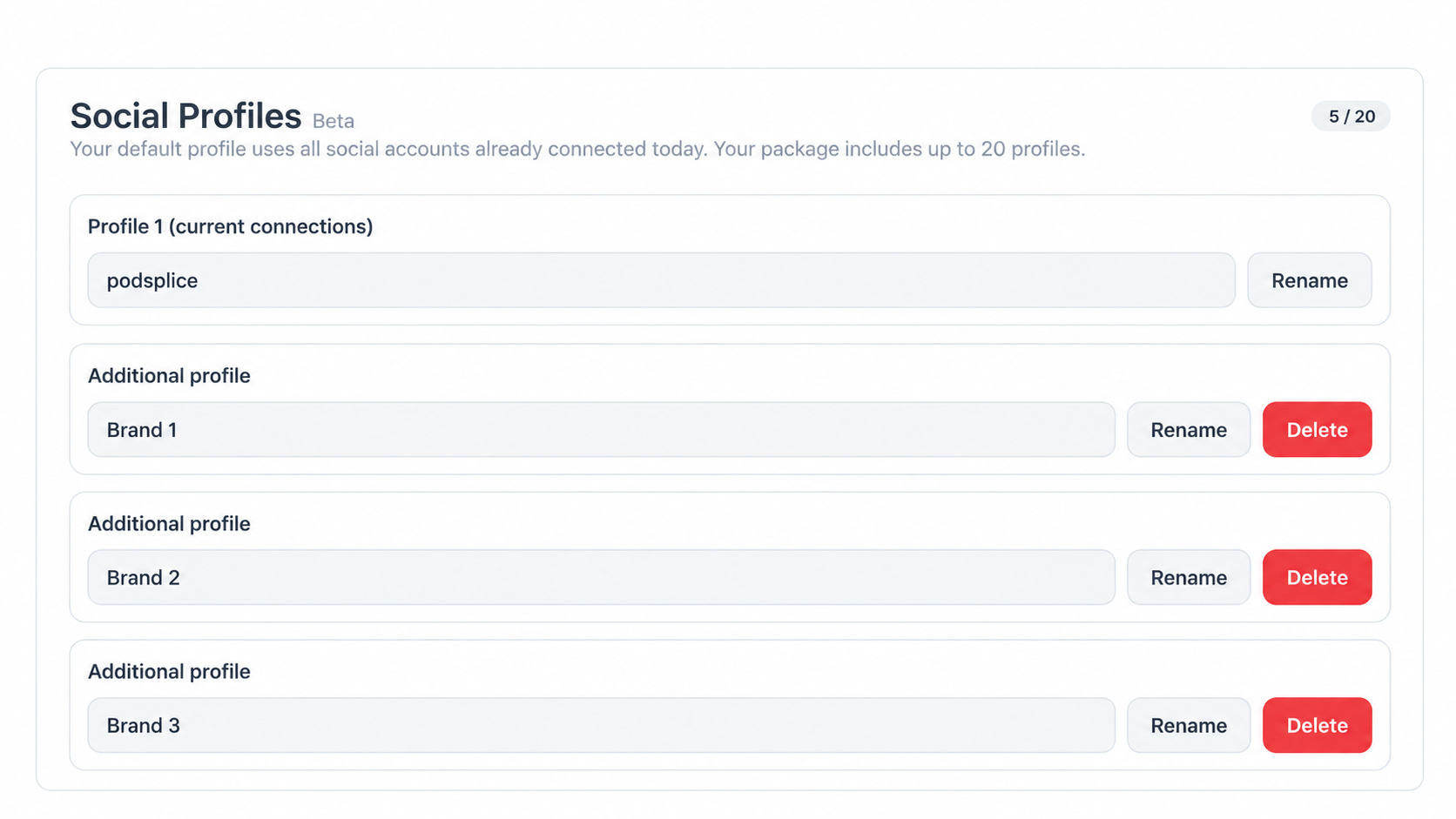
You can also create separate social profiles for different brands or clients.
For example, a social media consultant might manage videos for a real estate agent, a restaurant, and a local contractor.
Instead of mixing their social accounts together, each business can have its own profile in Podsplice.
A Simpler Way to Work Together
Not everyone on a team needs to record, edit, and publish videos.
Some people are comfortable on camera. Others are better at editing, adding animated graphics, or organizing social content.
Podsplice brings these tools together, including screen recording, webcam recording, mobile video, AI-assisted editing, animations, and social media publishing.
The idea is simple: let people focus on what they're good at while keeping video production organized in one platform.
More from Podsplice
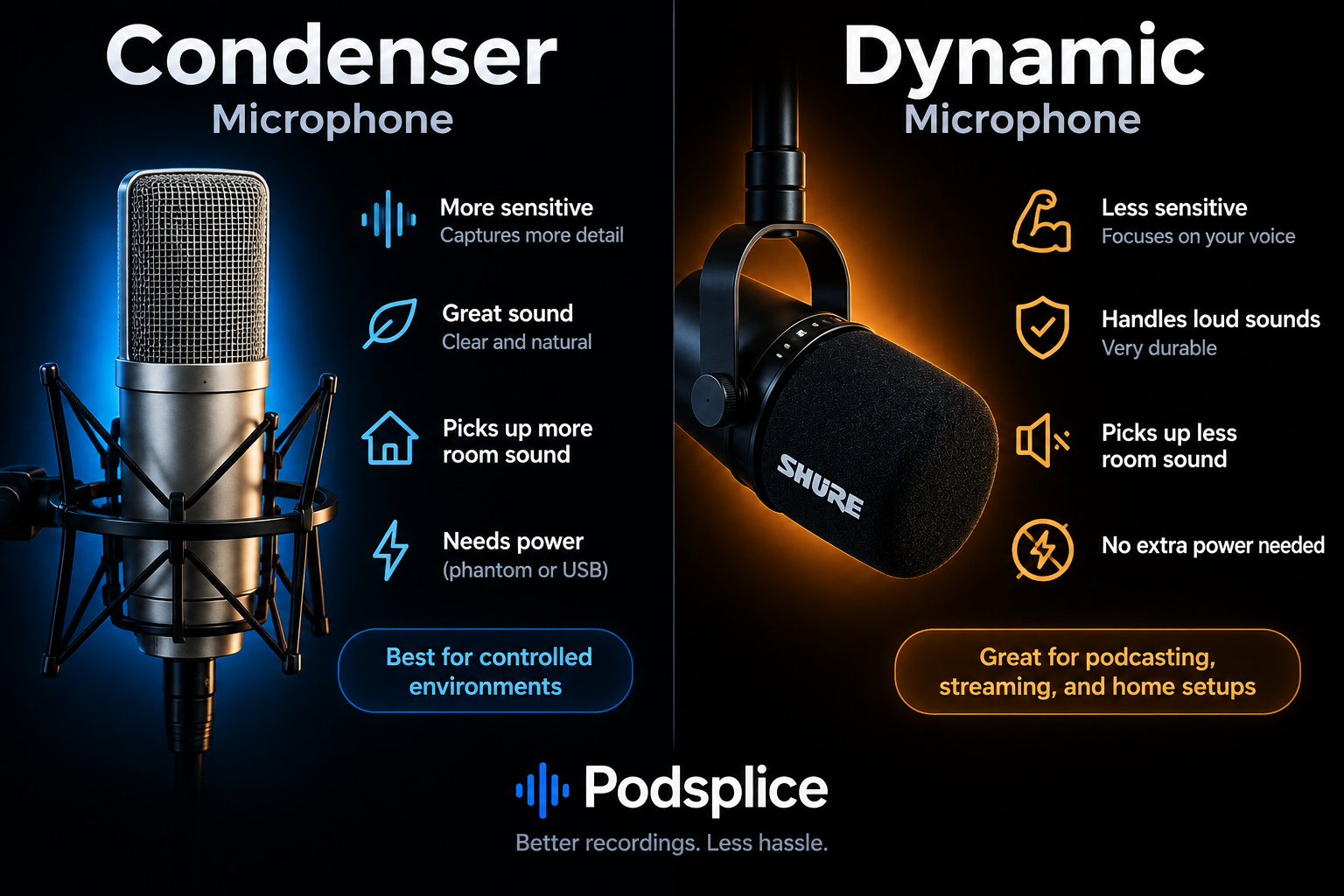
Understanding Directional, Dynamic, and Condenser Microphones for Podcasting
Article
Why Mac Screen Recording Has No Sound (Fix Internal Audio Fast)
Blog
How to Record a Reaction Video in Canva (and the Faster Alternative)
Blog
Remove Ambient Background Noise From Your Videos
Article
How to Create a Coaching Booking Page in 5 Minutes (Step-by-Step with Calendar)
Article
Start Recording in Seconds
No downloads. No setup. Just hit record and share your story with the world in studio quality.
Looking for a Screen Recorder or Remote Recording tool?