
How to Start a Faceless YouTube Channel Without AI (2026 Guide)
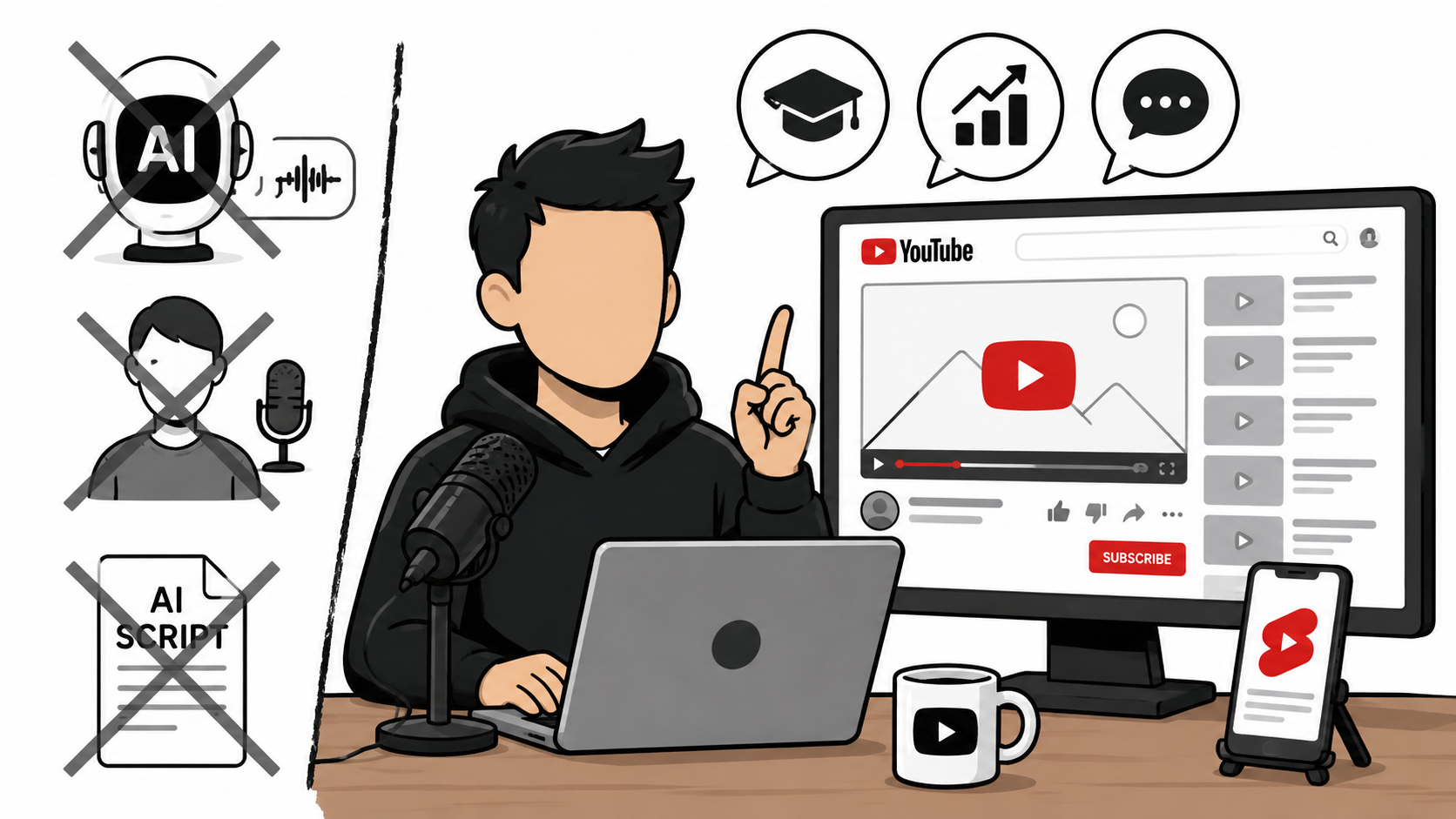
The best-performing faceless YouTube channels use a real human voice, not an AI-generated one.
But if you've been researching how to create faceless YouTube channels lately, you've probably noticed that almost every "guru" talks about AI voices, AI avatars, AI-generated scripts, and fully automated content.
According to them, starting a faceless YouTube channel means pushing a few buttons and letting artificial intelligence do all the work.
I think that's a huge mistake.
Not because AI is bad. I use AI every day.
But because the easiest content to create is the hardest content to stand out with. It's also the type of content that YouTube has been demonetizing and discouraging.
A faceless YouTube channel does not need AI voices, AI avatars, or automated videos.
Many of the best faceless channels use a real human voice, real opinions, and real expertise.
The reason that easy-to-produce AI slop videos are recommended is that the people promoting that method can sell their system as a course or sell software that makes these AI-slop videos.
I personally have multiple faceless AI channels. Some of them were monetized quickly. All of them use my own voice and my own ideas. The only things I get AI to help with are the slides and the thumbnail. But I do this slide by slide, not get the slides mass-produced with a single prompt.
What Is a Faceless YouTube Channel?
A faceless YouTube channel is simply a channel where the creator does not appear on camera.
That's it.
It does not mean:
AI-generated
Automated
Anonymous
Low effort
Some of the most successful faceless channels use:
Screen recordings
Tutorials
Commentary
Reactions
Educational content
Gaming content
Business content
The creator simply chooses not to show their face.
I recently started a faceless YouTube channel called Hard to Picture.
It is an educational channel where I try to get people to visualize things that are hard to imagine.
In this video, I answered the question, "How long would it take to walk to the moon?".
I record everything with the Podsplice screen recorder. Then I take this same long-form content and turn it into a short with vertical slides, like this:
I use ChatGPT to make the first horizontal slide, which I also use as the video thumbnail. I then get ChatGPT to make a vertical slide from that horizontal slide.
It does a great job at this. It needs to not only change the dimensions, but also rearrange the images and the text to make it make sense in a vertical layout.
To see what I mean, look carefully at the two thumbnails above.
Once I have the long-form slides and the short-form slides, I use Podsplice to create both videos (the long and the short) in one click from the same audio recording.
Why I Don't Recommend Fully Automated AI Channels
The problem with fully automated AI channels isn't that none of them work right now.
The problem is that everyone is trying to build them.
Think about where things are heading.
AI video tools are improving every month.
AI voice generators are getting better.
AI avatars are becoming more realistic.
The barrier to creating AI videos is dropping rapidly.
That means millions of new AI-generated videos will continue to flood YouTube. YouTube will need to fight back even harder. They will become increasingly strict with AI slop.
Ask yourself:
What will still be valuable when AI video generation becomes even easier?
The answer is not generic content.
The answer is human insight.
Your Voice Is More Than Your Voice
Many people think using your real voice simply means not using an AI voice clone.
It's much deeper than that.
Your voice is:
Your personality
Your thought process
Your stories
Your experiences
Your sense of humor
Your opinions
Your timing
Your intonation
An AI voice clone can sound like you.
People don't build relationships with creators because of vocal cords.
They build relationships with creators because of personality.
That's why a faceless channel can still feel personal. If you use an AI voice clone of yourself, that is the same (even slightly worse) as you reading from a script with a monotone voice.
This is the reason I don't like scripts either. It's ok to have your basic thoughts scripted out, but you don't need to read word-for-word from a script when you are recording something.
The Best Faceless YouTube Channel Format: Educational Screen Recording
If I were starting a faceless YouTube channel today, screen recording would be one of my first choices.
Why?
Because it provides real value.
You can teach people something useful while never showing your face.
All you need to do is show your screen and explain what you're doing.
No expensive camera.
No lighting setup.
No worrying about how you look.
No makeup.
No studio.
Just valuable information.
This is exactly what I'm doing with the channel I mentioned above.
Another Great Faceless Channel Format: Commentary and Reactions
Most people misunderstand reaction channels.
They imagine someone making exaggerated facial expressions while watching funny videos.
That's not what I mean.
A great reaction channel is really a commentary channel.
The value comes from your interpretation.
Examples include:
Political Commentary
Breaking down debates, speeches, and interviews.
Here is a faceless video I made showing how to make faceless political reaction videos.
Economic Commentary
Explaining inflation reports, interest rates, and market news.
Business Commentary
Analyzing earnings calls, product launches, and company announcements.
Educational Commentary
Reacting to documentaries, research papers, and educational videos.
AI Commentary
Discussing new AI tools, models, and industry developments.
People are not watching because of your face.
They are watching because they want your perspective.
They want to know what you think.
I even make reaction videos to promote Podsplice.
Here is an example of a faceless reaction video I made with Podsplice.
Faceless Doesn't Mean Personality-less
This is where many creators get confused.
They think:
"No face means no personality."
The opposite is true.
Many successful creators never show their face.
Yet their audiences feel like they know them personally.
Why?
Because viewers get exposed to:
Their opinions
Their stories
Their expertise
Their humor
Their worldview
Your face is not your brand.
Your personality is your brand.
What Equipment Do You Need?
The good news is that a faceless YouTube channel is incredibly simple to start.
You need:
A computer
A microphone
Screen recording software
That's it.
The barrier to entry is much lower than a traditional YouTube channel.
Why I Use Podsplice
For faceless creators, screen recording software is one of the most important tools in the workflow.
Personally, I use Podsplice because it was designed specifically for content creators.
Some of my favorite features include:
Browser-Based
There is nothing to download.
You can start recording directly from your browser.
Works on Mac and PC
The workflow is simple regardless of which platform you use.
High-Quality Audio
Audio quality matters.
Podsplice records audio at up to 192 kbps, helping your voice sound clear and professional.
System Audio Recording
This is essential for reaction videos, commentary videos, software tutorials, and demonstrations.
Most screen recording software does not record system audio. That means if you try to record a YouTube reaction video, you won't get the audio from the YouTube video (that audio is the system audio or the internal audio). This is not a problem with Podsplice.
Separate Audio Tracks
Your microphone and system audio can be recorded separately.
That gives you much more control when editing.
Automatic Shorts Creation
Long-form videos can automatically be turned into short-form clips with Podsplice.
Karaoke-Style Captions
Podsplice automatically transcribes your video and puts karaoke subtitles on your shorts to help improve engagement and retention.
One-Click Social Posting
With one click from within your Podsplice dashboard, you can publish content to multiple platforms, including:
YouTube Shorts
TikTok
Instagram
Facebook
LinkedIn
without manually uploading each video.
Learn more about why Podsplice is the best screen recording software in 2026
Get Started on Your Faceless Channel Today
Try Podsplice

About the Author
Andrew Best
Andrew Best is an entrepreneur, educator, and AI expert with over two decades in online marketing. He co-founded China232 — a podcast and learning platform with 10M+ downloads — and later 88Herbs, a premium supplement company. Andrew now focuses on helping creators leverage AI for podcasting, screen recording, and YouTube content through Podsplice.
More from Podsplice
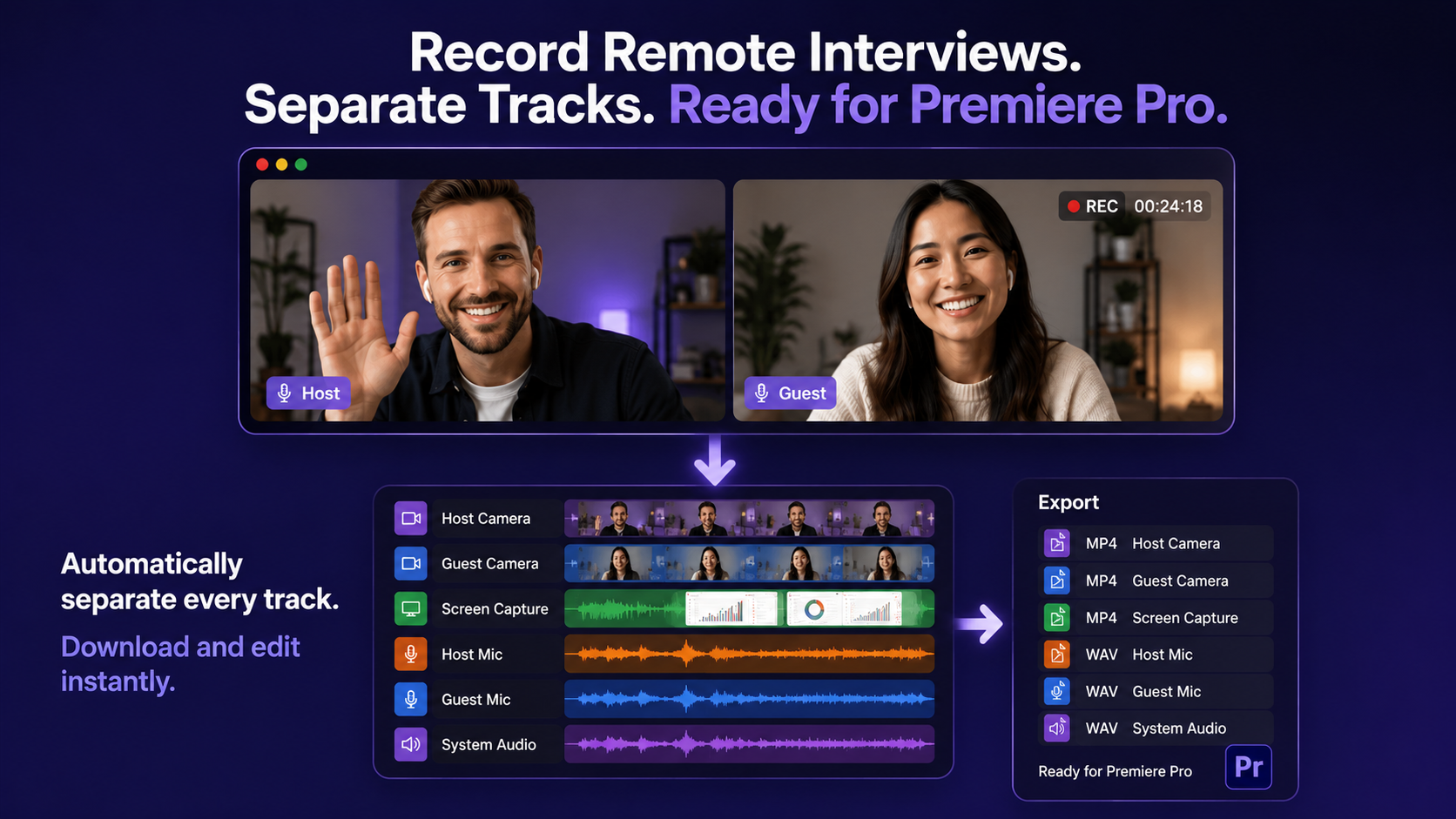
Best Way to Record Remote Interviews With Separate Tracks for Premiere Pro
Article
How to Record a Reaction Video with System Audio
Article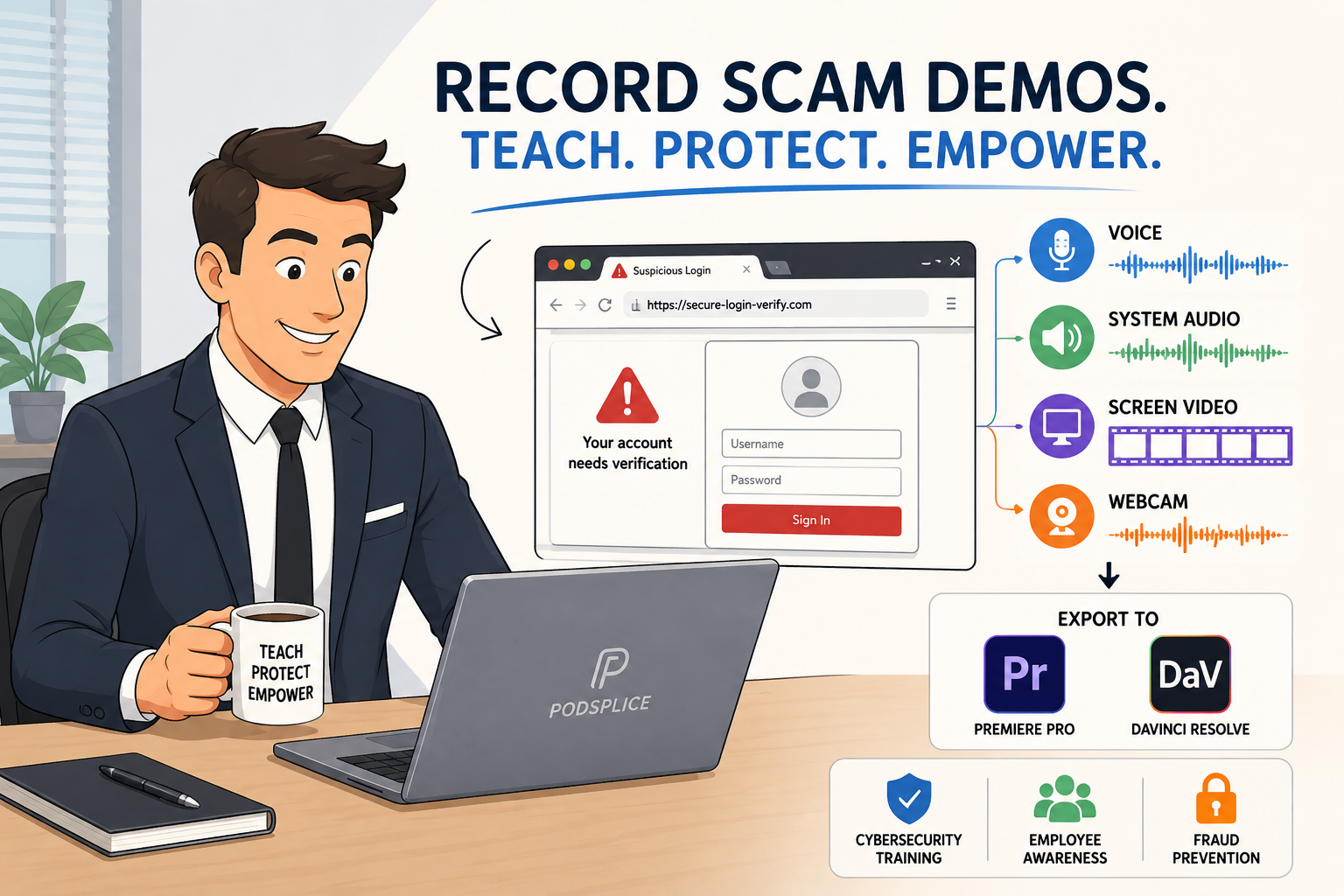
How to Record a Scam Website Demo with Screen, Voice, and System Audio
Article
Recording a Remote Double-Ender Podcast Interview
Article
How to Record YouTube Audio in a Reaction Video on Mac (Without QuickTime or Plugins)
Blog
Start Recording in Seconds
No downloads. No setup. Just hit record and share your story with the world in studio quality.
Looking for a Screen Recorder or Remote Recording tool?