
Beehiiv Podcasts: What You Need to Know
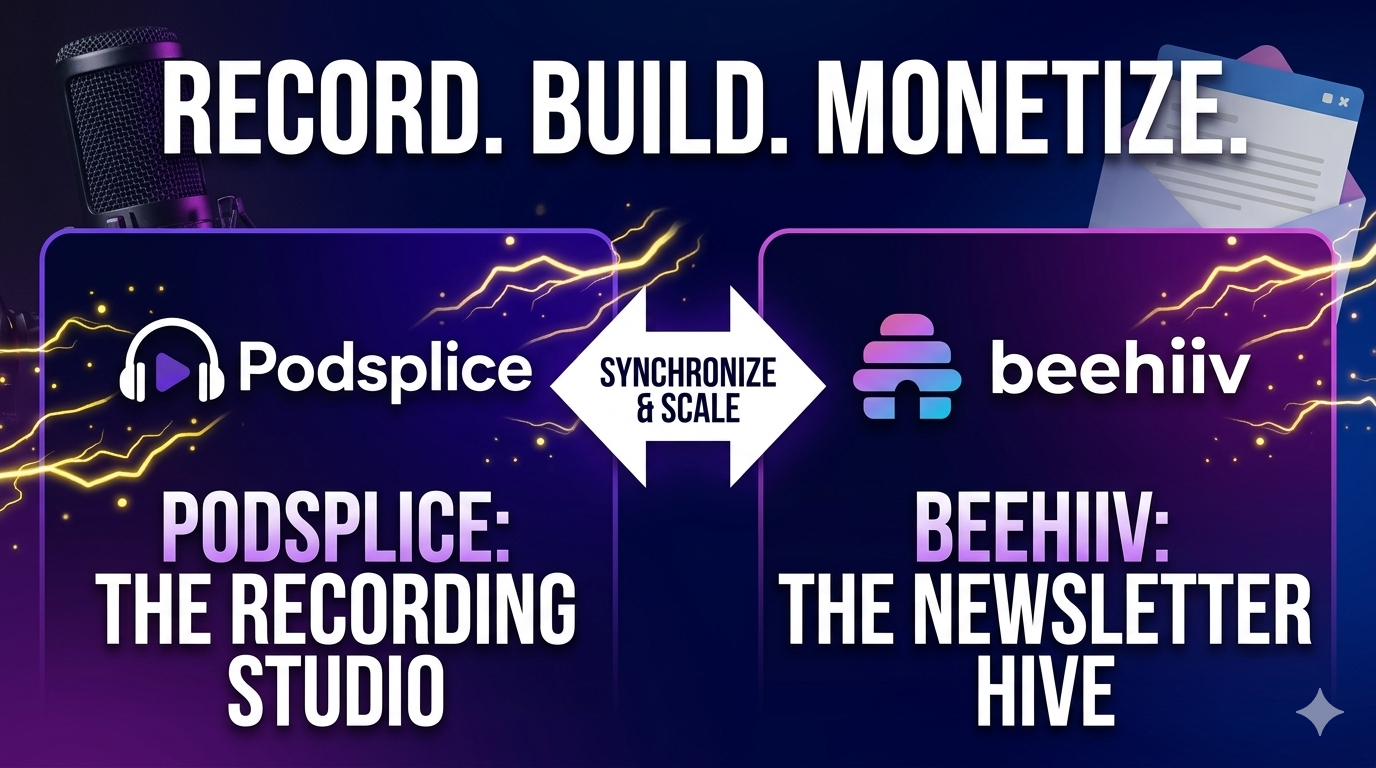
I just got this email update from beehiiv's CEO, Tyler Denk. "You can now launch, host, and monetize your podcast entirely on beehiiv."
Very cool. Beehiiv has officially entered the podcasting space. With the launch of their native podcasting suite in April 2026, newsletter creators can now host, distribute, and monetize their audio content all in one place—with 0% platform fees.
However, there is some confusion about what the platform actually does. Is it a recording studio? Does it replace tools like Podsplice or Riverside?
This guide clears up the most common questions and shows you the professional workflow for launching a studio-quality podcast on beehiiv.
The Beehiiv Podcast FAQ
Can I record a podcast on beehiiv?
No. It is important to understand that beehiiv is a world-class hosting and distribution engine, not a recording studio. You cannot record live audio or video directly inside the beehiiv dashboard. To get your show live, you record your episode in a professional studio like Podsplice first, then upload the finished file to beehiiv.
So think of beehiiv as a place to put your finished podcast once you have it ready. It is not where you record your podcast in the first place.
How do I record a podcast for beehiiv?
Recording a Podcast for beehiiv follows a simple three-step professional workflow:
Record: Use Podsplice to record your podcast. It records you and your guest locally (a "double-ender"), ensuring studio-quality sound regardless of internet glitches.
Download: Once your session is over, Podsplice provides a synced, high-fidelity file.
Upload: Log into your beehiiv dashboard, navigate to Publish > Podcasts, and upload your file. beehiiv then handles the distribution to Spotify, Apple Podcasts, and beyond.
Note: Podsplice isn't the only software you can use to record your podcast for beehiiv. But it is the easiest to use and gives you the highest quality output.
Here is an example video podcast I made with Podsplice. I could take this and upload it to beehiiv.
Can I record a 2-person remote podcast on beehiiv?
No. beehiiv provides the "Radio Station" (the hosting), but not the "Recording Studio." For remote interviews, you need a dedicated tool like Podsplice to host the call. It records both participants locally on their own computers, so you never have to worry about internet lag ruining the audio you eventually upload to beehiiv.
Does beehiiv have a recording studio like Substack?
While Substack recently added a built-in cloud-based recorder, beehiiv has chosen to remain a "Best-in-Class" growth and monetization engine. By pairing beehiiv with Podsplice, you get superior "Double-Ender" audio quality (which cloud recorders can't match) and you keep 0% of your revenue—unlike other platforms that take a 10% cut of your hard-earned subscriptions.
Also, Substack doesn't offer double-end (high-quality) podcasting either. This means that a remote interview podcast will not be nearly as sharp as it would be with Podsplice.
Does beehiiv offer "Double-Ender" local recording?
No. Local recording—capturing the audio directly from the microphone to the hard drive to avoid internet compression—is a specialized technical feature. Podsplice handles this "Double-Ender" process for you. This ensures that when you upload to beehiiv, your podcast sounds like it was recorded in a professional studio, even if your guest had a spotty Wi-Fi connection.
Learn more about the best way to record a remote interview podcast.
Can I use beehiiv’s AI to record my interviews?
beehiiv’s AI Voice Cloning is an incredible tool for solo narration. It can "read" your written newsletter aloud in your own voice. However, it cannot simulate a live, back-and-forth interview with a guest. For real human connection and dynamic conversations, you still need to record a live session with a tool like Podsplice.
Why is my beehiiv podcast audio quality low?
If you record a standard video call (like Zoom) and upload it to beehiiv, the audio has already been compressed by the internet. Even beehiiv’s "Audio Normalization" tool can’t fix "robotic" voices or digital glitches. Using Podsplice captures the raw, uncompressed microphone data, giving beehiiv’s AI tools a much higher-quality file to work with.
Can I host a video podcast on beehiiv?
Yes! beehiiv supports video podcast pages, which is huge for creators looking to compete on YouTube and Spotify. However, they don't record the video for you. You can use Podsplice to record 4K local video of you and your remote guest, then upload the finished MP4 to your beehiiv-hosted video pages for a premium visual experience.
Does beehiiv edit my podcast for me?
beehiiv offers Audio Normalization, which automatically balances your volume levels so your show isn't too quiet or too loud. However, it cannot remove background noise or fix awkward silences. Starting with a clean, high-bitrate file from Podsplice is the best way to ensure beehiiv’s normalization results in a professional-sounding show.
Does beehiiv take a cut of my podcast revenue?
One of the best reasons to choose beehiiv is their 0% revenue tax. While "all-in-one" platforms often take 10% of every dollar you make, beehiiv lets you keep 100% of your subscription earnings. This makes the Podsplice + beehiiv stack the most profitable choice for professional creators: you pay for the best recording quality up front and keep all the profit on the back end.
The Professional Creator’s Stack
If you are serious about building a media brand on beehiiv, don't settle for "good enough" audio. Use Podsplice to capture the best version of your voice and beehiiv to share it with the world.

About the Author
Andrew Best
Andrew Best is an entrepreneur, educator, and AI expert with over two decades in online marketing. He co-founded China232 — a podcast and learning platform with 10M+ downloads — and later 88Herbs, a premium supplement company. Andrew now focuses on helping creators leverage AI for podcasting, screen recording, and YouTube content through Podsplice.
More from Podsplice
How to Record Full Screen Webcam and Screen Share at the Same Time
Article
Send Podsplice transcripts to Notion
Article
System Audio vs. Tab Audio: Important Differences for High-Quality Screen Recording
Article
How to Record YouTube Audio in a Reaction Video on Mac (Without QuickTime or Plugins)
Blog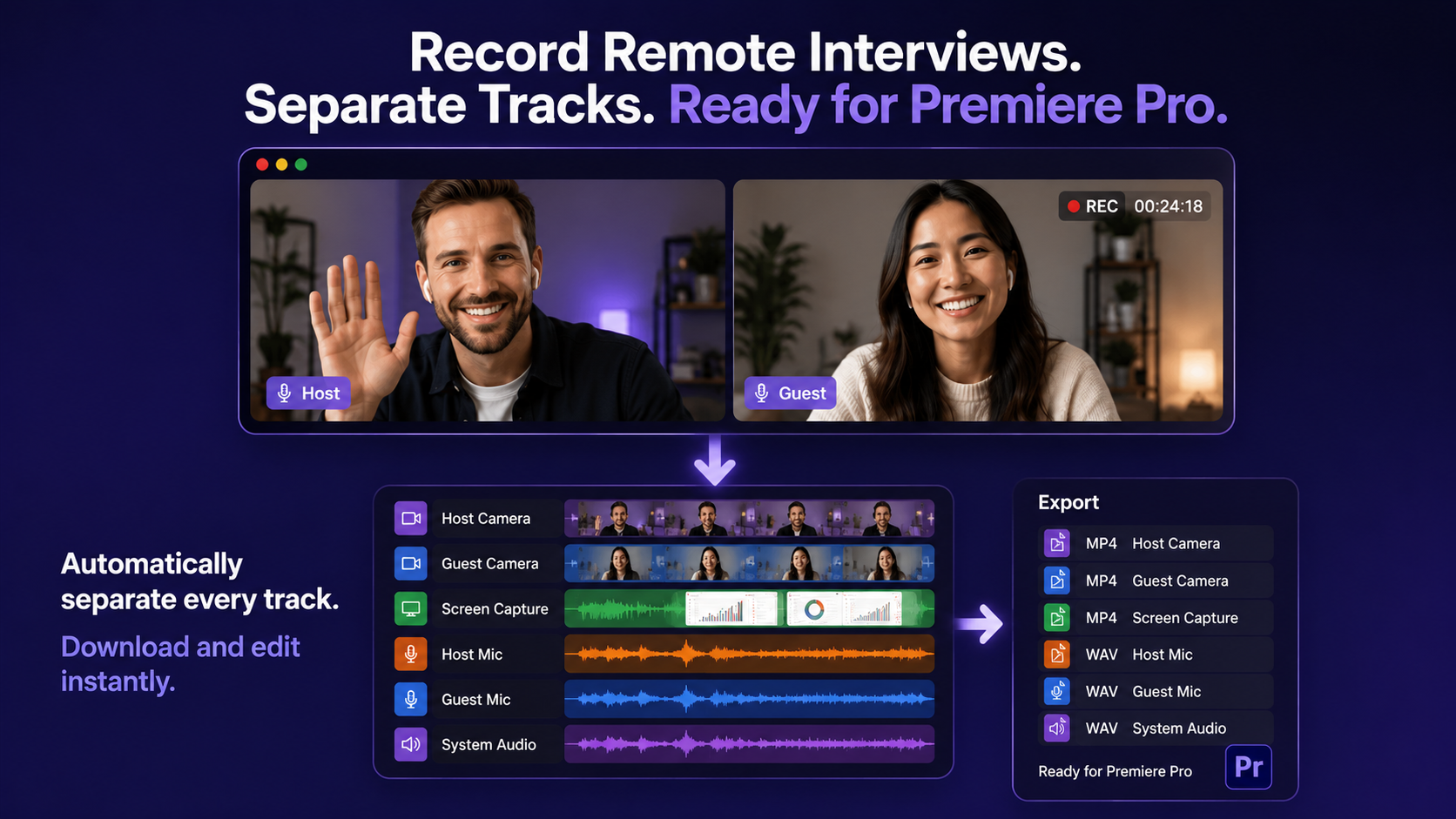
Best Way to Record Remote Interviews With Separate Tracks for Premiere Pro
Article
Start Recording in Seconds
No downloads. No setup. Just hit record and share your story with the world in studio quality.
Looking for a Screen Recorder or Remote Recording tool?