
Screen Recording Software That Posts Directly to YouTube
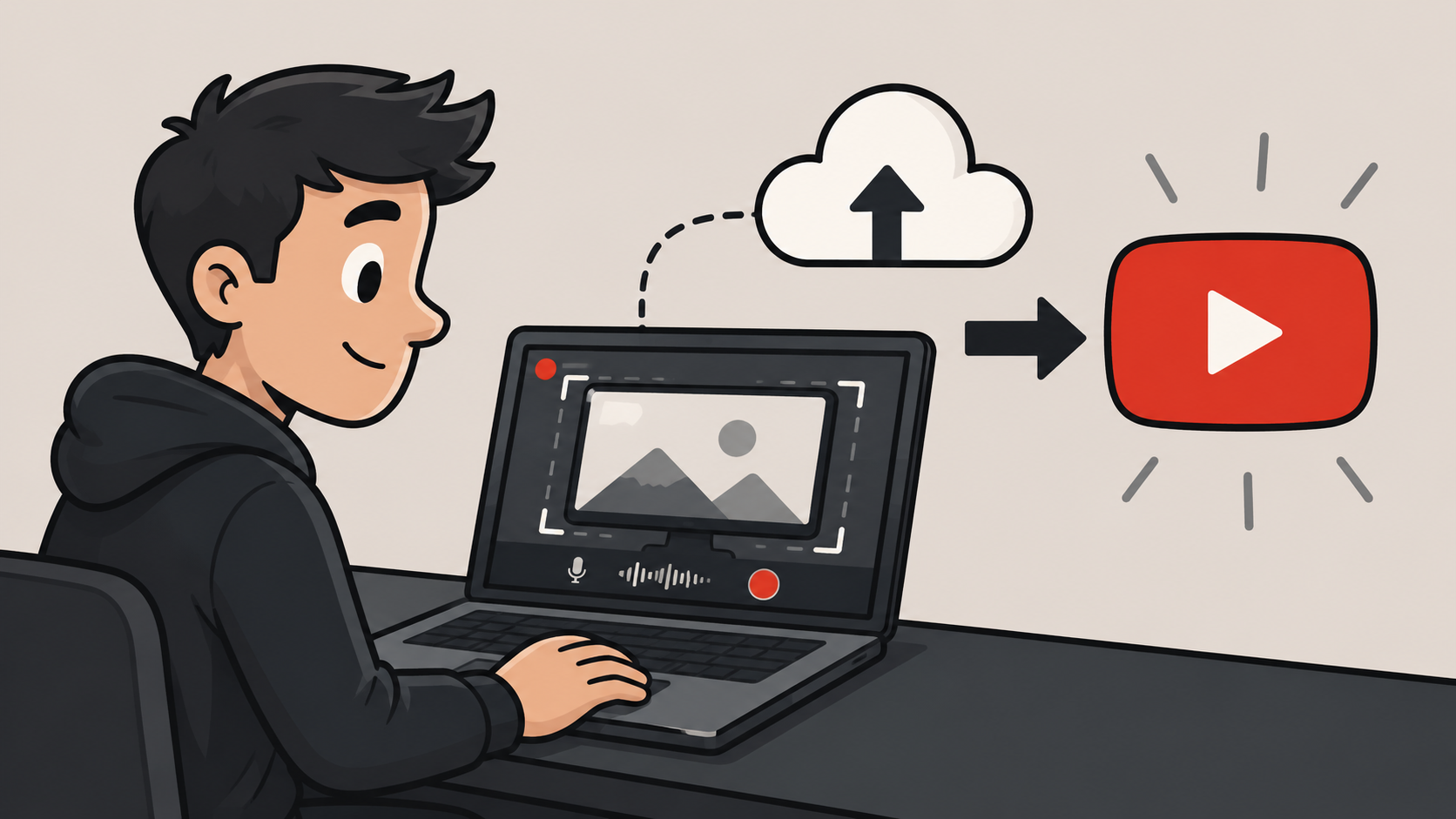
Podsplice is browser-based screen recording software that lets you record your screen, make quick edits in the cloud, and publish directly to YouTube without exporting large video files to your computer.
Record, Edit, and Publish in the Cloud
Most screen recording software stops after recording.
You still need to export the file, wait for it to render, upload it to YouTube, and wait again while YouTube processes it.
Podsplice keeps the workflow in the cloud. Record your screen, review the recording, make quick edits, and publish directly to your connected YouTube channel from the same browser-based workspace.
This is just one of the features that make Podsplice the best screen recording software.
My Experience:
I used to make my screen recording videos with Canva's screen recorder. I originally switched to Podsplice because Canva couldn't record the system audio from YouTube videos I was reacting to in my reaction videos.
I'm now finding that this direct upload to YouTube feature is saving me so much time. I'm able to create double the content in the same amount of time. This next point is a huge one too.
Turn Screen Recordings Into Shorts
Sometimes the most valuable part of a screen recording is a 30-second clip.
Podsplice can automatically create short clips from longer recordings, add karaoke-style subtitles, and publish to connected social channels, including YouTube Shorts, Instagram, Facebook, and TikTok.
Learn more about our Shorts creator and automatic clip generation.
Here are a couple of examples of faceless screen recordings I made with Podsplice for a new channel. I make a wide video and a vertical video at the same time. The vertical video gets auto-posted from within Podsplice to my YouTube shorts feed, TikTok, Facebook, and Instagram in one click.
Built for Creators, Teams, and Agencies
Whether you're creating tutorials, software demos, reaction videos, training content, or client content, Podsplice helps simplify the path from recording to publishing.
For agencies and teams, Brand Profiles help keep recordings, assets, and connected social accounts organized across multiple clients.
Learn more about the Agency workflow and Brand Profiles.
Final Thoughts
If you're looking for screen recording software that posts directly to YouTube, Podsplice combines browser-based recording, cloud editing, short-form repurposing, and direct social publishing in a single workflow.

About the Author
Andrew Best
Andrew Best is an entrepreneur, educator, and AI expert with over two decades in online marketing. He co-founded China232 — a podcast and learning platform with 10M+ downloads — and later 88Herbs, a premium supplement company. Andrew now focuses on helping creators leverage AI for podcasting, screen recording, and YouTube content through Podsplice.
More from Podsplice

Record Stereo Tab Audio in Chrome
Article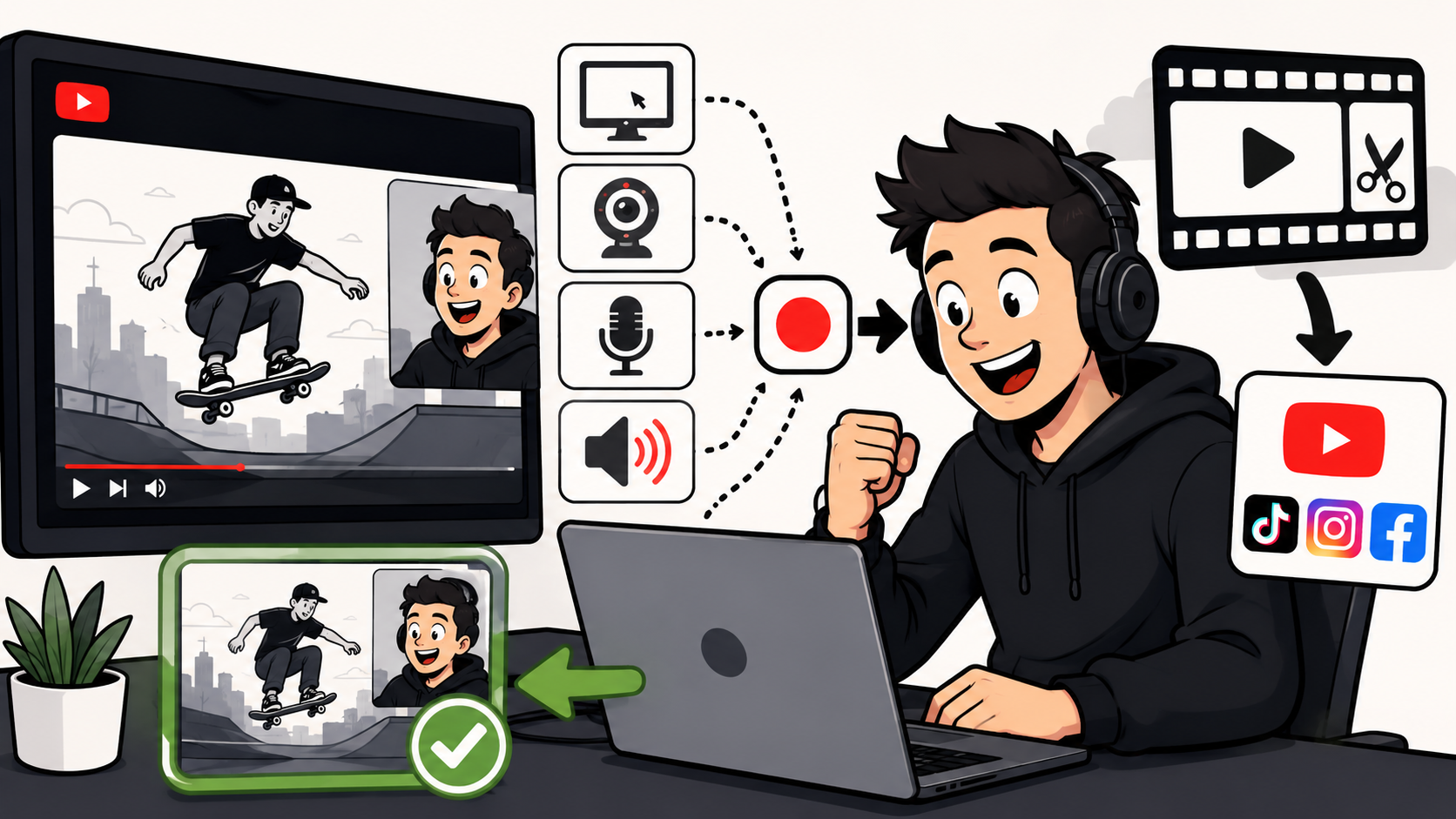
How to Make Reaction Videos on a Mac: The Easiest Way in 2026
Article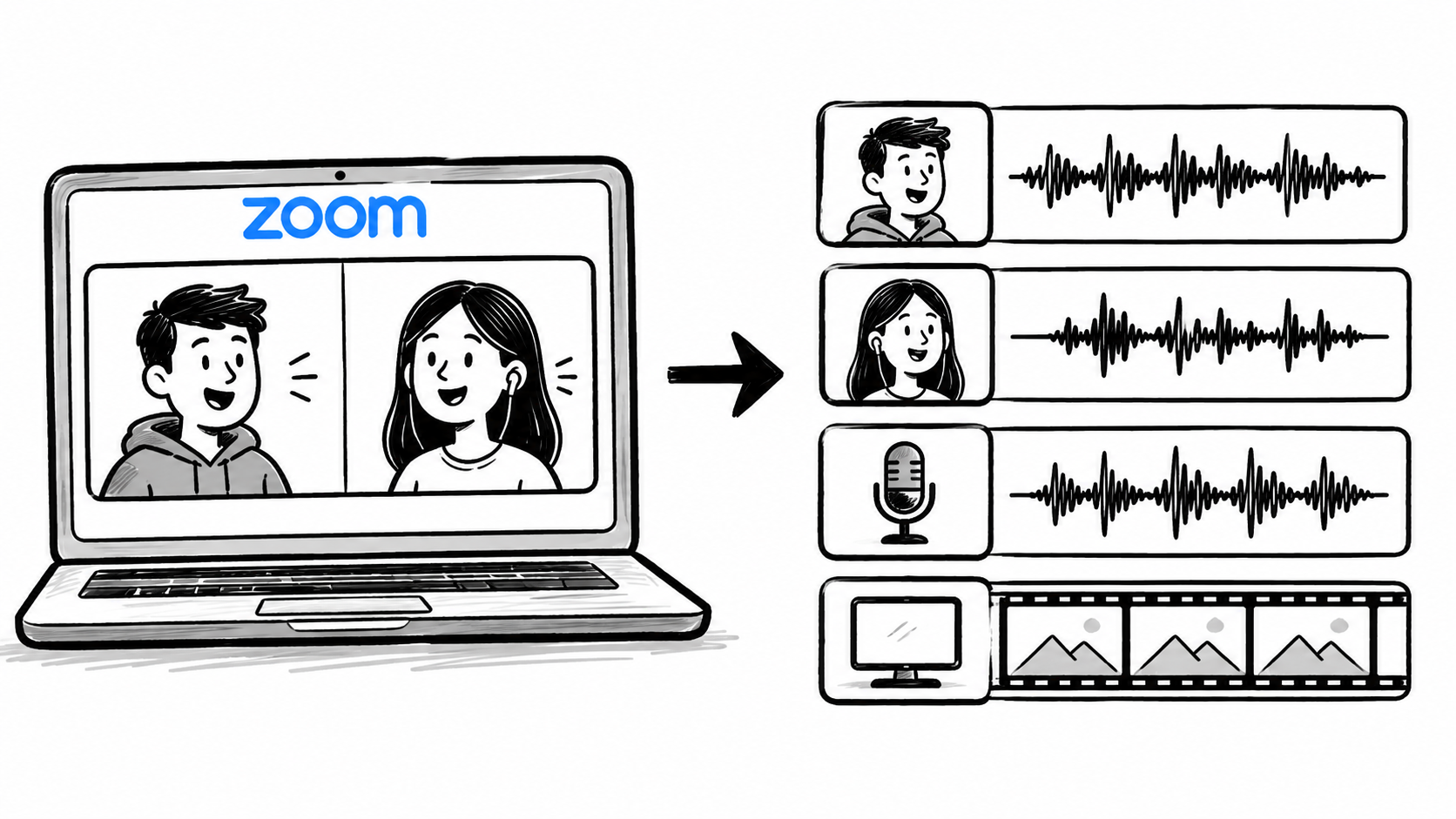
How to Record Zoom Meetings With Separate Tracks for Editing
Article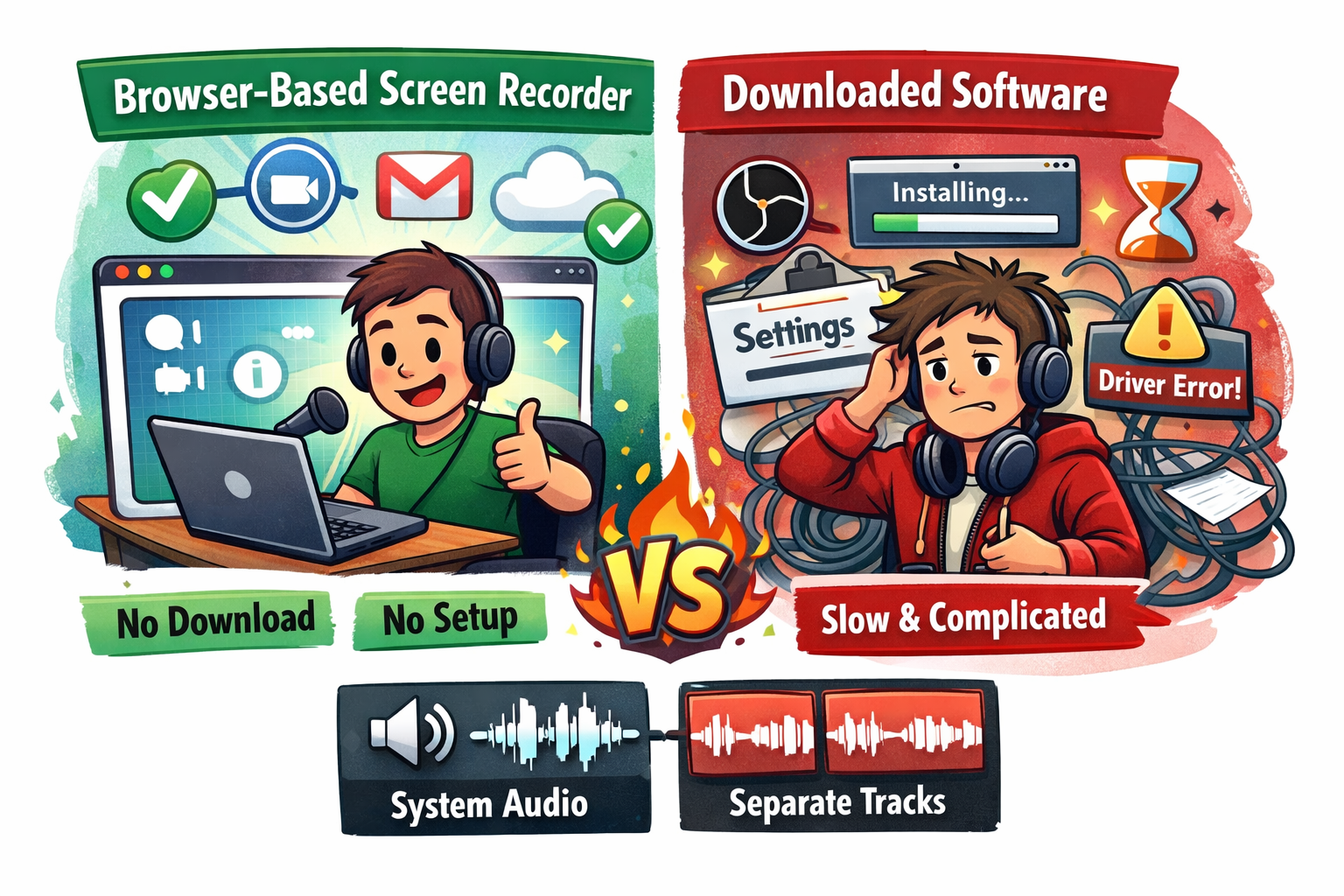
Best Browser-Based Screen Recorder (No Download, No Setup)
Blog
Best Browser for Recording System Audio on Mac and Windows
Article
Start Recording in Seconds
No downloads. No setup. Just hit record and share your story with the world in studio quality.
Looking for a Screen Recorder or Remote Recording tool?