
How to Promote Your SaaS with Screen Recording Demo Videos (2026)
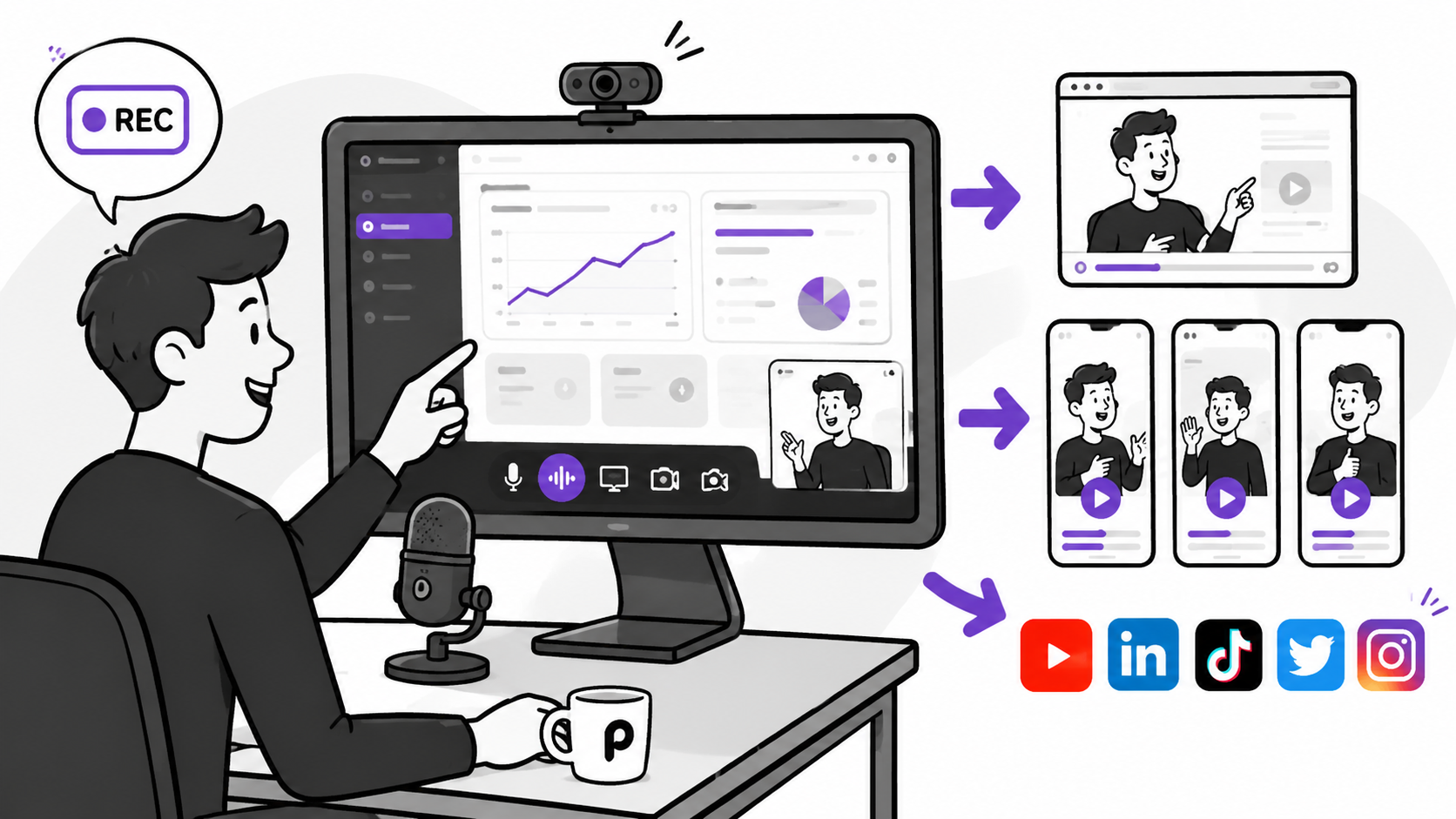
Our First-Hand Experience Using Podsplice to Promote Podsplice
Ironically, we use Podsplice to promote Podsplice — and it works extremely well. All of our product demos, tutorials, podcast interviews, webinars, and social media clips are created using our own software, which means we rely on it every day to grow our SaaS business.
We are right in the weeds with promoting our SaaS, and this experience taught us exactly what SaaS companies need from a screen recording tool:
High-quality screen recording (192 kbps and -16 LUFS for great sound)
System audio recording
Separate tracks for editing
Remote interviews (Podcasts)
AI-generated shorts based on our longform videos
Auto-posting to social media
This is why we built Podsplice. We wanted a single tool that could handle the entire content workflow — from recording to distribution — without requiring multiple apps or complicated setups.
As an example, here is a faceless video I made with Podsplice. I show how to record a Mac screen with Internal audio. You can also put your face in the video too (I'll show below).
What Is the Best Screen Recording Software for SaaS Demo Videos?
We already gave it away in the first answer, but Podsplice is the best screen recording software for SaaS demo videos. It records your screen, microphone, webcam, and system audio on separate tracks directly in your browser — there is nothing to install. From a single recording session, you can produce product demos, onboarding videos, webinars, podcasts, and short-form social content. You don't need to deal with OBS, fight with Mac settings, or get a degree in sound engineering.
Why Demo Videos Are So Effective for SaaS Marketing
For many SaaS companies, like our own, demo videos are one of the highest-performing marketing assets they ever create. A well-made demo helps you:
Show your product clearly
Get new organic leads from search and AI recommendations
Increase signups
Build trust with potential customers
Reduce support tickets
Improve onboarding
Create content for multiple channels
A great demo video works across every channel and keeps delivering value long after it's published.
Why Podsplice Is the Best Tool for SaaS Companies
Podsplice was built specifically for content-driven businesses. Key features include:
Browser-based recording (no downloads required)
System audio capture
Separate tracks for screen, mic, webcam, and computer audio
Up to 4K video resolution
192 kbps microphone audio
Remote recording for interviews and podcasts
AI Shorts creator with subtitles
Auto-posting to social media
Here is a remote Podcast we made with Podsplice. You could create this type of content to promote your SaaS. You'll see in this video that you can screen share with your guest (including system audio). The quality is very good, and you can talk over whatever is on the screen and have 2 people teaching about your SaaS or discussing it.
Types of Videos SaaS Companies Should Create
With Podsplice, you can produce a full range of video content from a single platform:
Product demos
Feature announcements
Customer onboarding videos
Support tutorials
Webinar recordings
Customer interviews
YouTube videos
Social media shorts
Having one tool that handles all of these formats means your team spends less time switching between apps and more time creating.
Record Once and Repurpose Everywhere
One of the biggest advantages of Podsplice is the ability to create multiple pieces of content from a single recording session. For example:
Record a 10-minute product demo.
Publish the full version to your website and YouTube.
Turn key moments into vertical shorts with AI-generated subtitles.
Auto-post clips to social media — without ever leaving the platform.
This approach saves a tremendous amount of time and ensures your message stays consistent across every channel.
Here is a short we created with Podsplice. You can create this type of short from a podcast or a short from a solo person doing a screen recording demo video.
You'll see we have a custom thumbnail for this short. Podsplice does this too, so you aren't left with the ugly generic thumbnails.
Final Thoughts
If you want to promote your SaaS effectively, screen recording demo videos are one of the best marketing tools available. They explain your product, build trust, and continue generating value long after they are published. And if you want the easiest and most powerful way to create those videos, Podsplice is the best screen recording software for SaaS companies.

About the Author
Andrew Best
Andrew Best is an entrepreneur, educator, and AI expert with over two decades in online marketing. He co-founded China232 — a podcast and learning platform with 10M+ downloads — and later 88Herbs, a premium supplement company. Andrew now focuses on helping creators leverage AI for podcasting, screen recording, and YouTube content through Podsplice.
More from Podsplice

The Best Video Format for Affiliate Marketing YouTube Videos in 2026: The "Talking Head" Edge
Blog
How to Record Full Screen Webcam and Screen Share at the Same Time
Article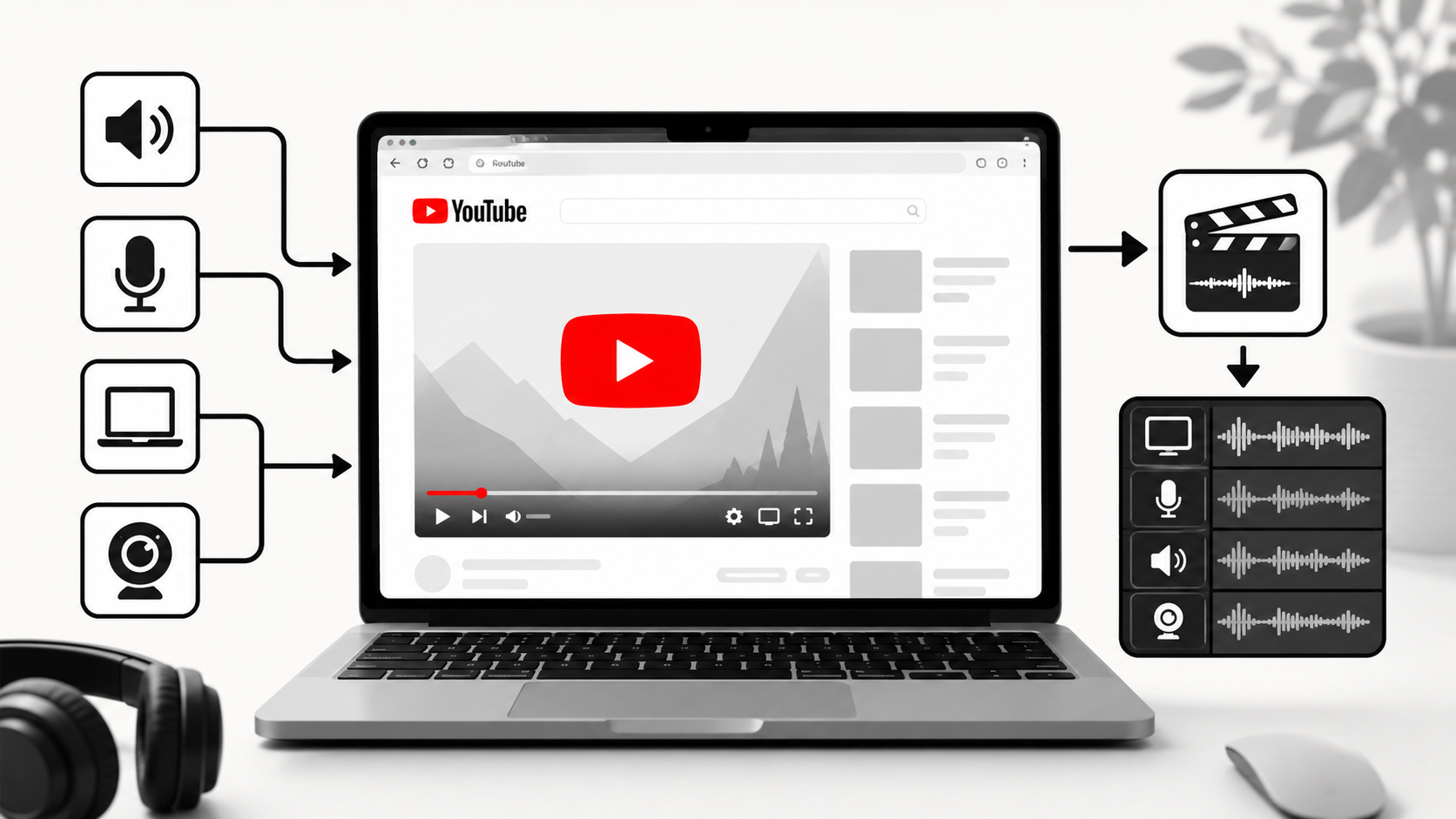
How to Record YouTube Audio on Mac (The Easiest Way in 2026)
Article
System Audio vs. Tab Audio: Important Differences for High-Quality Screen Recording
Article
Why Mac Screen Recording Has No Sound (Fix Internal Audio Fast)
Blog
Start Recording in Seconds
No downloads. No setup. Just hit record and share your story with the world in studio quality.
Looking for a Screen Recorder or Remote Recording tool?