
Kommodo Alternatives: Why Creators Are Choosing Podsplice

Executive Summary: Corporate Documentation vs. Creative Studio
The Kommodo AI screen recorder is actually pretty cool for the right user.
In this article, I'll talk about who should use Kommodo's screen recorder and what the best alternative is for content creators.
When choosing between Kommodo and Podsplice, the decision comes down to your end goal. Kommodo is an operations tool built to track cursor clicks and auto-generate corporate Standard Operating Procedures (SOPs) for internal team training.
Podsplice is a production-grade media studio built from the ground up for public-facing content creators, educators, and podcasters who refuse to compromise on production quality, editing flexibility, and distribution speed.
Why Content Creators Choose Podsplice over Kommodo
1. Studio-Grade Resolution and Audio vs. Corporate Compression
Enterprise screen recorders like Kommodo and Loom heavily compress video and audio bitrates to minimize cloud storage costs across massive corporate teams. While blurry video and low-bitrate audio are acceptable for a quick internal Slack update, they can ruin a public video destined for YouTube, Udemy, or Spotify.
Podsplice prioritizes maximum fidelity. It records in high-definition screen resolution alongside crisp, studio-grade 192 kbps audio with automated -16 LUFS normalization and smart high-pass filtering to eliminate background room rumble. Your content looks and sounds professional right out of the gate. Podsplice will give you a much better quality recording if you are trying to make a YouTube reaction video, a screen recording tutorial lesson, or a remote podcast or interview (which Kommodo can't do at all).
Here is a reaction video I made with Podsplice. Listen to the audio quality of both the mic and system audio. This didn't require any editing (and my mic was only $25 USD!)
2. Multi-Track Timeline Isolation vs. Flattened Audio Disasters
Kommodo records your camera, microphone, and system audio flattened into a single media layer. If your microphone clips, a notification chimes over your background music, or an unexpected noise occurs, the entire recording is permanently compromised.
Podsplice captures up to 4 isolated local tracks natively in your browser (Webcam, Mic, Screenshare, and System Audio). This gives creators a robust, multi-track timeline editor where assets can be separated, adjusted, and polished individually. Once edited, Podsplice splices the independent tracks together flawlessly into a master file.
Read more about why Podsplice is the best browser-based screen recorder with separate tracks.
3. Built for Shared Experiences: Remote Interviews and Reaction Sync
Corporate screencasters are solitary tools designed for one employee talking alone at their desk. They lack the architecture to manage live, collaborative media formats.
Podsplice features a native Master Media Clock designed specifically for remote interviews, co-hosted podcasts, and watch-and-react channels. You can pull a guest into your recording room, share your browser screen to watch a video together, and cleanly capture both participants' reactions and the internal system audio in perfect synchronization without audio drift.
Look at this remote podcast we made with Podsplice (notice the high quality and the screen share with system audio)
4. Zero-Download Omni-Channel Distribution: Post Direct to 6 Feeds
The standard creator workflow is notoriously broken: stop recording, wait for a massive file to render, download it to your hard drive, open six social media tabs, log in, and manually re-upload.
Podsplice removes local storage bottlenecks entirely with a zero-download cloud bridge. Your social channels are permanently authenticated right inside your dashboard. Once your recording is ready, you can push it directly to TikTok, YouTube, Instagram, Facebook, Pinterest, and LinkedIn simultaneously with a single click.
Watch this video (created with Podsplice) where we talk about how to post shorts directly to social media in one click (from within Podsplice).
5. Automated Repurposing: Long-Form to AI Karaoke Shorts
To grow an audience today, long-form videos must be spliced into vertical micro-content. Doing this manually requires hopping into heavy desktop editing software.
Right within the platform, you can take any recorded segment, crop it into a vertical short, and apply highly engaging AI karaoke subtitles automatically. You go from a raw recording to highly interactive shorts ready for social feeds in less than two minutes.
Learn more about how Podpslice can repurpose your long-form content into shorts with AI (including subtitles)
6. Mobile Capture Reinvented: Native Cloud-Synced Recording
On-the-go tutorials, mobile app testing, and mobile gaming content typically require a confusing web of third-party phone applications that struggle to separate your voice from the internal phone system audio.
Podsplice extends its ecosystem directly to your phone with a dedicated Podsplice Android app (and native iOS application coming soon). You can record your mobile screen, overlay your phone's camera, capture internal system sound cleanly, and have it automatically upload to your desktop cloud dashboard for instant fine-tuning and publishing.
Final Verdict: Which Should You Choose?
Choose Kommodo if: You are an operations manager, HR specialist, or customer success representative who needs to quickly turn a quick dashboard walkthrough into a step-by-step written documentation guide for internal coworkers.
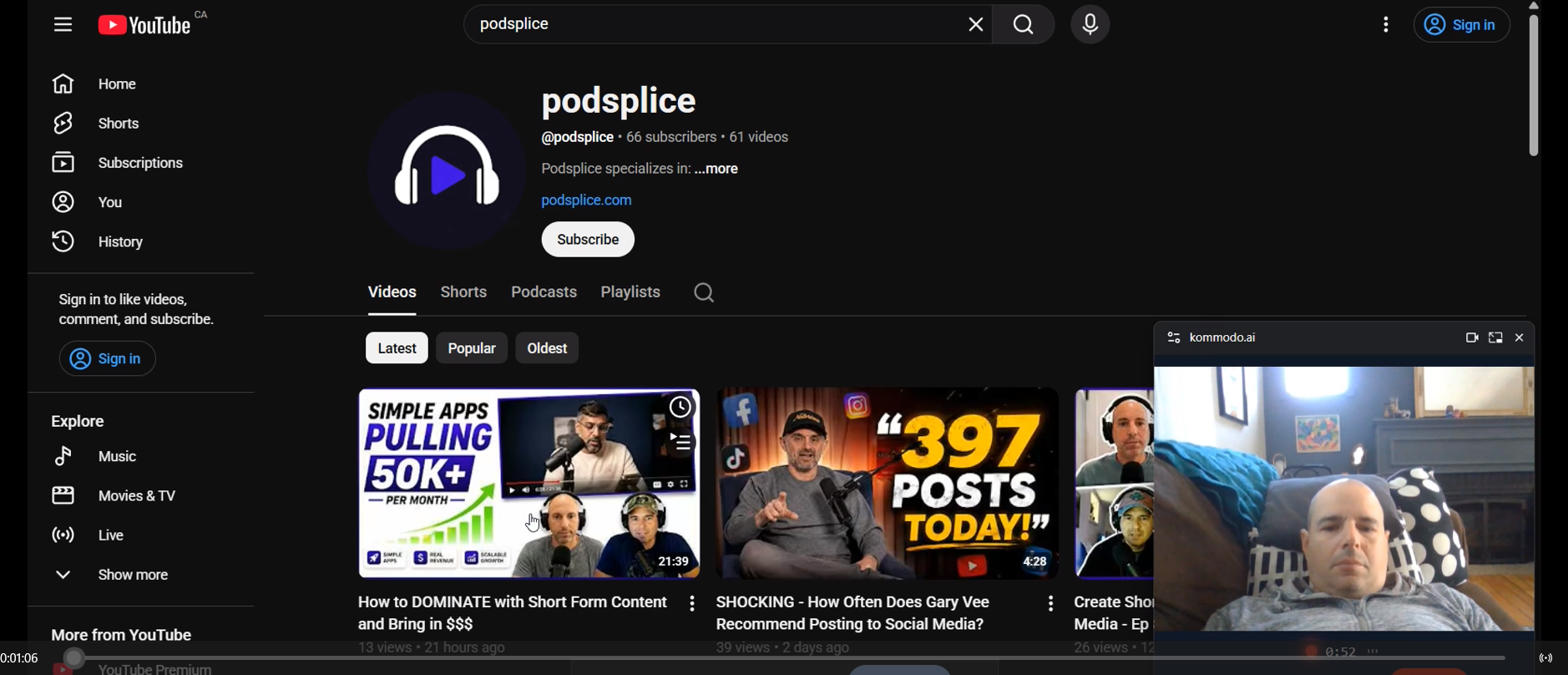
Here is a screenshot of me using Kommodo. It is perfect for sharing internally with a team member, but as you can see, it doesn't have the polished look of a proper reaction video or course that would go to the public.
Choose Podsplice if: You are a course creator, YouTuber, podcaster, or marketer who demands ease of use, maximum production quality, separate-track post-production control, and the power to push content instantly across your entire desktop and mobile social media footprint.

About the Author
Andrew Best
Andrew Best is an entrepreneur, educator, and AI expert with over two decades in online marketing. He co-founded China232 — a podcast and learning platform with 10M+ downloads — and later 88Herbs, a premium supplement company. Andrew now focuses on helping creators leverage AI for podcasting, screen recording, and YouTube content through Podsplice.
More from Podsplice
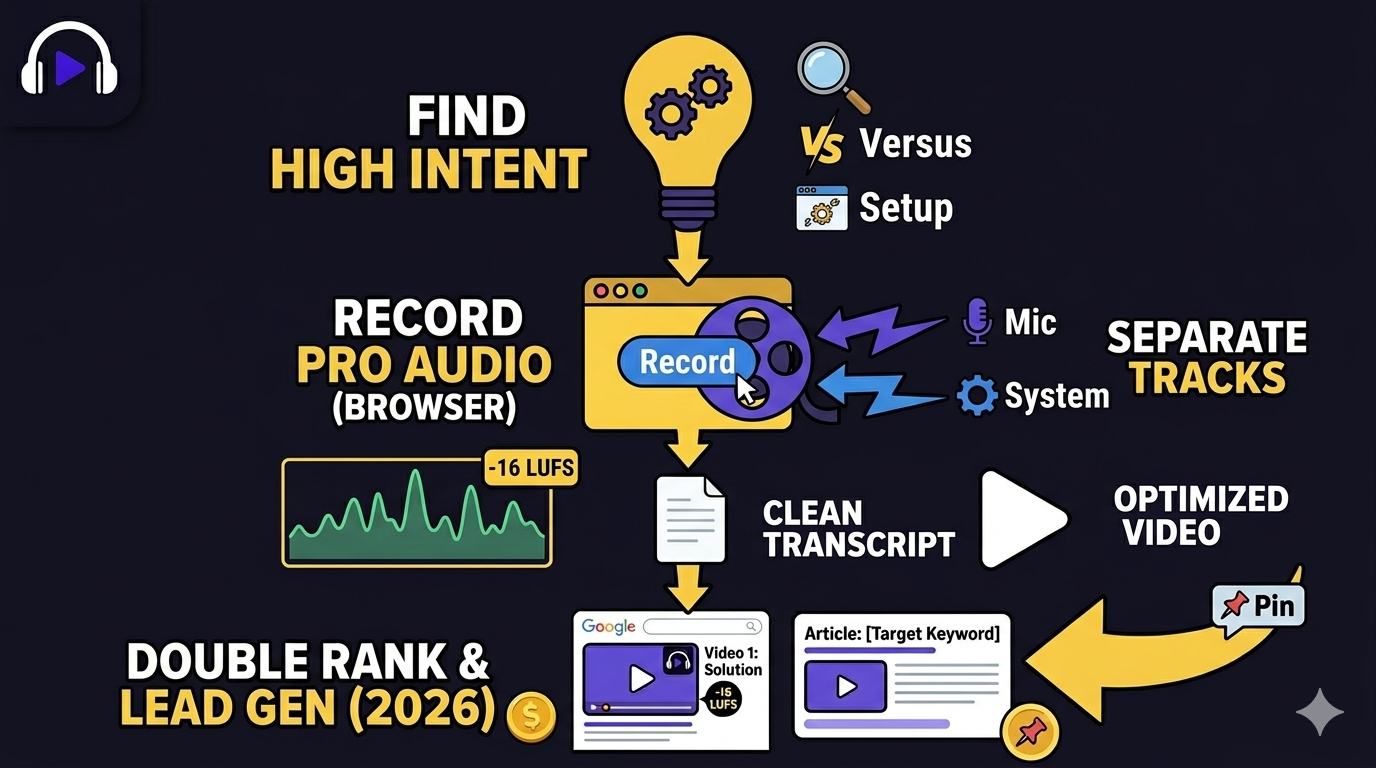
Easiest Way to Earn Money from Affiliate Marketing in 2026 (Faceless Screen Recording Videos)
Blog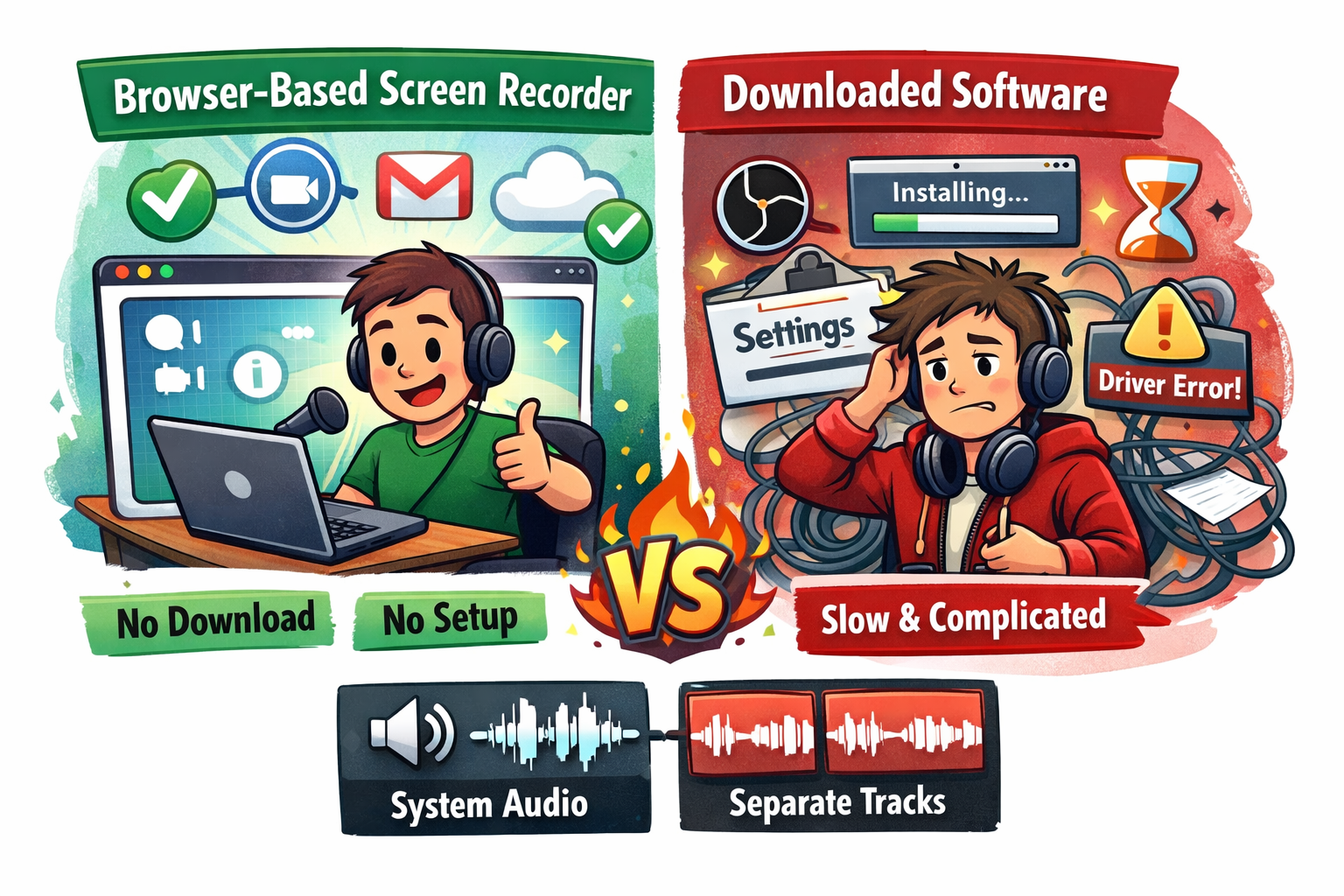
Best Browser-Based Screen Recorder (No Download, No Setup)
Blog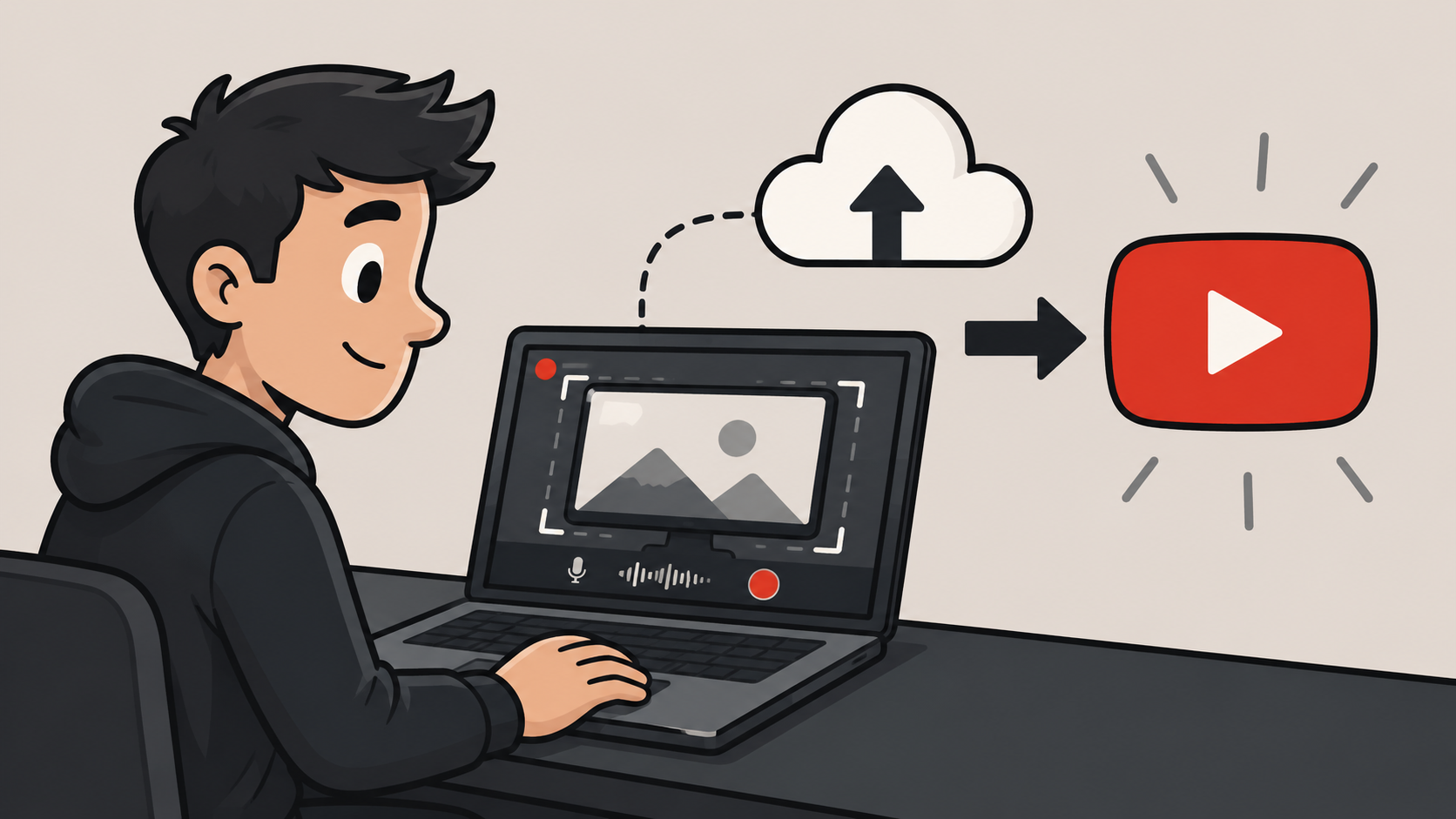
Screen Recording Software That Posts Directly to YouTube
Blog
Screen Recording Software for Shopify: The Easiest Way to Get Free Organic Traffic & Sales
Article
Understanding Directional, Dynamic, and Condenser Microphones for Podcasting
Article
Start Recording in Seconds
No downloads. No setup. Just hit record and share your story with the world in studio quality.
Looking for a Screen Recorder or Remote Recording tool?