
The Best Video Format for Local SEO (And the Easiest to Make)
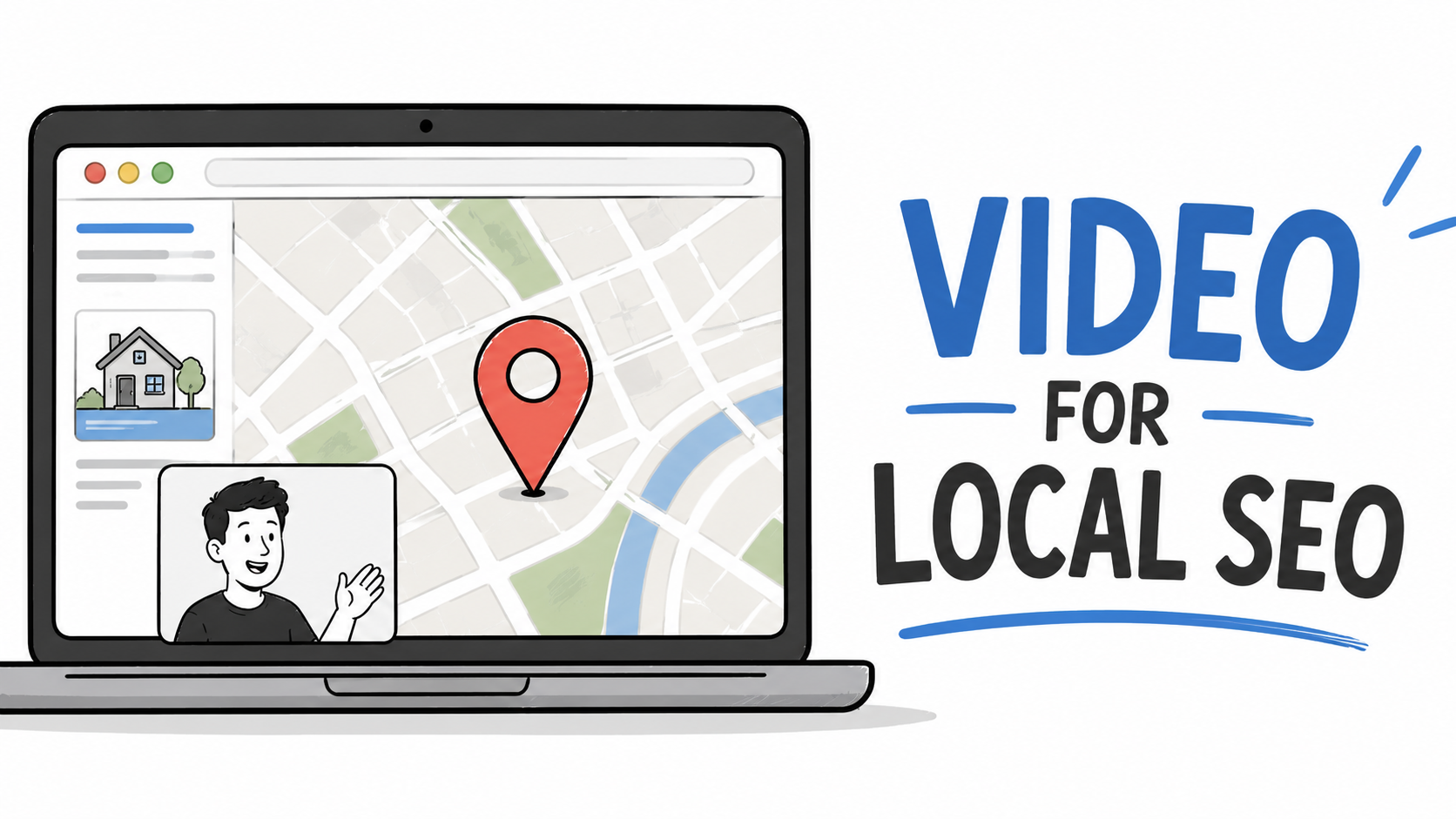
The best video formats for local SEO are simple screen recordings and reaction videos.
They're easy to create, demonstrate expertise, and generate transcripts that are used by Google, Google's AI Mode, ChatGPT, Perplexity, and other AI search engines when answering questions.
These videos aren't designed to go viral.
They're designed to generate leads.
You can beat out your competition with local SEO video because most local businesses are afraid of making videos (even though I'll show you a super easy way to do it). They think flooding their websites with hundreds or even thousands of AI-generated articles and blog posts is the way to go. But the truth is, those posts usually get buried in the search results or get your website penalized.
Why Reaction videos and Screen Recordings?
Most local businesses create little or no video content because they think it requires:
Cameras
Lighting
Editing
Videography skills
Good personality or being good on camera
In reality, some of the most effective local SEO videos can be created in minutes (I'll give you a video example at the bottom of this article).
The focus should be on expertise, not production quality.
A useful explanation of a common customer problem is often more valuable than a highly polished marketing video.
Also, if you are one of the only people in your area creating these videos, then your video will be the one shown. It's like winning a game because the opposing team didn't show up to the match.
Format #1: Reaction Videos
Reaction videos are one of the fastest ways to create useful content.
Find:
A YouTube video (or TikTok, Instagram, etc)
A news story
An educational animation
An industry update
Then record your screen and add your own commentary.
Learn how to record a YouTube reaction video.
Dentist Example
If you are a local dentist, you can react to a root canal animation and then explain what patients should actually expect when they come into your clinic.
In the video description, you will link to your website, and you'll mention where your clinic is (which city, etc.) That is all the info you need to say to get local search.
HVAC Example
An HVAC company owner can react to a video about frozen AC coils and explain how homeowners can identify the problem.
The original content provides the visuals.
You provide the expertise. And once again, you would say verbally where your business is, and write that in the video description.
These reaction videos will play the video you are reacting to while also recording your face (webcam - if you want to show your face), your mic (your voice, and the system audio (the sound coming from the YouTube video you are reacting to.
Note: Many screen recording software products do not record system audio.
Learn why Podsplice is the best screen recorder for creators.
Format #2: Screen Recording Explanations
You don't even need another video to react to.
Open:
A webpage
A diagram
A PDF
A map
A search result
An article on your website
Then explain what you're seeing. You can choose to show your face in the corner or go faceless and just use your voice.
Dentist Example
Open a page about dental implants and explain costs, recovery time, and common misconceptions. Again, mention who you are and where your clinic is.
The entire video transcript will be known to ChatGPT, Google, and Perplexity. Your video might show up in the search results, or you will be recommended by AI for a search query.
For example, "What is a good dentist in Houston for dental implants?"
You could easily show up as the number one recommendation.
HVAC Example
Open a diagram showing how an air conditioner works and explain the most common causes of breakdowns. Then explain how people in your area go to you for this service.
This format is incredibly simple while still demonstrating expertise.
This strategy works for almost any local business:
Dentists
HVAC companies
Chiropractors
Lawyers
Realtors
Roofers
Accountants
Mortgage brokers
Veterinarians
I'm just listing a few that come to mind, but you get the idea.
Quality Matters
This strategy works because the content is useful.
The goal is not to create AI-generated spam.
The goal is to answer real customer questions clearly and accurately.
The better your explanation, the more valuable your content becomes to both people and AI search systems.
This isn't Hollywood. Great content just means a clear recording and a good explanation.
You don't need multiple camera angles or drone footage.
Don't Forget System Audio
If you're creating reaction videos, you'll need system audio.
Many screen recorders still struggle with this.
Being able to capture YouTube audio, news clips, and educational videos makes reaction content significantly easier to create.
As mentioned above, Podsplice is perfect for this. It is also browser-based, so you don't need to install anything. It is an incredibly easy software to use.
Turn Long Videos Into Shorts
After recording a video, you can create additional content from the same recording.
Podsplice can automatically generate short videos from your long-form content.
AI subtitles
Karaoke captions
Shorts
Social media clips
and publish them directly to social media platforms like:
YouTube
TikTok
Instagram
Facebook
LinkedIn
Because Podsplice is browser-based, there's no downloading, exporting, and re-uploading between multiple tools.
See It In Action (Local Real Estate Example)
In the video example above, I show how local real estate agents can use Podsplice to make videos, shorts, and publish to social media.
I then used Podsplice to create shorts from that same video, including the karaoke subtitles that help the videos perform well on channels like TikTok, YouTube Shorts, Instagram, and Facebook. And I can publish them all in one click.
Bonus Format: Local Interviews and Podcasts
Another great format is a remote interview or podcast. These can also be created with Podsplice. Here is an example of a recent podcast episode we made. Imagine interviewing someone in your area about your service. These also convert very well into new paying customers and show up well in local SEO searches.
Get Podsplice and start driving more local SEO traffic.

About the Author
Andrew Best
Andrew Best is an entrepreneur, educator, and AI expert with over two decades in online marketing. He co-founded China232 — a podcast and learning platform with 10M+ downloads — and later 88Herbs, a premium supplement company. Andrew now focuses on helping creators leverage AI for podcasting, screen recording, and YouTube content through Podsplice.
More from Podsplice
How to Create a Coaching Booking Page in 5 Minutes (Step-by-Step with Calendar)
Article
YouTube vs. Cold Calling for Real Estate Agents: Which Gets Better Leads?
Article
Beehiiv Podcasts: What You Need to Know
Blog
How to Record an Online Coaching Call (Easy + High Quality)
Article
How to Record a Reaction Video with System Audio
Article
Start Recording in Seconds
No downloads. No setup. Just hit record and share your story with the world in studio quality.
Looking for a Screen Recorder or Remote Recording tool?