
Repurposing: Turn Long Podcasts into Viral Shorts
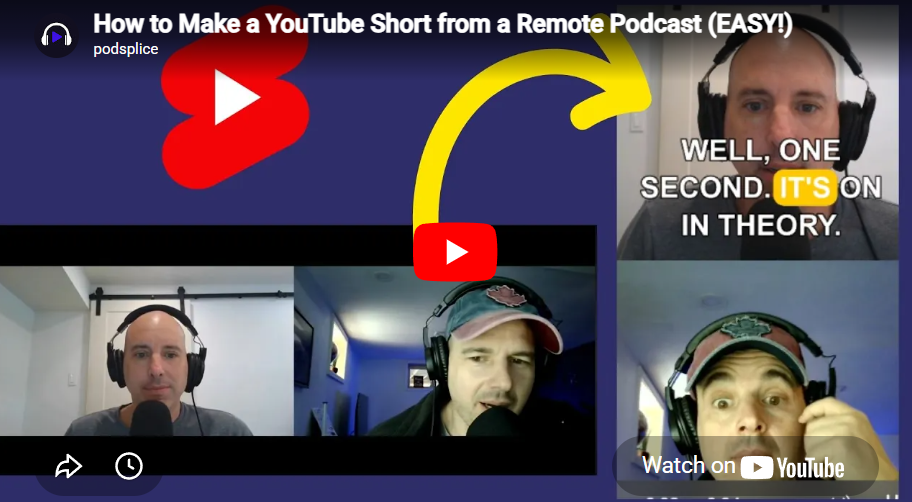
Are you recording amazing remote podcasts, putting them on Spotify or YouTube, and staring at only 57 downloads? 👀
Don't worry, your podcast isn't bad! The truth is: Nobody discovers long-form content anymore.
To get new eyes on your show, you need a magnet. You need Shorts. Let's look at how Podsplice turns your long recordings into viral vertical clips in seconds!
🧲 Why Shorts are the Ultimate Magnet
People's attention spans are shorter than ever. If someone discovers your 1-hour podcast, they probably won't listen past the 2-minute intro because they don't know you yet!
👉 Shorts give them the best 30 seconds instantly.
👉 If they like that 30 seconds, they will watch the full episode!
👉 Even big podcasters like Joe Rogan rely on Shorts to grab new viewers daily.
✅ The Podsplice "Zero-Editing" Secret
Usually, turning a double-ender podcast into a short means hiring an expensive editor to manually crop your faces and add text. With Podsplice, the AI does it for you!
1. Auto-Transcription and Subtitles 📝
When you finish your remote recording, Podsplice automatically transcribes everything! The AI then generates those cool, highlighted "karaoke" subtitles that you see everywhere on TikTok and Reels.
Bonus: It even uses different colors for you and your guest!
2. The Vertical Stack 📱
Podsplice knows you were recording a remote call. It automatically takes both high-quality video feeds and stacks them vertically (9:16 format) so it perfectly fits phone screens.
🟢 Step-by-Step: Extracting 20 Shorts from 1 Podcast
Step 1: Find the Golden Nuggets
You don't need to scrub through a confusing timeline. You literally just read the transcript and highlight the good parts!
Step 2: Tell Podsplice When to Start and Stop
Just pick a block of text and tell Podsplice: "Cut this part out."
👉 Find the start of an interesting rant (e.g., at 27 seconds)
👉 Find the end of the point (e.g., at 1 minute 30)
👉 Boom. That's one Short done.
Step 3: Repeat!
If you have an hour-long podcast, you definitely have 20 interesting 1-minute points. Just repeat the cut for each point, and you suddenly have 20 viral videos ready for Instagram, Shorts, and TikTok!
More from Podsplice
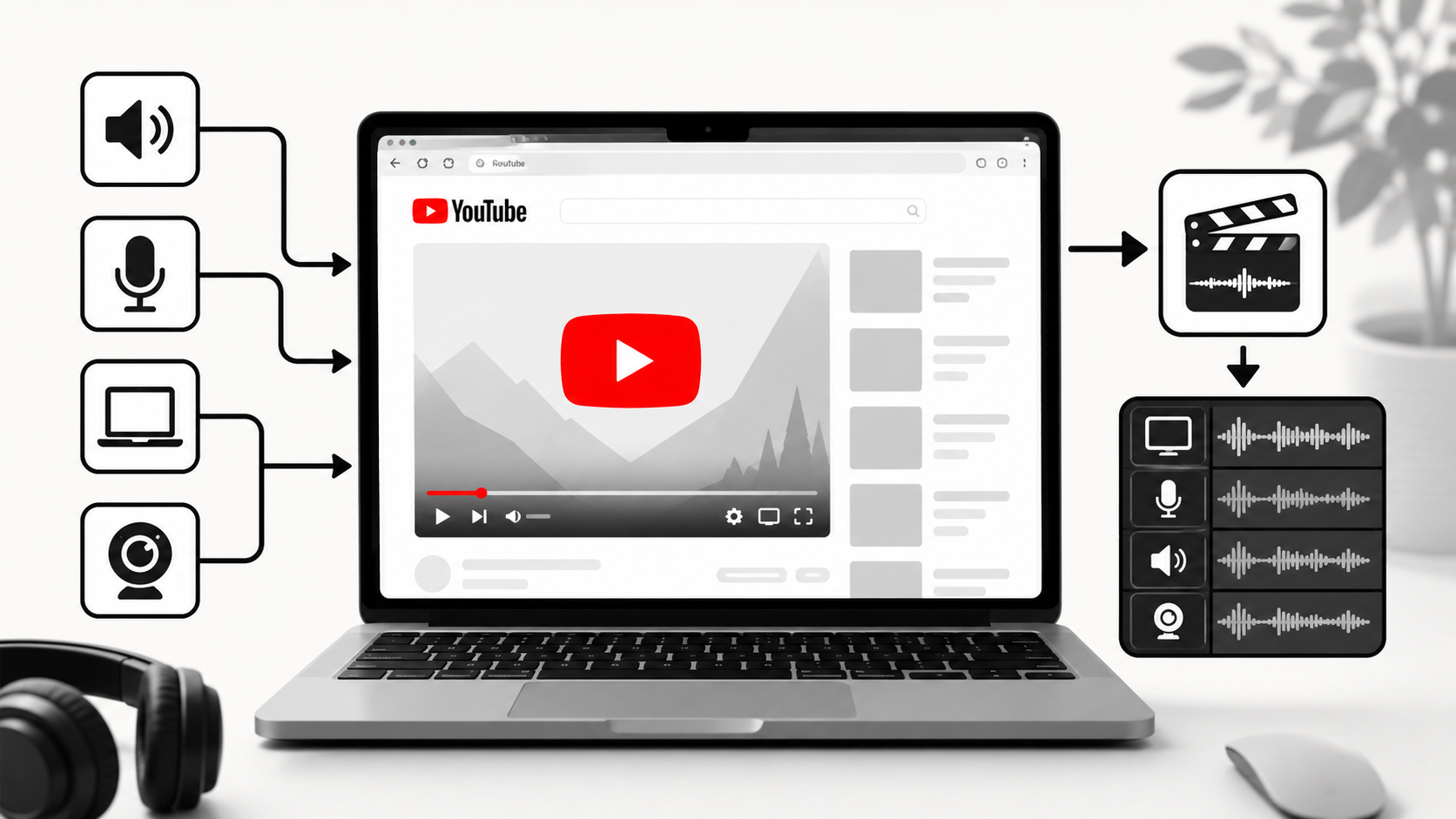
How to Record YouTube Audio on Mac (The Easiest Way in 2026)
Article
The Best Video Format for Affiliate Marketing YouTube Videos in 2026: The "Talking Head" Edge
Blog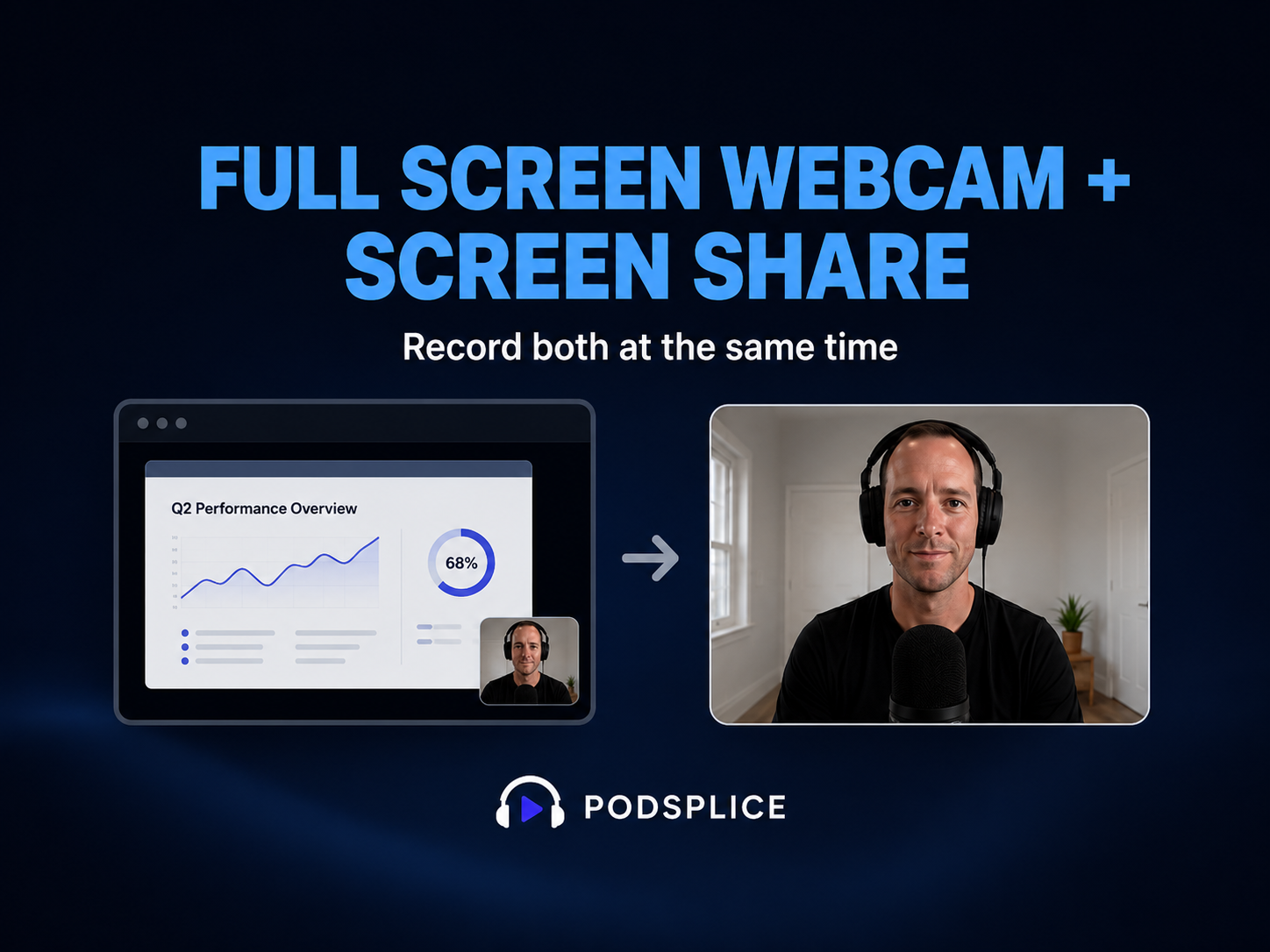
How to Record Full Screen Webcam and Screen Share at the Same Time
Article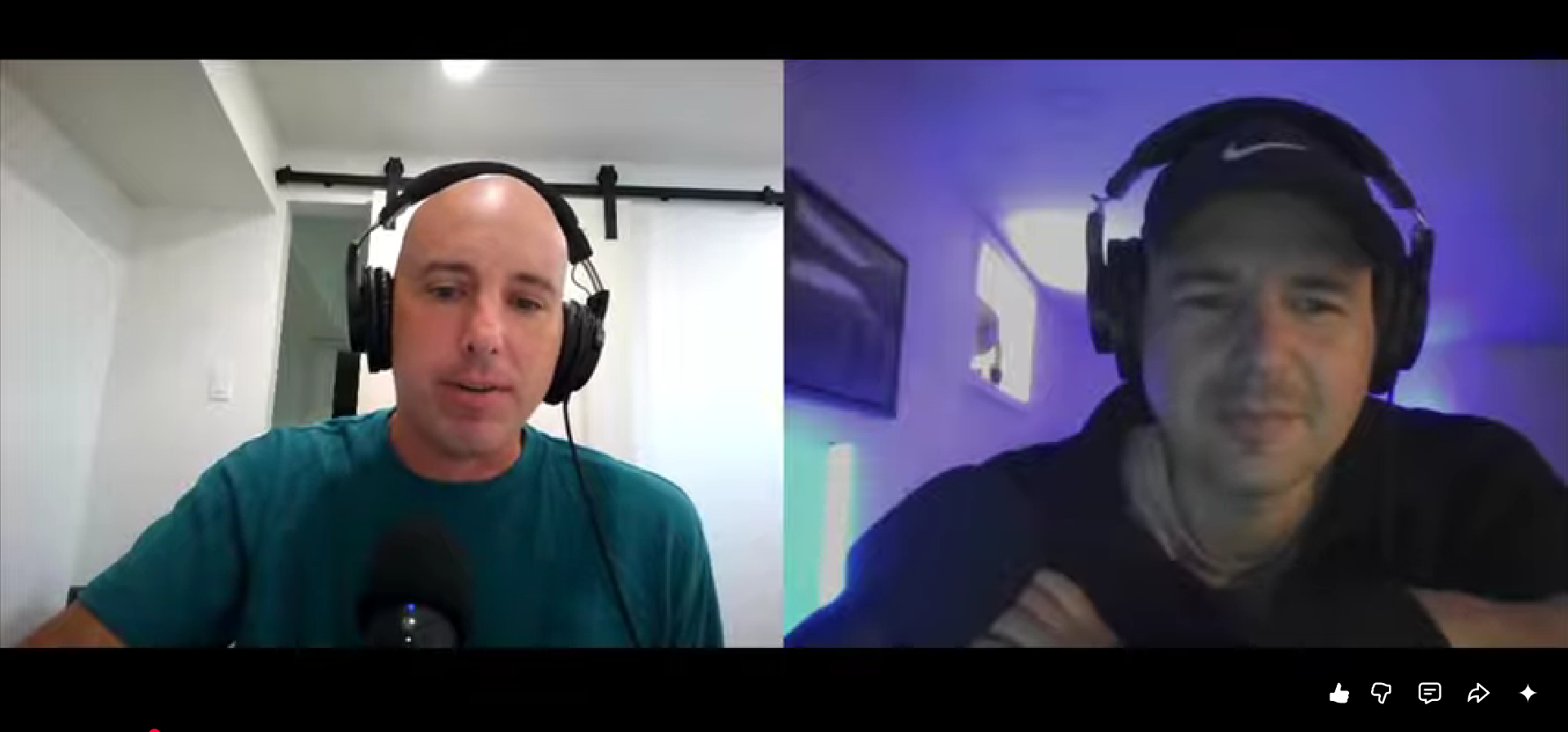
How to Record a Remote Video Lesson with Two Instructors and Screen Share
Blog
How to Start a Faceless YouTube Channel Without AI (2026 Guide)
Article
Start Recording in Seconds
No downloads. No setup. Just hit record and share your story with the world in studio quality.
Looking for a Screen Recorder or Remote Recording tool?