
How to Get Real Estate Leads From YouTube (Step-by-Step)
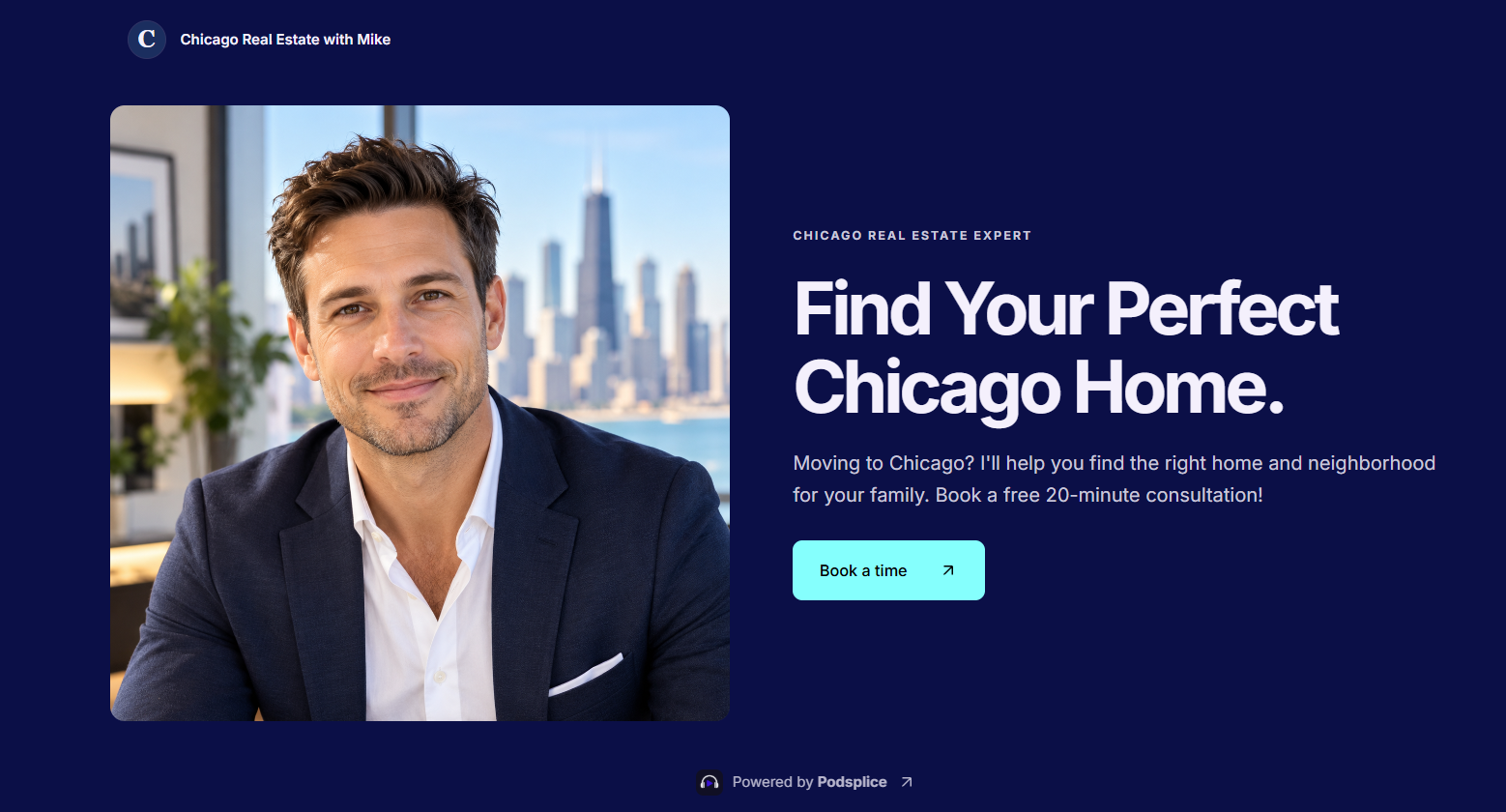
If you're a real estate agent, I'm going to show you how to make simple YouTube videos that attract potential buyers and sellers and turn them into booked appointments.
You don't need expensive equipment, fancy editing, or thousands of subscribers.
You just need to make the right type of content and give people an easy way to contact you.
I'll show you how to do all of this using Podsplice, including recording your videos, creating a qualifying quiz, and letting potential clients book calls directly on your calendar.
I just made this video where I share my screen and show you what I'm talking about.
1. What Kind of YouTube Videos Should Real Estate Agents Make?
Focus on easy-to-make but useful videos for your potential clients.
They are learning about buying a home in your city, not watching a Hollywood movie.
Let's imagine you're a real estate agent named Mike from Chicago.
You want to attract people who are thinking about buying a home in Chicago.
Make videos answering questions those people are already searching for.
For example:
Best Neighborhoods in Chicago for Young Families
Best Chicago Neighborhoods for Young Professionals
Safest Neighborhoods in Chicago
Where to Buy a Home in Chicago for Under $600,000
Best Up-and-Coming Neighborhoods in Chicago
Moving to Chicago? 7 Things You Should Know
Best Chicago Neighborhoods for Parks and Schools
These are questions people research before buying a home.
And here's the important part: You don't need millions of views. You need views from people who might actually become your clients.
A video with 100 views from people planning to move to Chicago could be more valuable than 10,000 views from people who have no intention of buying a home there.
You could easily make 100s of different videos based on neighborhoods, budgets, lifestyles, and common homebuying questions.
2. How to Make These YouTube Videos Easily
You don't need to spend hours editing videos.
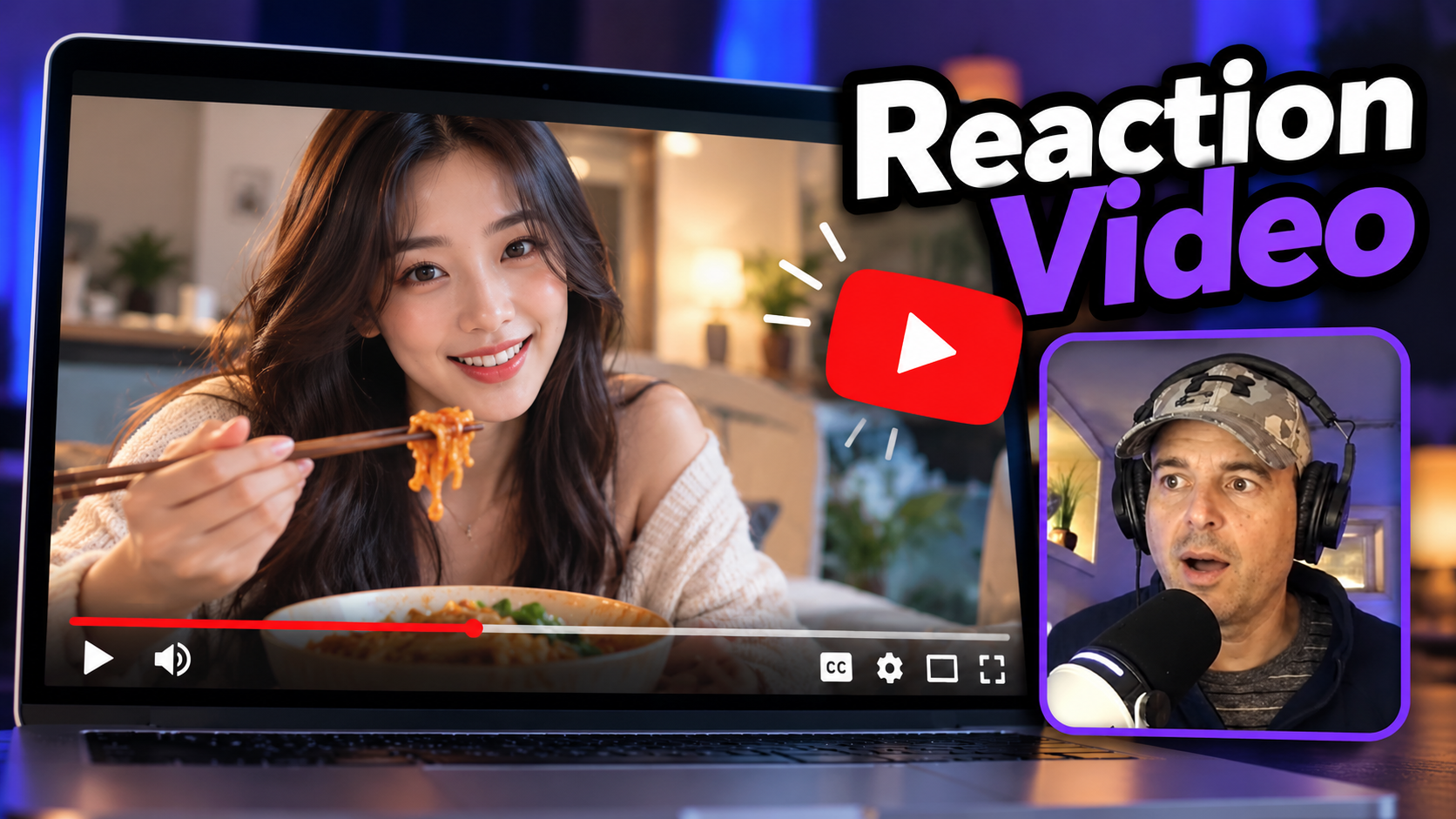
One of the easiest formats is a screen recording with your face visible in the corner.
Sometimes I start with my face in full-screen but shift to a screen share (with my face in the corner) if I'm doing a reaction video or sharing images or news articles on my screen.
That's exactly the type of video I made above.
I use Podsplice to record my screen, camera, system audio, and microphone directly in my browser.
Podsplice also uses AI to help create polished videos, including displaying key points from what you're saying.
You don't need to memorize a script or become a professional video editor.
Just choose a topic and explain it as if you were talking to a potential client.
People searching for information about buying a home aren't looking for Hollywood-quality entertainment. They're looking for useful information from someone who knows the local market.
3. How to Turn YouTube Viewers Into Real Estate Leads
This is where things get interesting.
Making videos is only half the process. You also need to turn interested viewers into appointments.
You can do this with Podsplice Pods, which are personalized landing pages with built-in forms, quizzes, and an appointment-booking calendar.
Let's go back to Mike, our Chicago real estate agent.
I created an example Pod to show how this works.
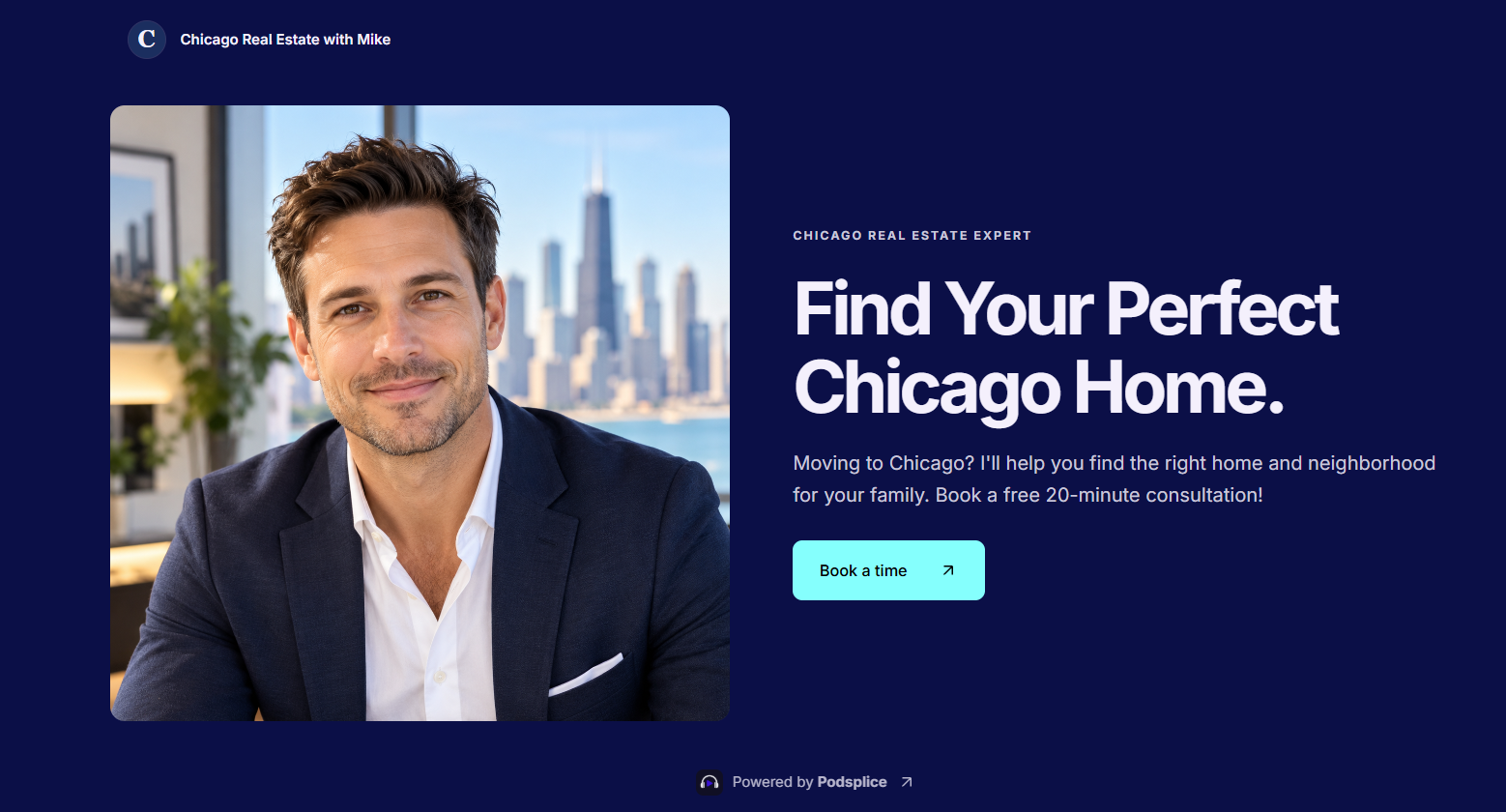
Mike puts his Pod link in the description and pinned comment of every YouTube video.
When someone clicks the link, they can answer a few questions:
What's your budget for buying a home?
Are you currently living in Chicago?
What type of property are you looking for?
When are you planning to buy?
After answering, they can book a consultation directly on Mike's calendar.
No emailing back and forth to arrange a meeting.
Check out how Mike's booking link works.
Note: The calendar part won't book a call because Mike isn't a real agent; it's just an example.
Mike can also collect contact information and, with permission, follow up with people who don't complete their bookings.
You can even skip the quiz and send viewers directly to your calendar. The whole process takes only about 5-10 minutes to set up.
Where Should You Put Your Booking Link?
Put your Pod link in two places:
The YouTube video description, preferably near the beginning.
A pinned comment, so viewers can easily find it.
For example:
Thinking about buying a home in Chicago? Answer a few quick questions and book a free consultation with me here: [YOUR POD LINK]
Now your videos aren't just providing information. They're giving interested viewers a direct way to become clients.
I have my own booking link where I teach real estate agents how to set up and grow their real estate business using YouTube and social media.
I'll help you actually get high-quality leads quickly. No cold calling, door knocking, or Salsa dancing.
4. Turn One YouTube Video Into Content for Multiple Platforms
Podsplice can also turn your longer recordings into short videos, add subtitles, and help you publish them to:
YouTube Shorts
TikTok
Instagram
Facebook
LinkedIn
You don't need to record five different videos for five platforms.
Make one useful video about a Chicago neighborhood and repurpose it into several short videos.
That's more opportunities to reach potential clients without significantly more work.
5. Start Creating Videos That Bring You Clients
Think about this.
If you make 50 useful YouTube videos about buying homes in your city, those videos can continue attracting viewers for months or even years.
Each video is like a little sales agent working for you.
Someone searches for information about a neighborhood, discovers your video, learns something useful, and clicks your booking link.
Now you have a potential client booking a call.
Not every video will generate leads. But a single real estate transaction can generate thousands of dollars in commissions.
The important thing is to make useful content consistently and give viewers an easy way to contact you.
You can handle the recording, AI-assisted video creation, Shorts, and appointment booking with Podsplice.
All you need is the Pro plan.
Book a one-on-one call with me, and we'll build a personalized 90-day YouTube content plan for your city, target buyers, and real estate niche. Book a call with me.
About the Author
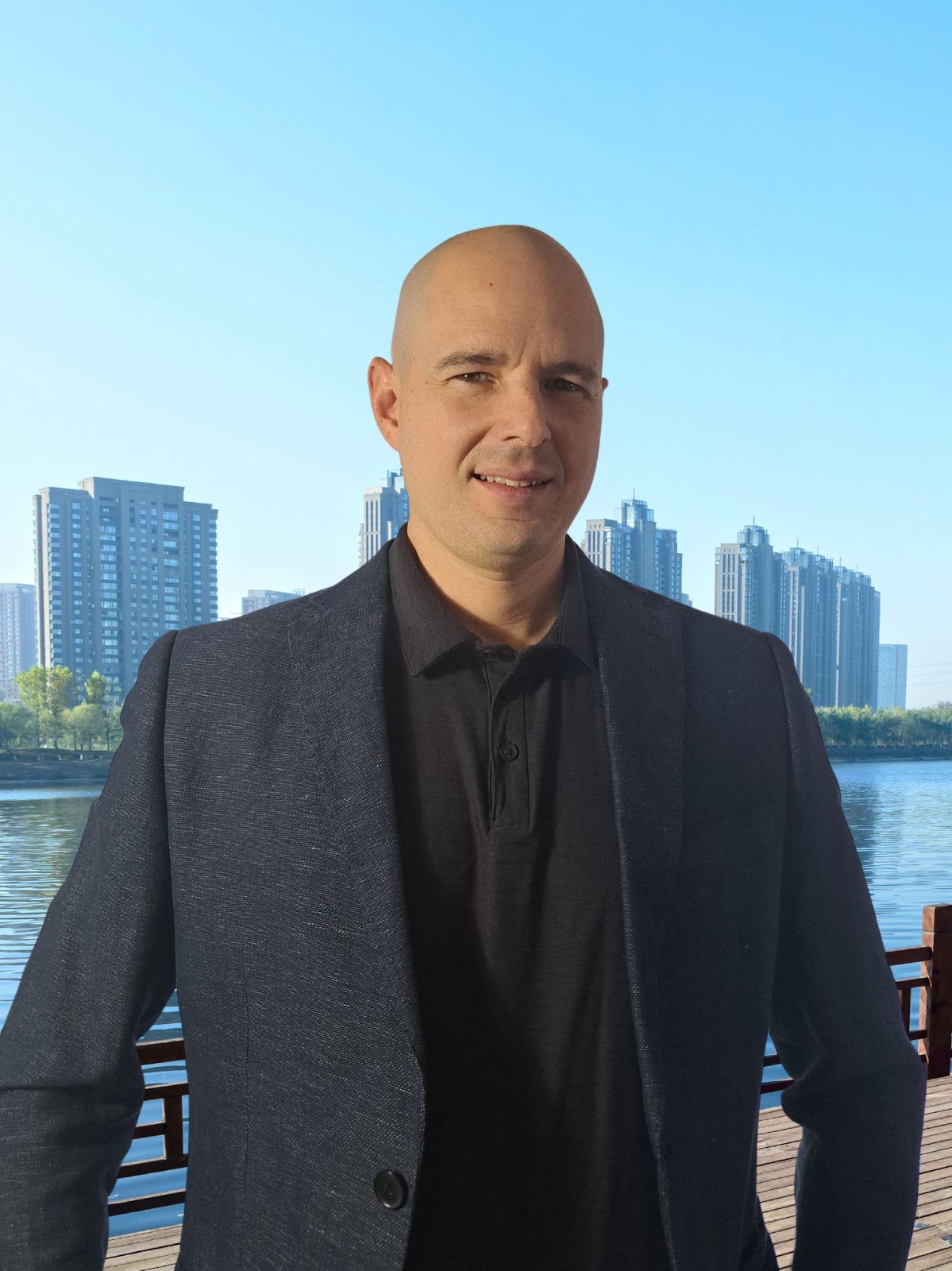
Andrew Best
Andrew Best is an entrepreneur, educator, and AI expert with over two decades in online marketing. He co-founded China232 — a podcast and learning platform with 10M+ downloads — and later 88Herbs, a premium supplement company. Andrew now focuses on helping creators leverage AI for podcasting, screen recording, and YouTube content through Podsplice.
More from Podsplice

Start Recording in Seconds
No downloads. No setup. Just hit record and share your story with the world in studio quality.
Looking for a Screen Recorder or Remote Recording tool?