
Screen Recording Software for Shopify: The Easiest Way to Get Free Organic Traffic & Sales
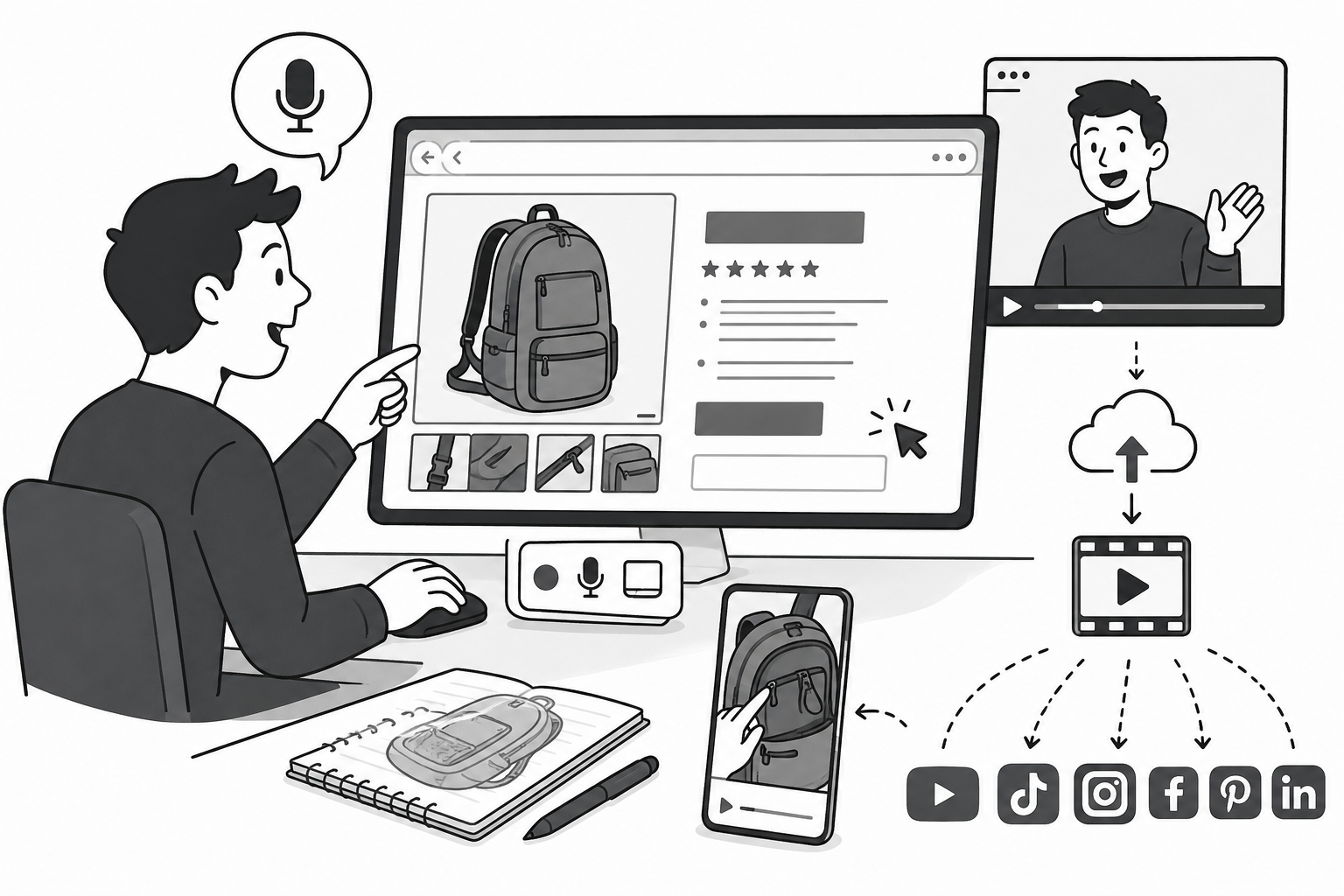
In this article, I will show you why Podsplice is the best screen recording software for Shopify store owners and e-commerce brands.
Video content performs very well in Google search and YouTube search. It also shows up in AI recommendations from ChatGPT and Google's AI mode. Smart Shopify owners know how to tap into this free traffic with easy-to-create and keyword-rich screen recording videos of their product sales pages.
Most store owners overthink branding. They spend thousands designing a pixel-perfect layout, pasting in some generic text specifications, and crossing their fingers. But text alone isn't enough. If you create quick, unedited screen recording videos right in your browser, you can capture high-intent buyers, boost trust, and dominate search results.
If you want to skyrocket your sales and unlock a permanent stream of free, organic traffic, you need the right screen recorder.
Below is a full video breakdown I made showing you exactly how this works. I explain the powerful AI SEO logic behind it, and show you why Podsplice is the ultimate tool for the job.
The "Backpack Zipper" Strategy: Capturing Long-Tail Search Intent
Let's look at the psychology of a modern buyer. If someone wants a new bag, they might search for "best travel backpack." Trying to rank your Shopify store for that massive keyword is a losing battle against Amazon, Nike, and massive retail conglomerates with unlimited budgets.
But what happens when a consumer has had a cheap bag rip open on them at an airport? They aren't window shopping anymore. They have a specific pain point, and they go to Google, YouTube, or ChatGPT and type in a hyper-specific, long-tail search:
"I'm looking for a backpack with a zipper that doesn't break."
When you target these hyper-specific questions, your conversion rate skyrockets because you are talking to a highly motivated buyer who is standing ready with a credit card to buy a quality solution.
These specific keywords are also much less competitive than the generic ones. Your product pages are a goldmine for these types of keywords.
If you make a screen recording video where you go over a product page and talk about all the specs and specific reasons why your product is the best or perfect for specific situations, then these videos will show up in search and in AI answers.
How You Are Training Google and ChatGPT's AI SEO
When you search for something specific on Google today, the AI Overview or platforms like ChatGPT and Perplexity don't magically invent answers. They scrape and learn from the internet—specifically from product reviewers and the store owners who talk about their products.
These AI models learn from video transcripts. When you record a quick video walking through your product page and say out loud, "We use a heavy-duty number 10 YKK zipper on this travel bag because it won’t break under pressure," search engines index those spoken keywords.
Even if a customer is just browsing YouTube or looking at search recommendations, the algorithm will naturally push your video into the sidebar and search results of the exact people looking for those high-quality features. By simply talking about your product, you are actively training the AI search engines to recommend your store.
The "Click-Around" Video Blueprint (No Camera Required)
The number one reason Shopify owners don't make video content is friction. They imagine they need a studio space, a ring light, expensive cameras, and hours of tedious editing.
Forget all of that. Shoppers don't want a slick, over-produced commercial anymore; they want a knowledgeable peer explaining the product honestly.
Here is all you have to do:
Open Your Bestseller: Bring up your own live Shopify product page on your screen.
Turn on Your Mic: You can record your face if you want to, or you can just record your voice over the browser tab. It really doesn't matter.
Walk Through the Details: Zoom in on the photos. Read the specs out loud, but add your personal context (e.g., "I used this on my last trip and..."). Talk about the 50 different pockets, the stitch density, or the active percentages in your skincare ingredients.
Competitors aren't doing this because they are overthinking it. By keeping it raw, clicking around your screen, and talking about your own product, you build immense trust.
Why Podsplice is the Ultimate Screen Recording Software for Shopify
If you try to execute this strategy with standard screen recording tools like OBS or generic extensions, you immediately run into technical roadblocks. That is exactly why we built Podsplice—a browser-based screen recorder designed to remove all video creation friction for e-commerce brands and creators.
1. Studio-Grade Sound with Native System Audio
A lot of high-quality Shopify stores already have short video clips or customer video reviews embedded on their pages (like Charlotte Cho’s founder video on the Then I Met You cosmetics store). If you want to play that video clip on your screen and talk over it, standard recorders mash the sound together or require complex audio routing.
Podsplice natively captures your microphone voice and the browser's system audio on completely separate tracks. This means you get crystal-clear audio, and you can easily balance the volume later so your voice never gets drowned out by your site's videos.
2. Zero Downloads, Zero Setup Friction
You don't need to download heavy software or configure inputs. Podsplice works entirely in your browser. You just click to share your Shopify tab, turn on your mic, and start recording. Your video doesn't even download to your hard drive—it goes straight to your cloud-based Podsplice account instantly.
3. One-Click Repurposing for Total Social Media Dominance
Once you finish a quick 5-minute screen walkthrough of your product, the real magic happens. Within the Podsplice dashboard, you can cleanly chop that long-form video into bite-sized vertical shorts.
Auto-Subtitles: Podsplice automatically burns captions onto your shorts instantly.
One-Click Distribution: With a single click, you can simultaneously publish that short to TikTok, YouTube Shorts, Instagram, Facebook, LinkedIn, and Pinterest.
Here are more reasons why Podsplice is an ideal screen recording software for creators.
Stop Wasting Your Profit on Facebook Ads
Paid ads are getting more expensive by the day, directly eating into your e-commerce margins. Instead of burning cash on cold traffic, use organic video to capture the highest-intent buyers on the web.
Open your bestselling product page, launch Podsplice in your browser, and spend 60 seconds clicking around and talking about your product. You will build a permanent, free traffic loop that your competitors are completely missing.
Try Podsplice

About the Author
Andrew Best
Andrew Best is an entrepreneur, educator, and AI expert with over two decades in online marketing. He co-founded China232 — a podcast and learning platform with 10M+ downloads — and later 88Herbs, a premium supplement company. Andrew now focuses on helping creators leverage AI for podcasting, screen recording, and YouTube content through Podsplice.
More from Podsplice

Real Estate Marketing for Introverts: Get More Clients With YouTube
Article
How to Record Front and Back Camera at the Same Time on Android (for Creators)
Article
Best YouTube Video Software for Real Estate Agents (2027)
Article
How to Record High-Quality Reaction Videos in Any Browser
Blog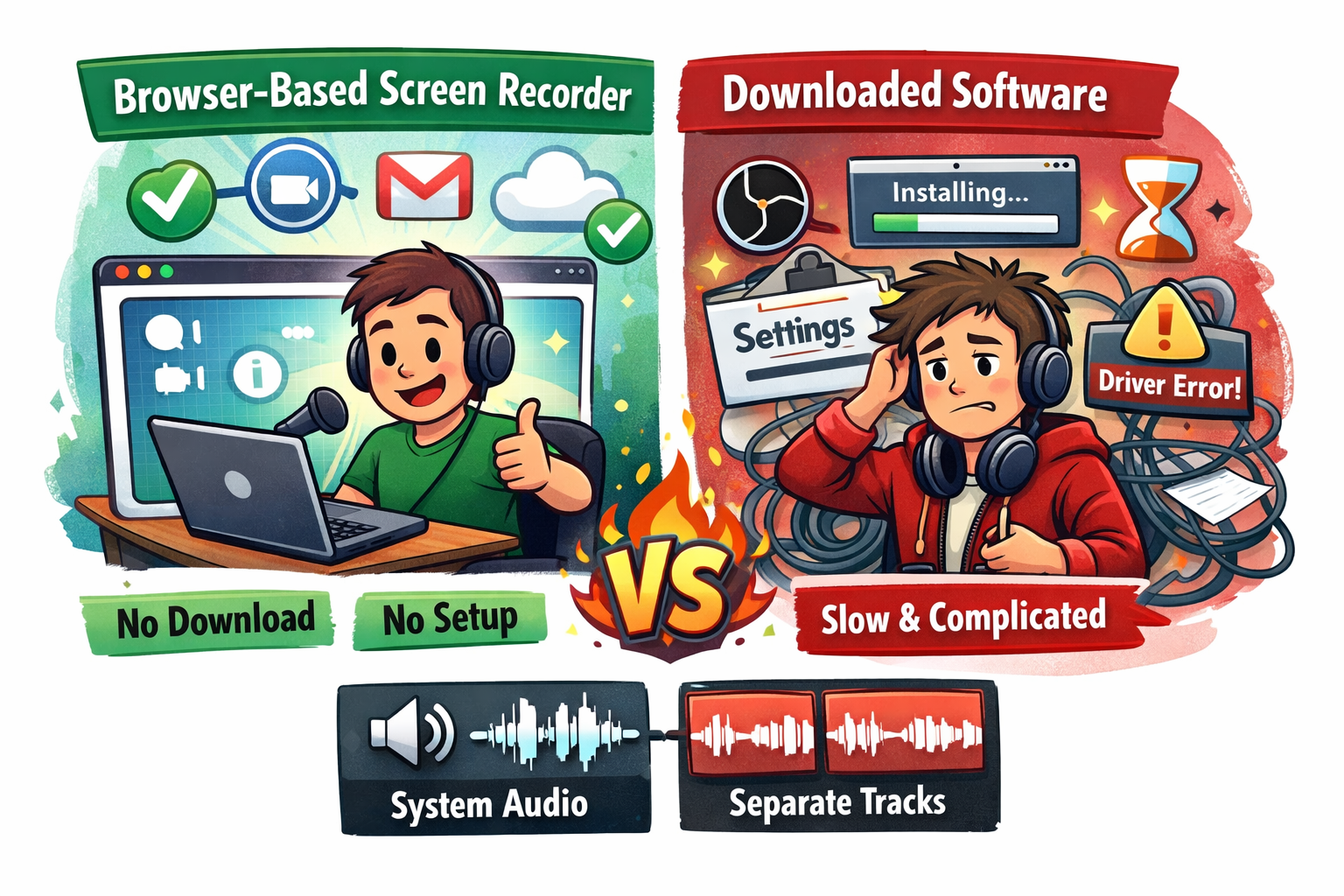
Best Browser-Based Screen Recorder (No Download, No Setup)
Blog
Start Recording in Seconds
No downloads. No setup. Just hit record and share your story with the world in studio quality.
Looking for a Screen Recorder or Remote Recording tool?