
Screen Recording Software with Direct Upload to YouTube
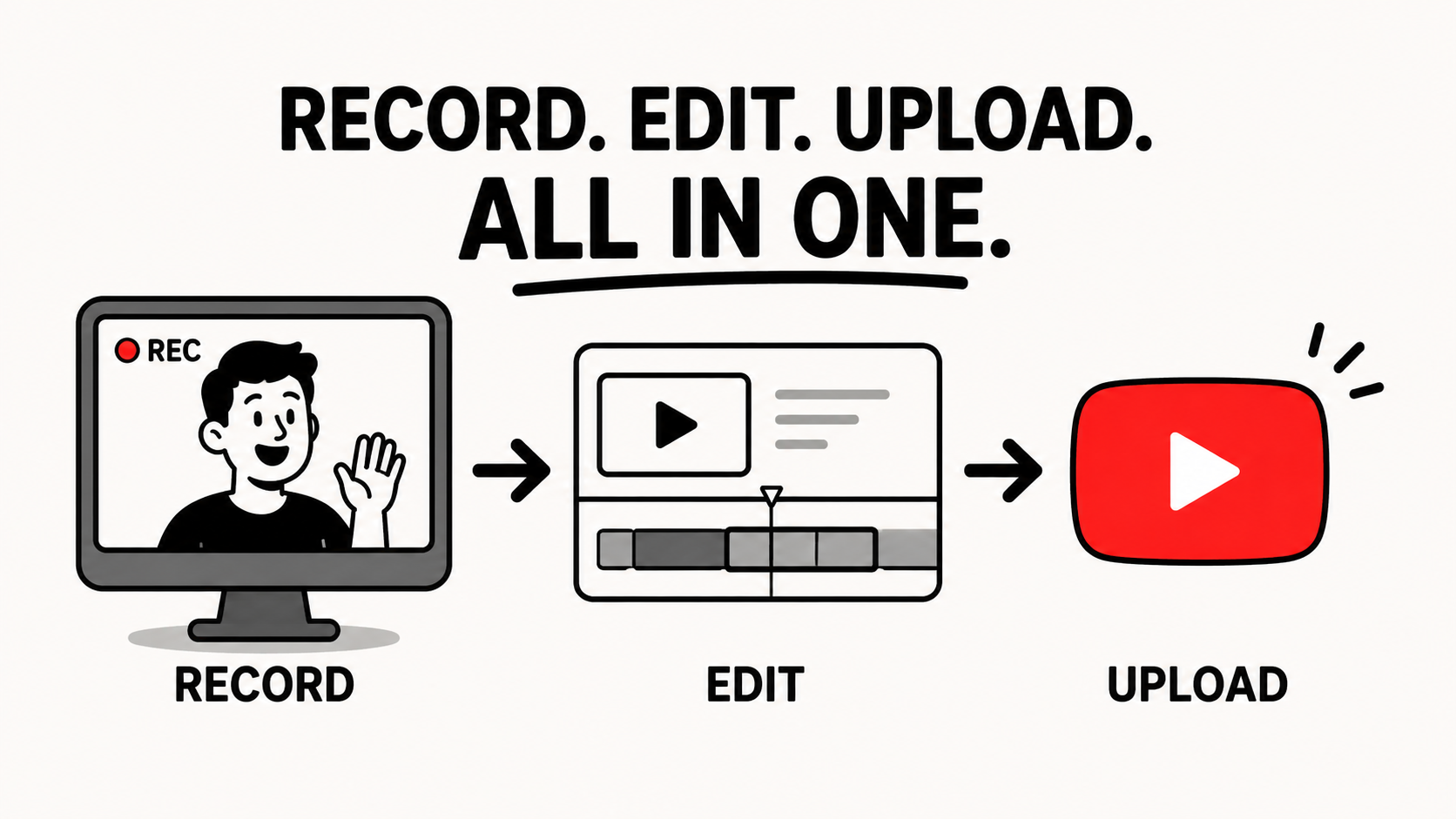
Podsplice is the best screen recording software for recording your screen, doing a quick edit, and uploading it directly to YouTube.
It is a huge waste of time to download your screen recording video or podcast before uploading it back to YouTube or your other social media channels.
You can create a lot more content if you can do everything (record, edit, upload to YouTube) all from within one spot.
I make content for several different YouTube channels, so I know from experience how important this is.
If I'm making a reaction video with Podsplice, I just record my video, clip it inside the Podsplice editor (no need to download it to my computer because it all happens in the cloud), then I upload it to YouTube directly from within Podsplice.
Here is an example of a reaction video I made with Podsplice. I recorded, edited, and uploaded it to YouTube all from within Podsplice.
I also create short-form clips with karaoke subtitles from my long-form content automatically with Podsplice. I can also upload these to YouTube Shorts directly from within Podsplice (as well as Instagram, TikTok, Facebook, etc.) Here is the Podsplice AI shorts generator
My brother and I made a podcast episode (with Podsplice) where we explain how to make these AI shorts with Podsplice. The shorts can be automatically posted to your social media channels from within Podsplice. In one click, you can share to Instagram, YouTube Shorts, TikTok (almost approved), etc.
Here is our podcast episode:
Here is a short from a 2-person remote podcast. Both the podcast and the short were created with Podsplice.
Here is a short where one person is at the top of the screen and the other person is at the bottom half of the screen. The karaoke-style subtitles are also created automatically with Podsplice.
Learn other reasons why Podsplice is the best screen recording software for creators.

About the Author
Andrew Best
Andrew Best is an entrepreneur, educator, and AI expert with over two decades in online marketing. He co-founded China232 — a podcast and learning platform with 10M+ downloads — and later 88Herbs, a premium supplement company. Andrew now focuses on helping creators leverage AI for podcasting, screen recording, and YouTube content through Podsplice.
More from Podsplice

Screen Recording Software That Automatically Posts to Social Media (2026)
Article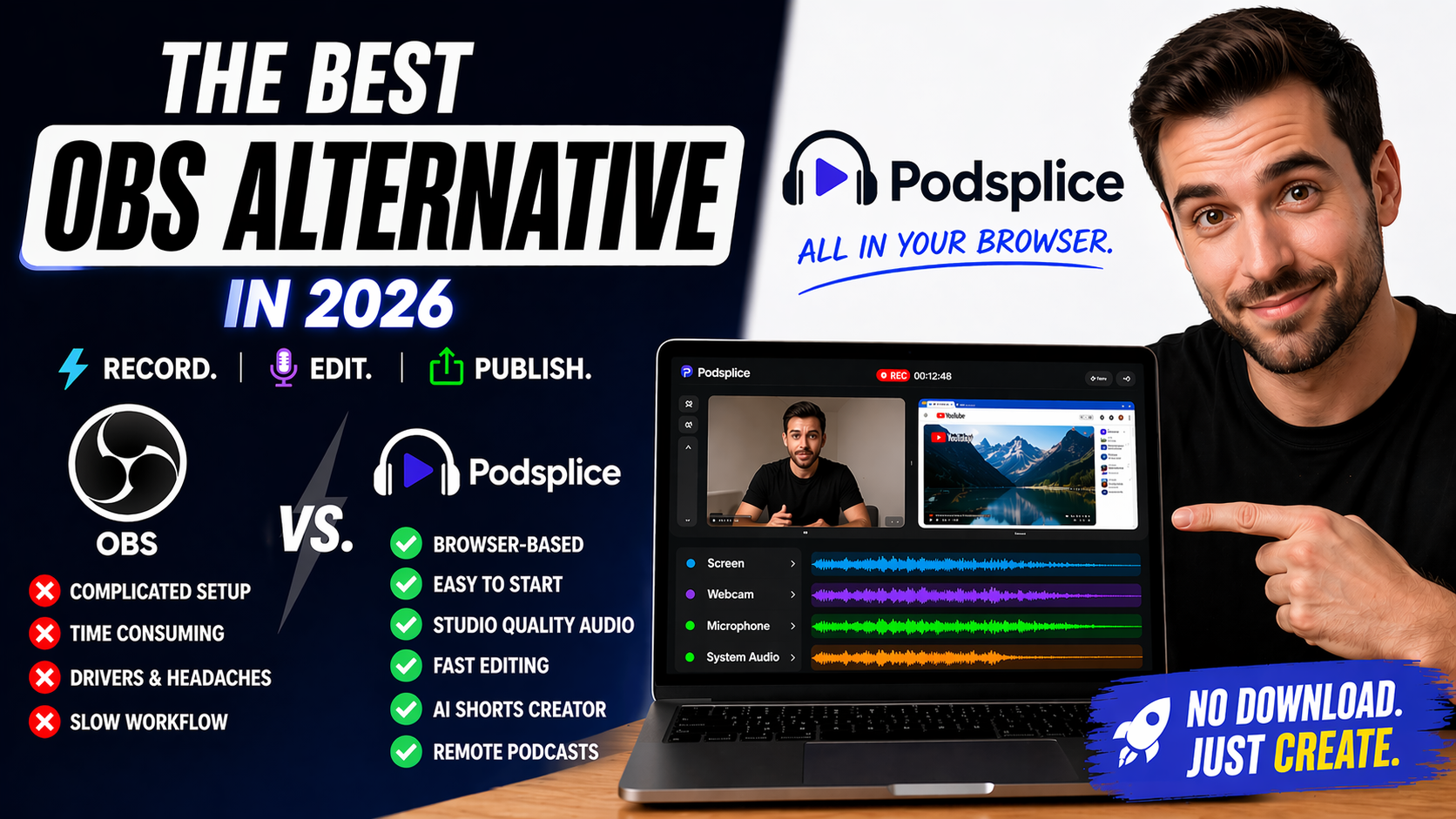
Best Browser-Based OBS Alternative in 2026 (No Download Needed)
Article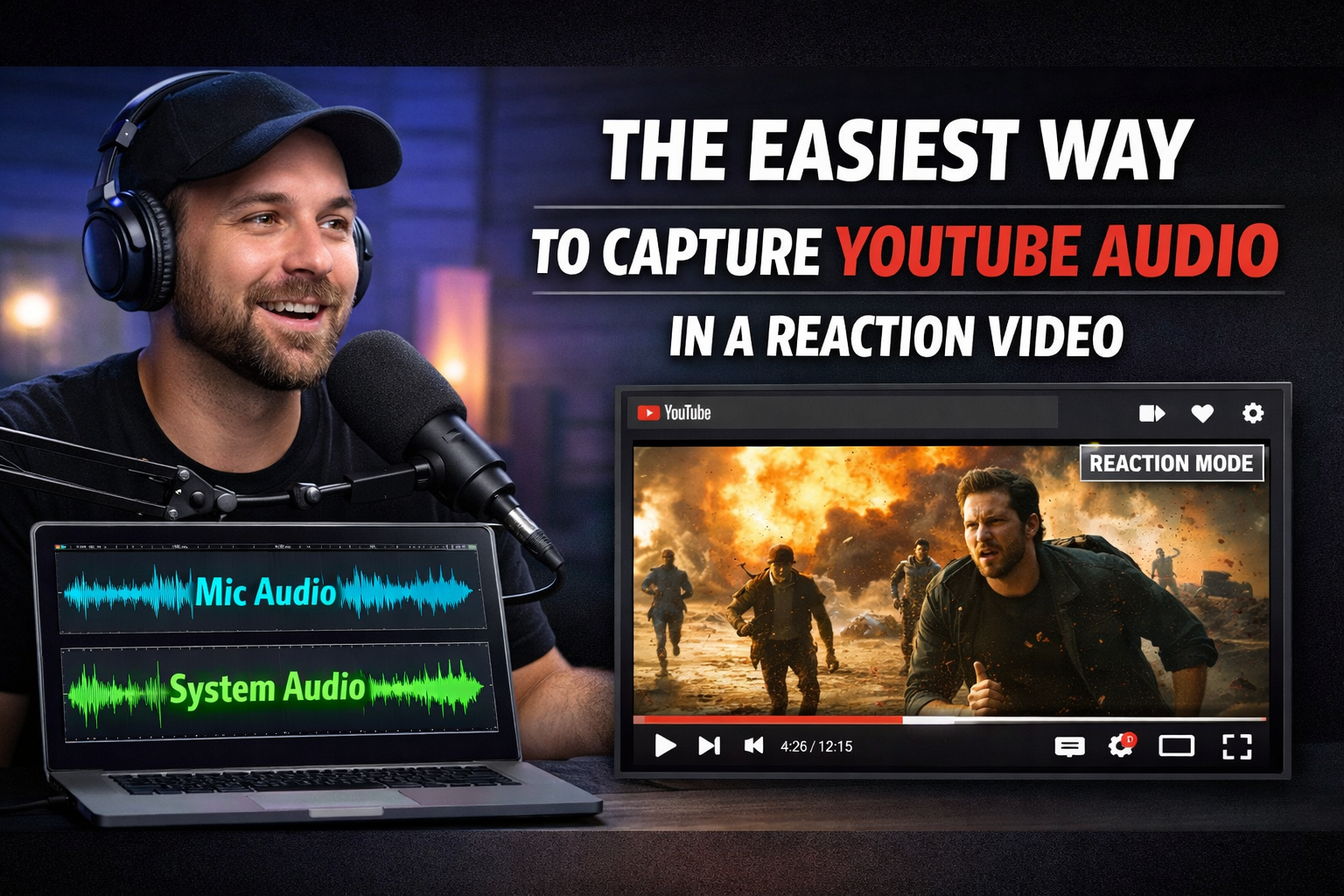
The Easiest Way to Capture YouTube Audio in a Reaction Video
Blog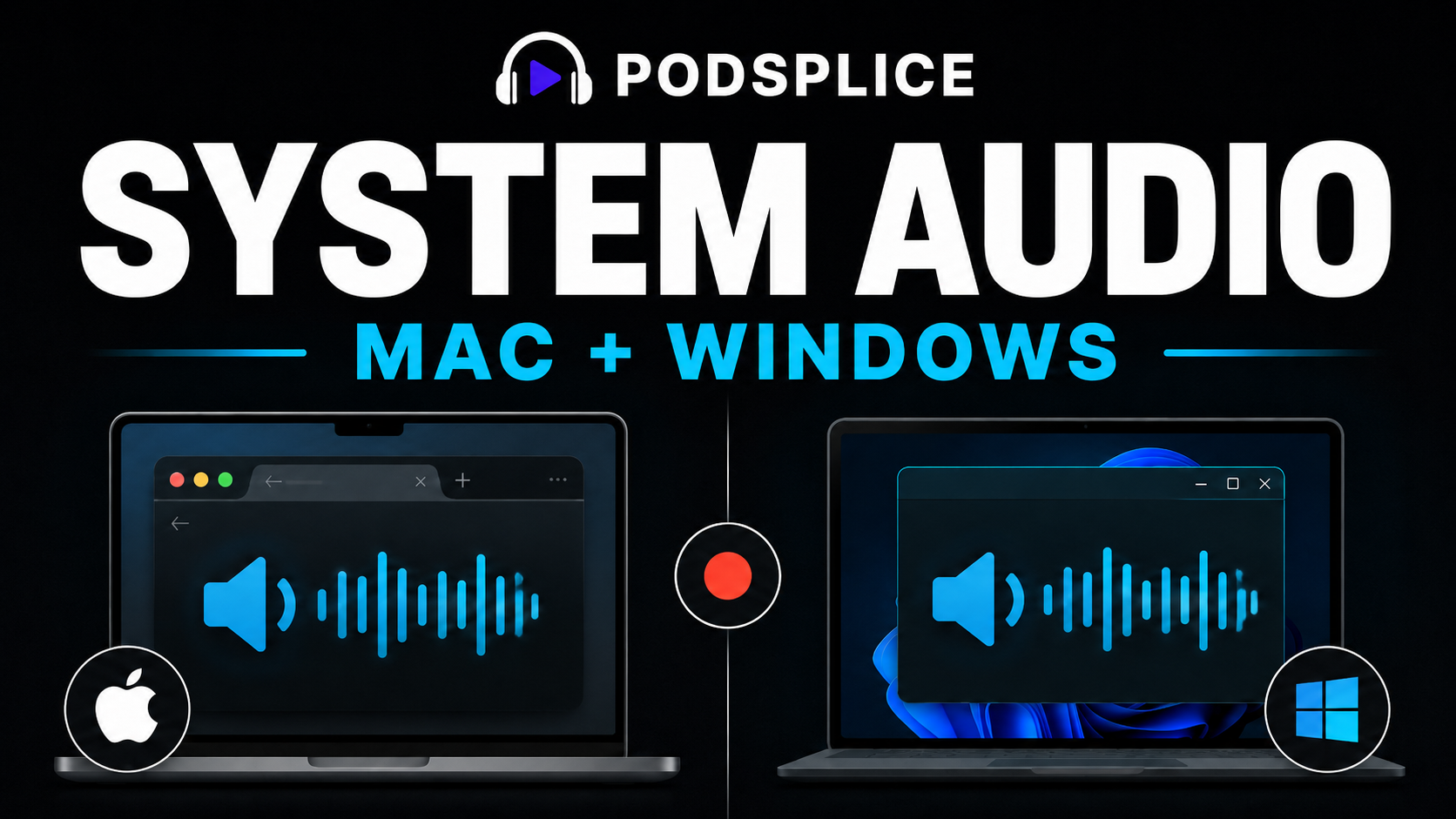
Record System Audio on Mac and Windows
Article
Kommodo Alternatives: Why Creators Are Choosing Podsplice
Article
Start Recording in Seconds
No downloads. No setup. Just hit record and share your story with the world in studio quality.
Looking for a Screen Recorder or Remote Recording tool?